| Installing the patch manually To install the patch manually, you will need to download the correct patch executable file. WARNING: Failure to install the correct patch will render the game corrupt and require a full download and installation. Check the current version of the game you have installed by starting the game. In the upper left corner of the opening screen is the version and patch number.Use the following table to select the correct patch for your game version.
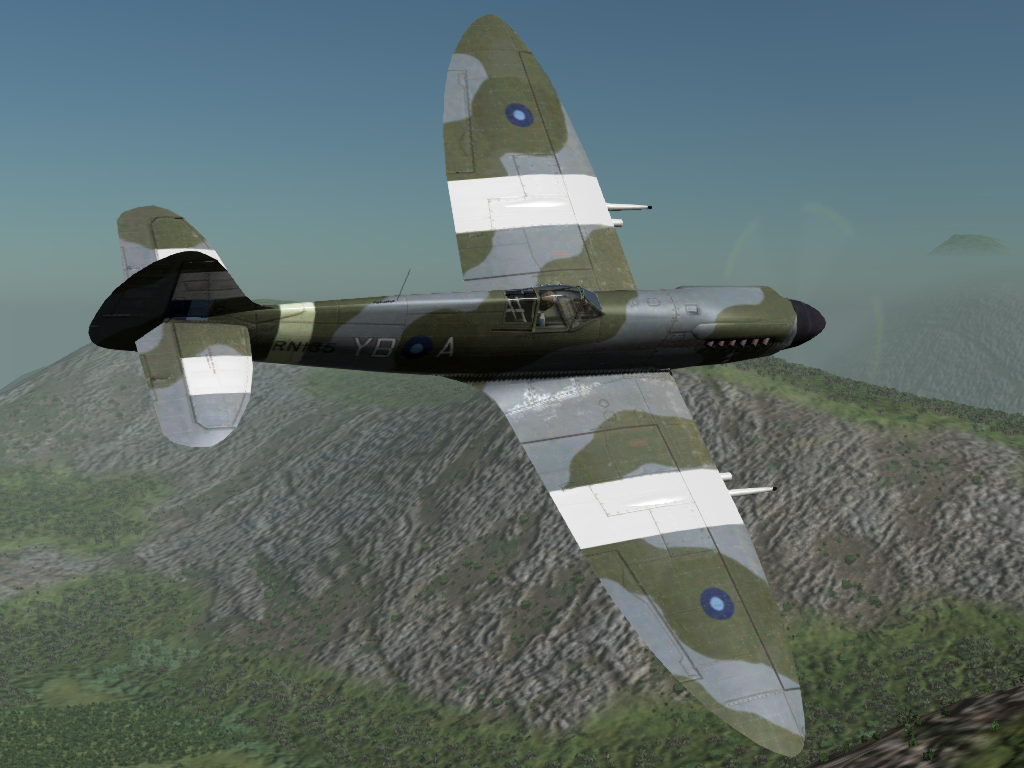
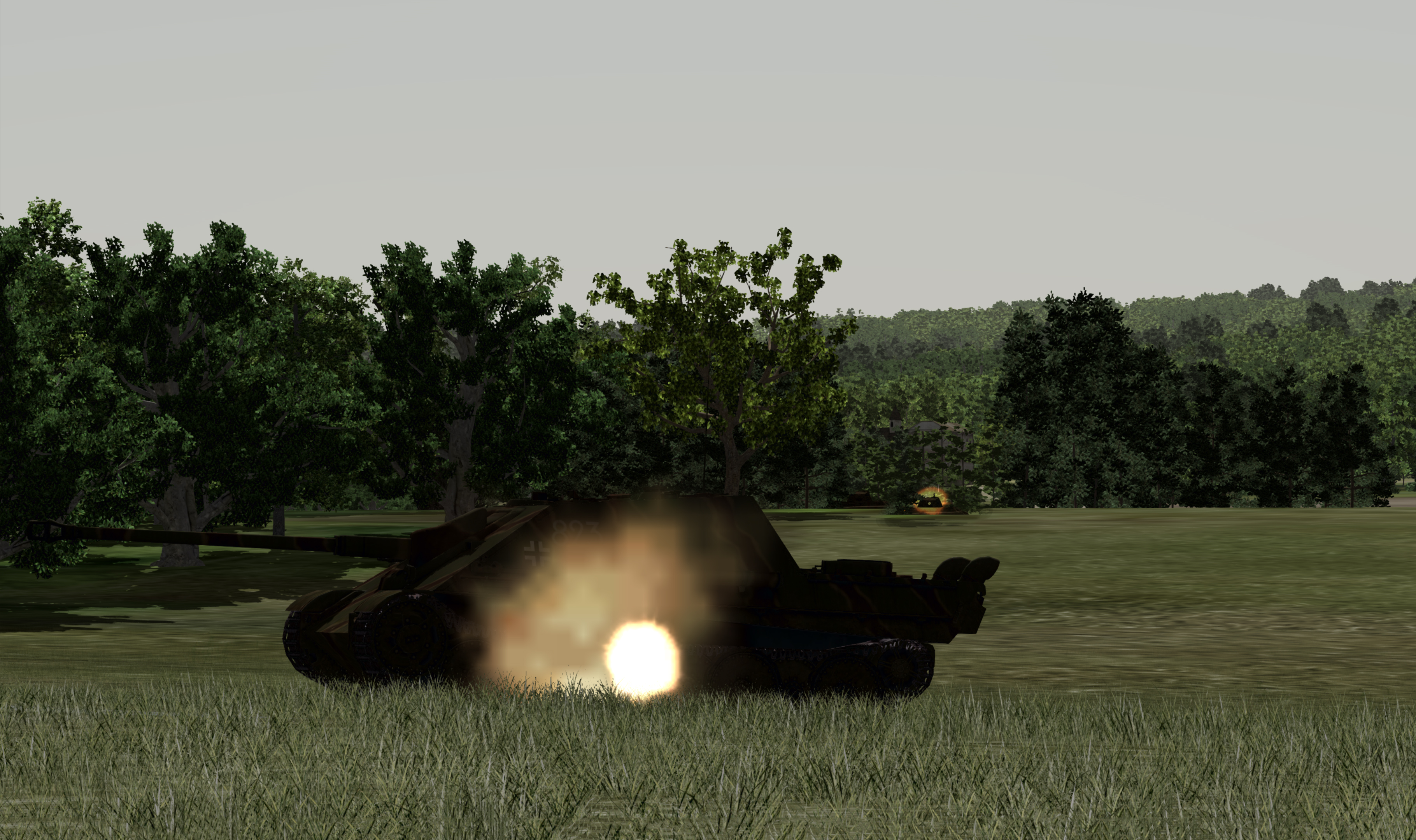
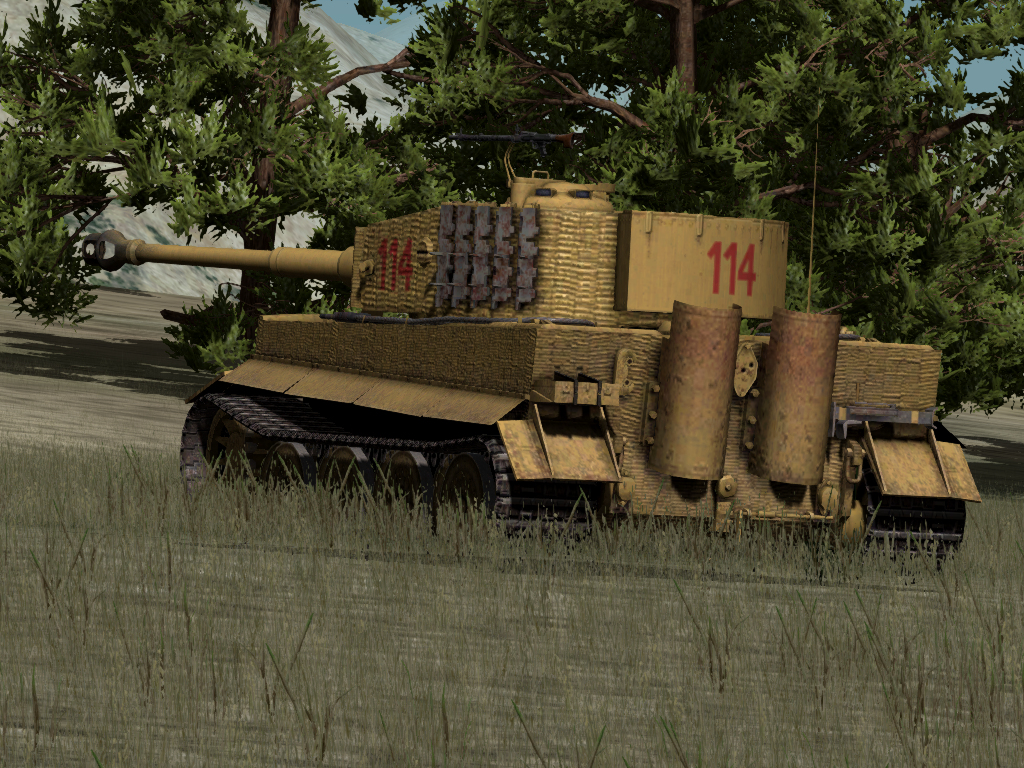
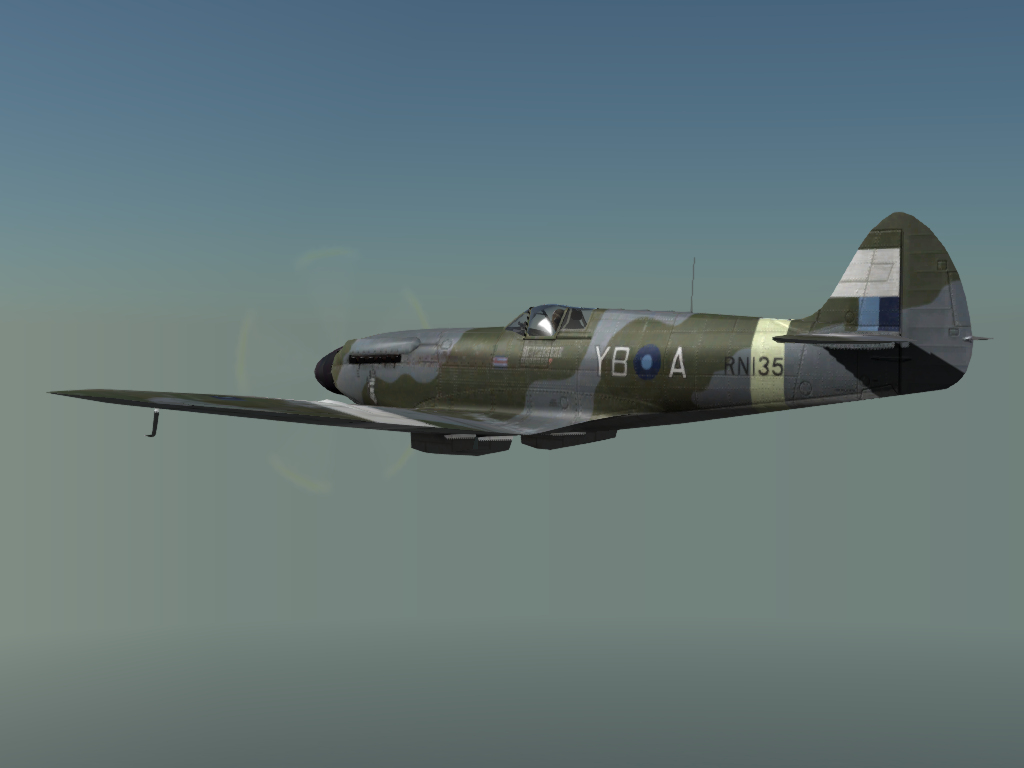
If your game version is not listed in the above table, then you will either need to allow the game to auto-update itself, or you can download the entire game installation file. Changes from previous release Please note that there is an updated hi-res texture pack that you will need to download with this patch if you are running 1024 or greater texture size. You can now access the arena configuration settings to view how the arena is setup even if you don't have privs to make changes. You can click on the Diff tab to see what is different from the default setup. In the arena setup menus, changed the min values for icons and ammo loadout to be the same as they were before this version. Made some cosmetic fixups to the P40s in the cowling and gear areas. The skin and sound folder names for the P-40B has been changed to p40c in advance of some upcoming changes to the P-40 lineup. Fixed a cosmetic issue in the sound configuration dialog not having enough space for one of the slider labels. Fixed a crash bug that could occur when uploading offline settings to an online or custom arena. Fixed an issue with the front turret armor of the Tiger 2 where it did not extend far enough. Fixed the low LoD's on the Tiger 2 and Panzer 4 so that the turrets show. Fixed a missing poly in the M-16's windshield armor. Fixed some cosmetic issues with the Tiger 2's treads. Fixed the gunshake on the second .30 cal on the LVT 2. Adjusted clipboard position on the M-16. Fixed an issue that caused the strat city object to not sort correctly with hills. |

Version 2.25 Patch 2 Information Page
Welcome to the best WW2 and WW1 combat experience online!
- With the best combat flight simulator
- Engage in land, sea, or air combat
- Create your own missions
- Form a squadron
- Find action 24 hours a day
- Participate in historical scenarios
Free download. Free 2 week trial.
No credit card required for free trial.
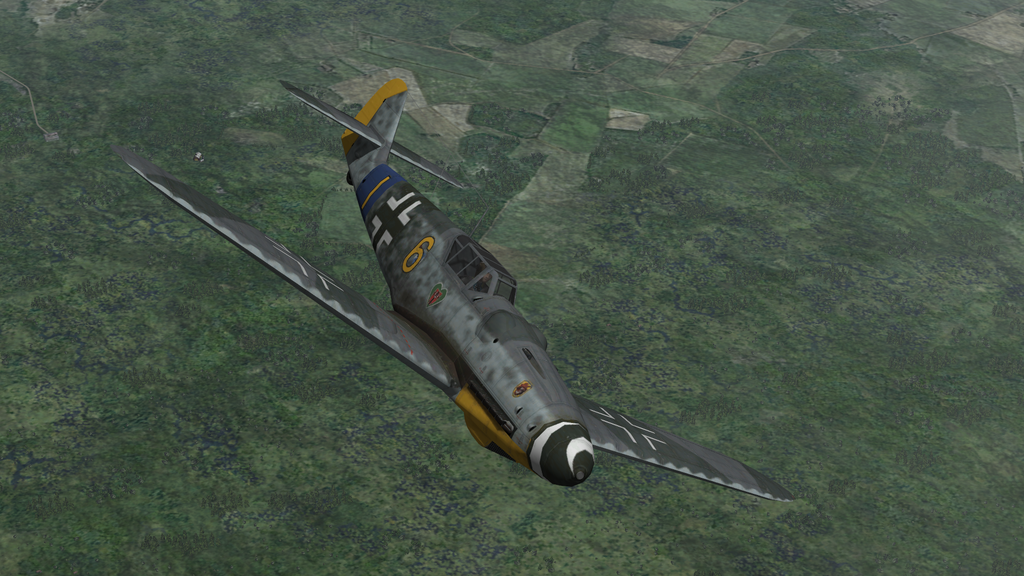
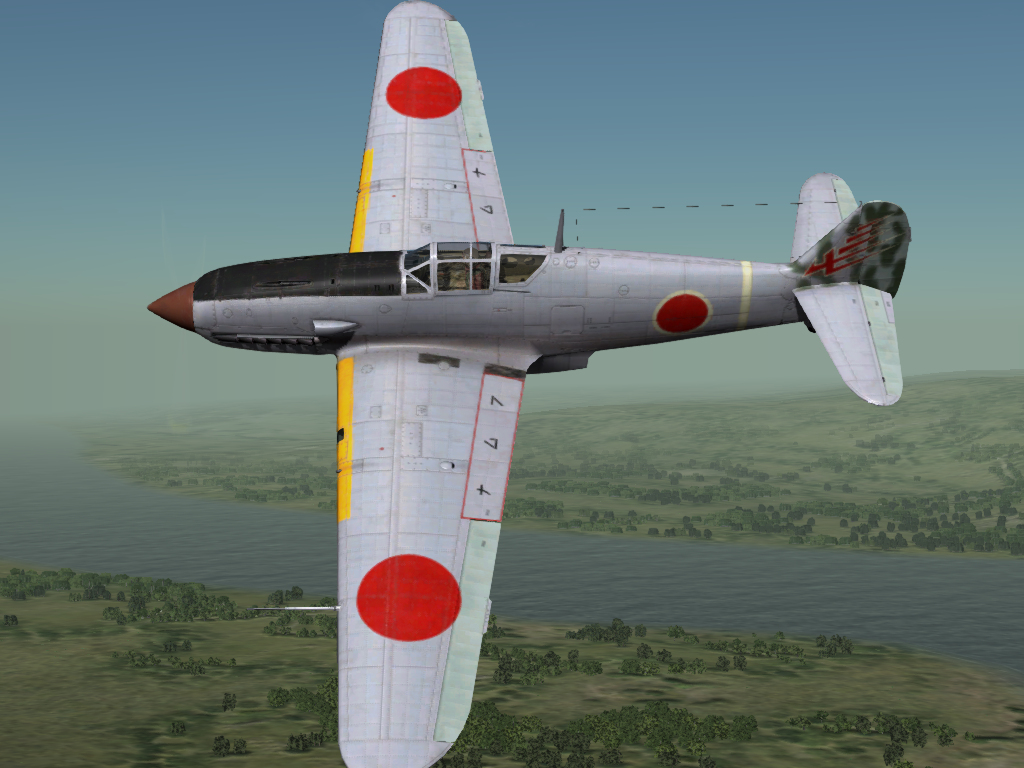
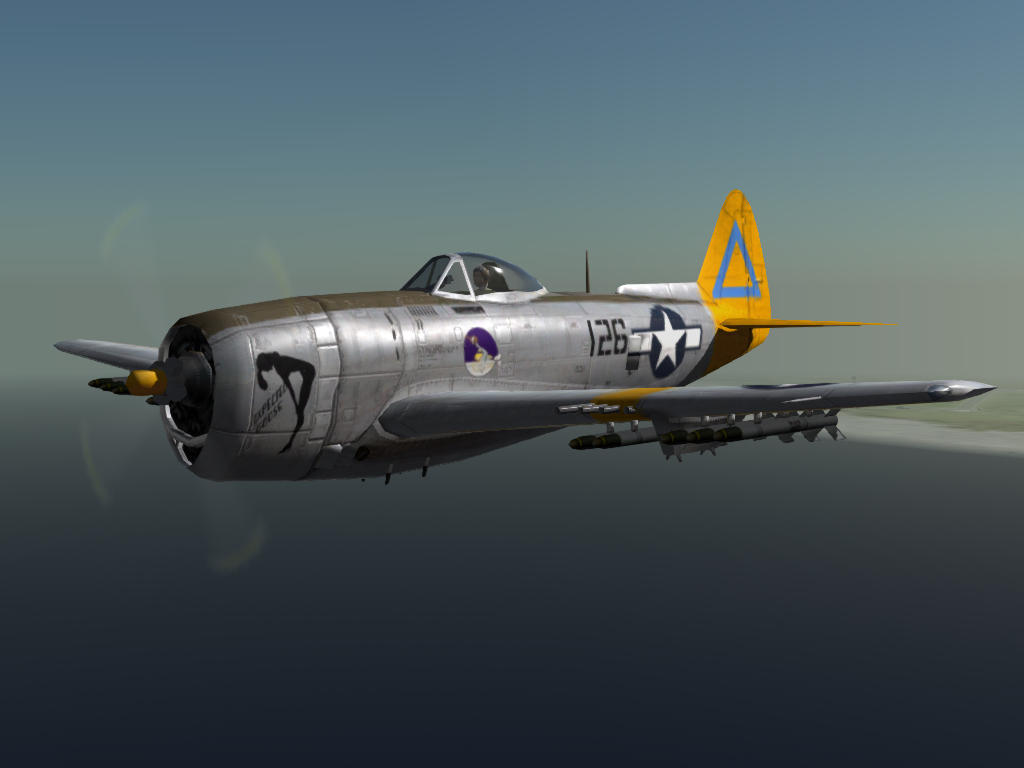
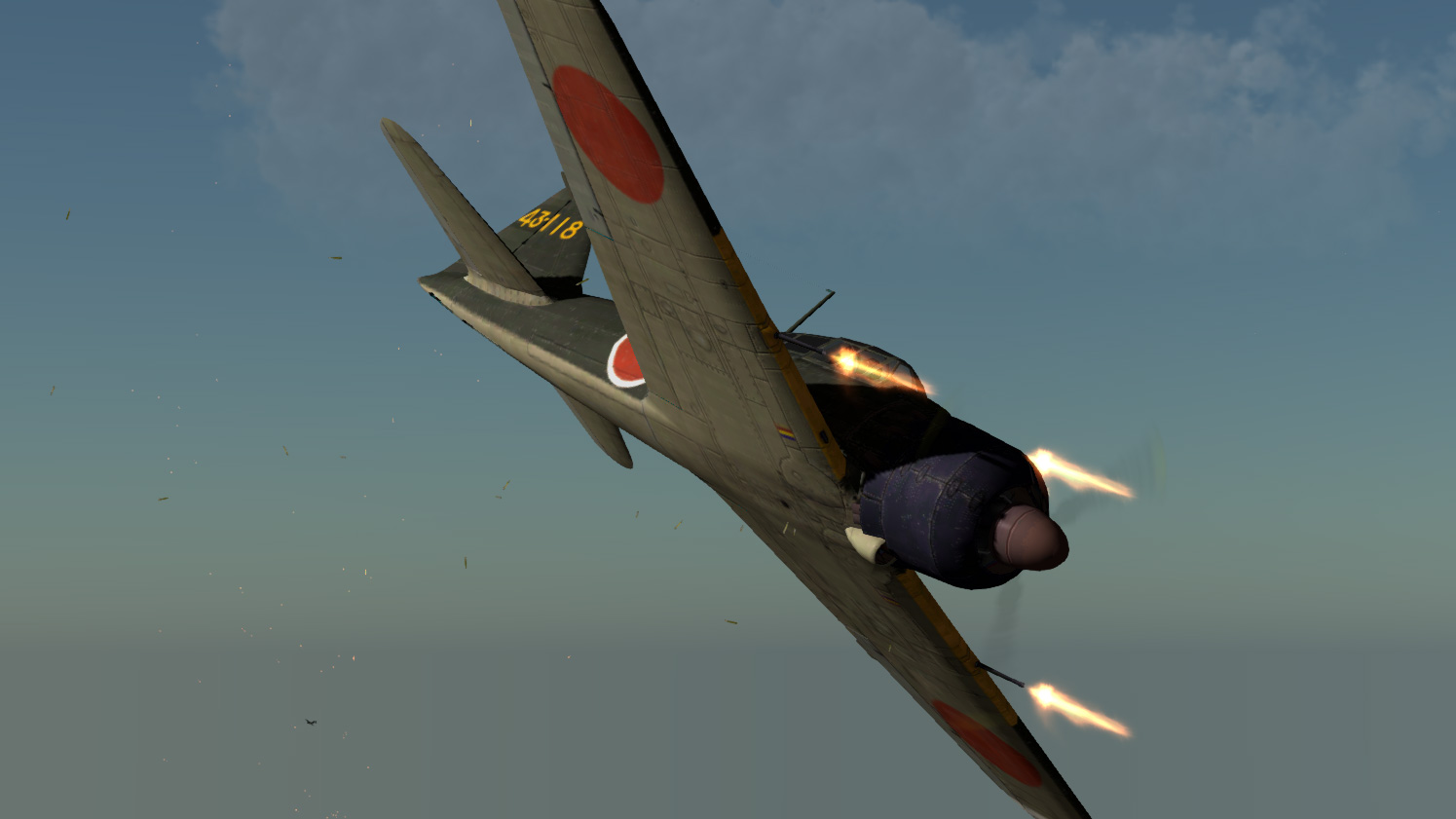
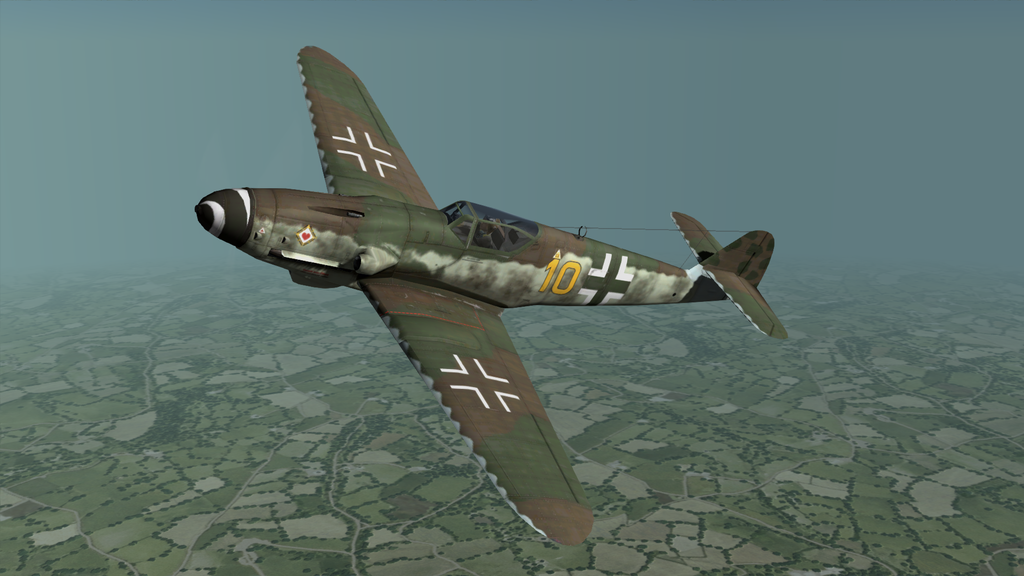
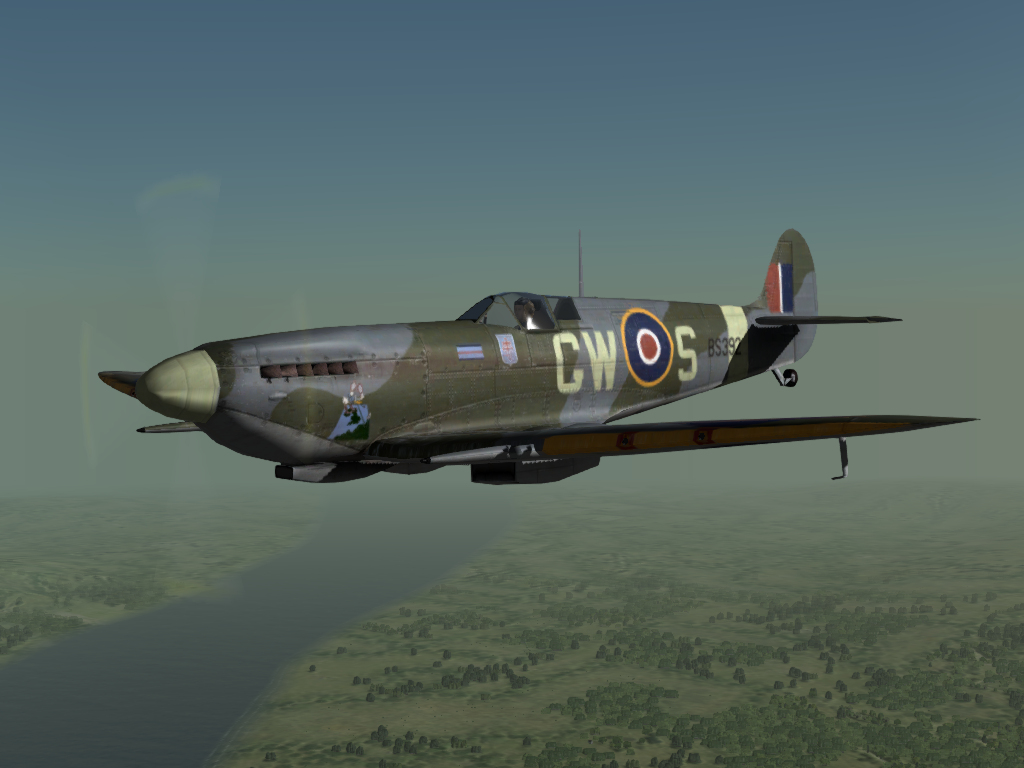
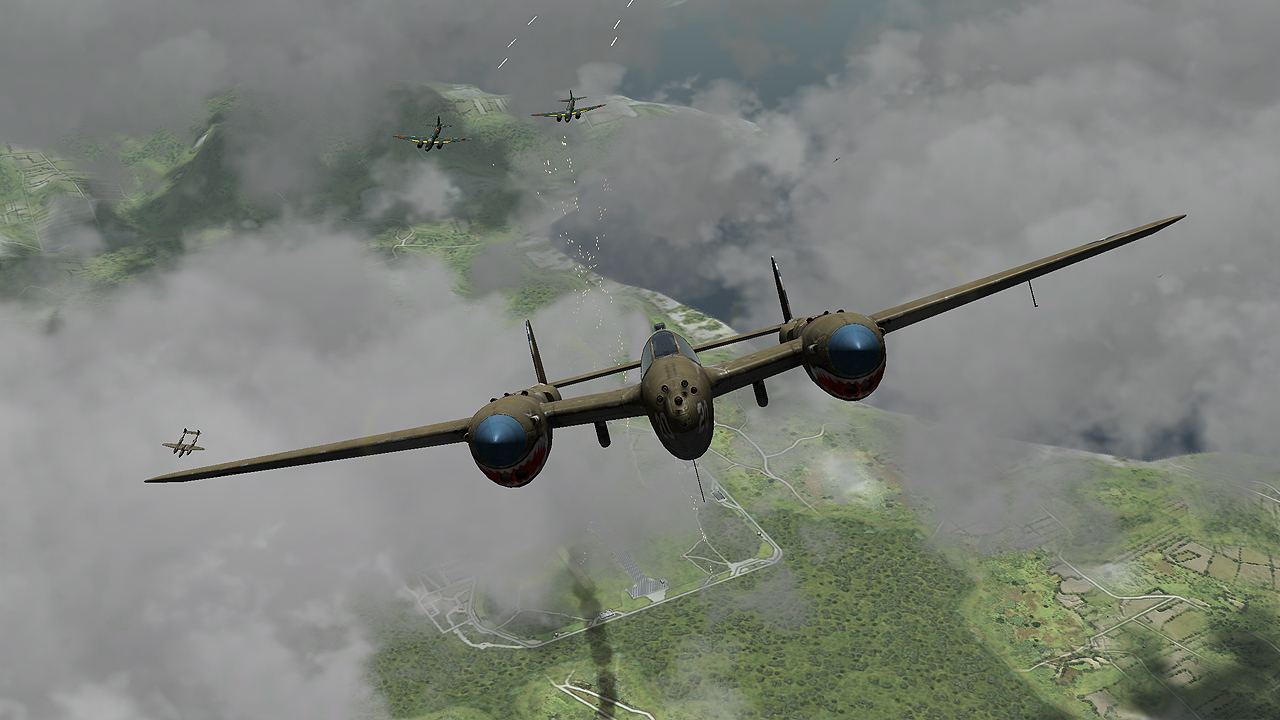
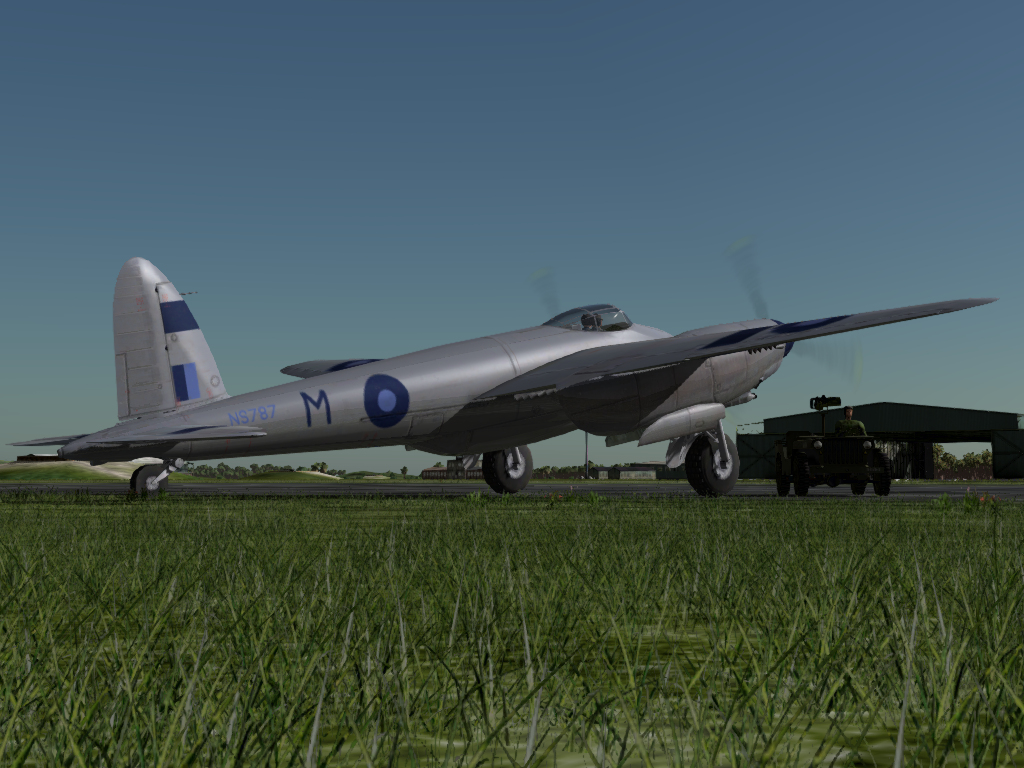
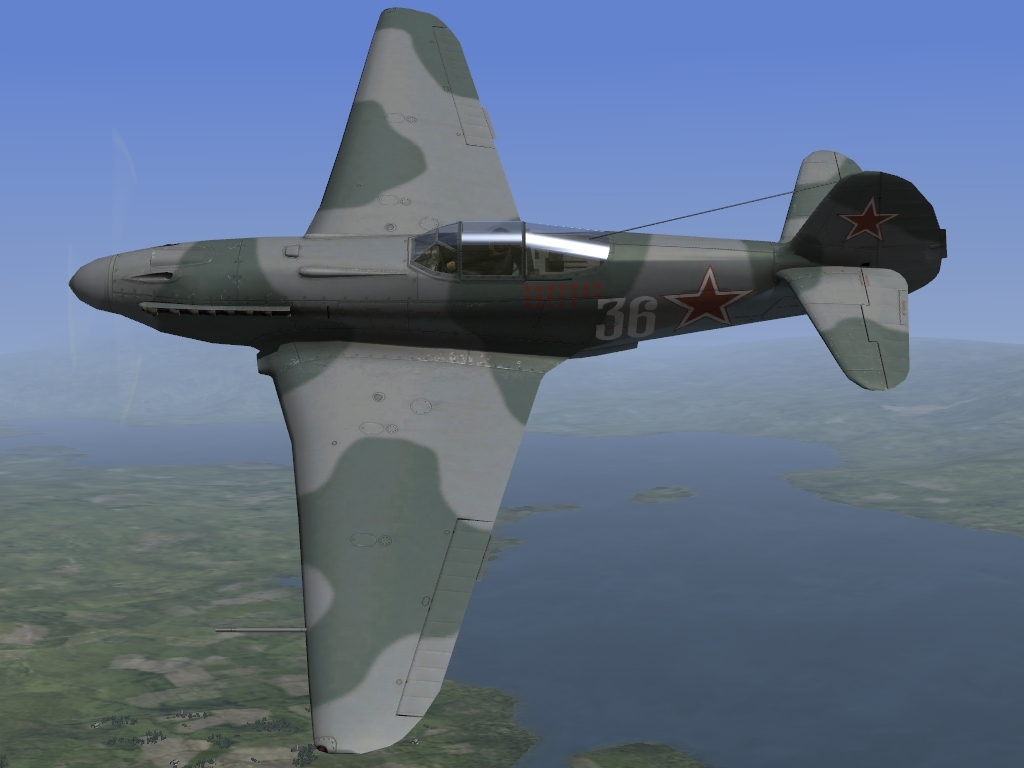
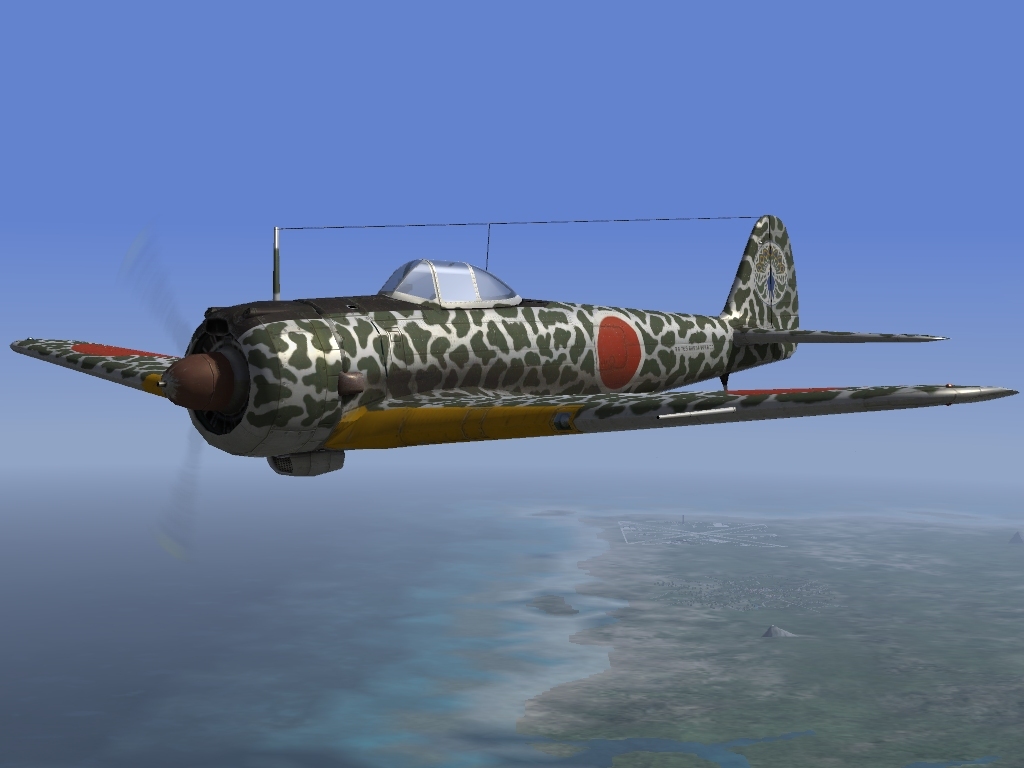
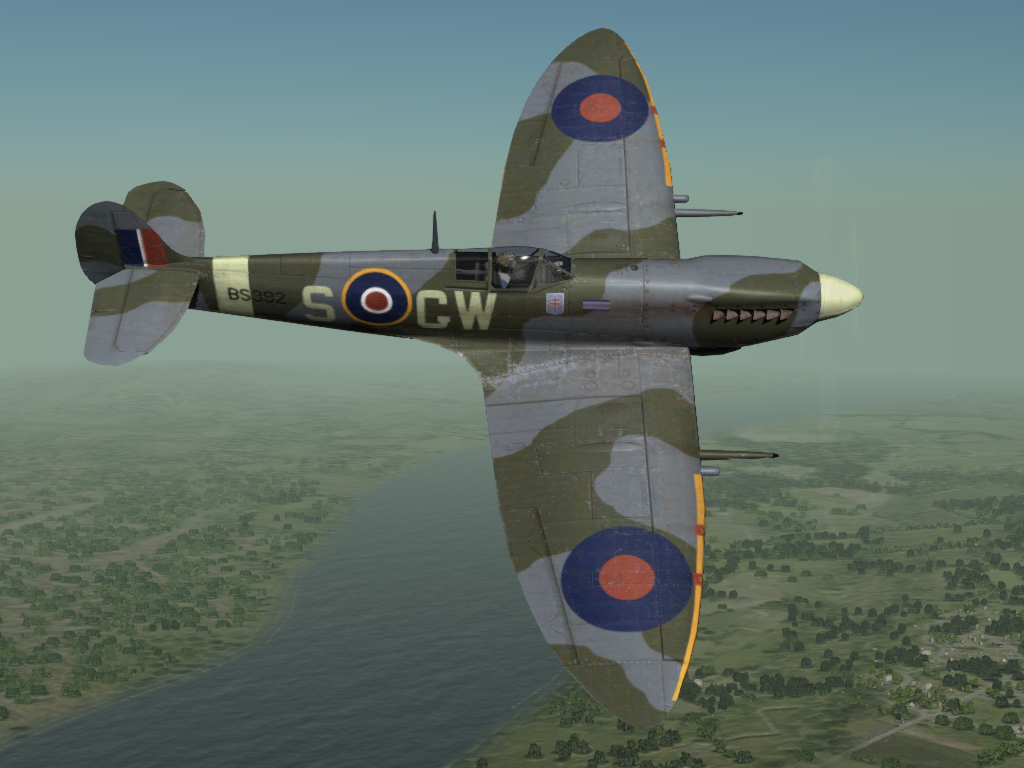
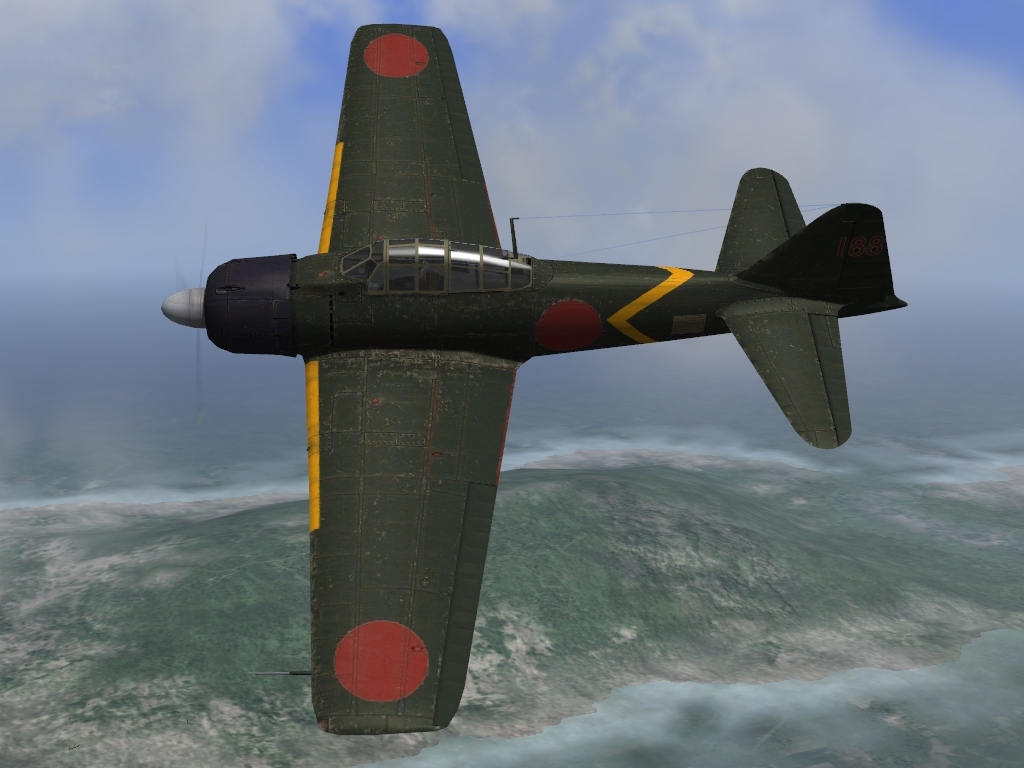
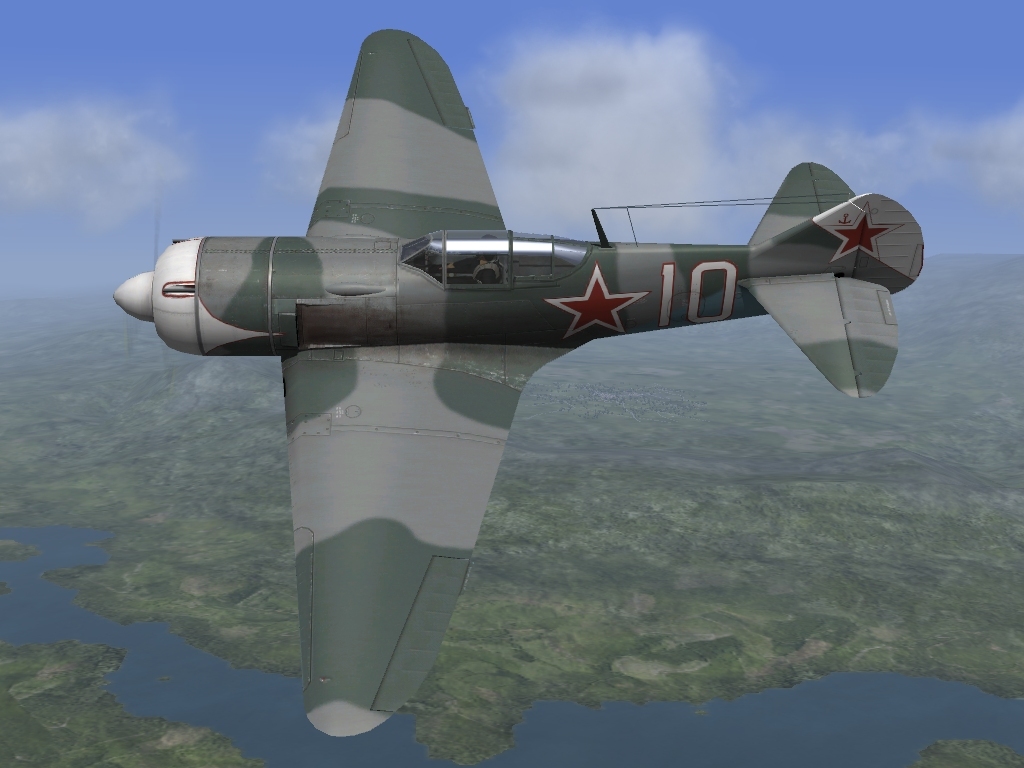
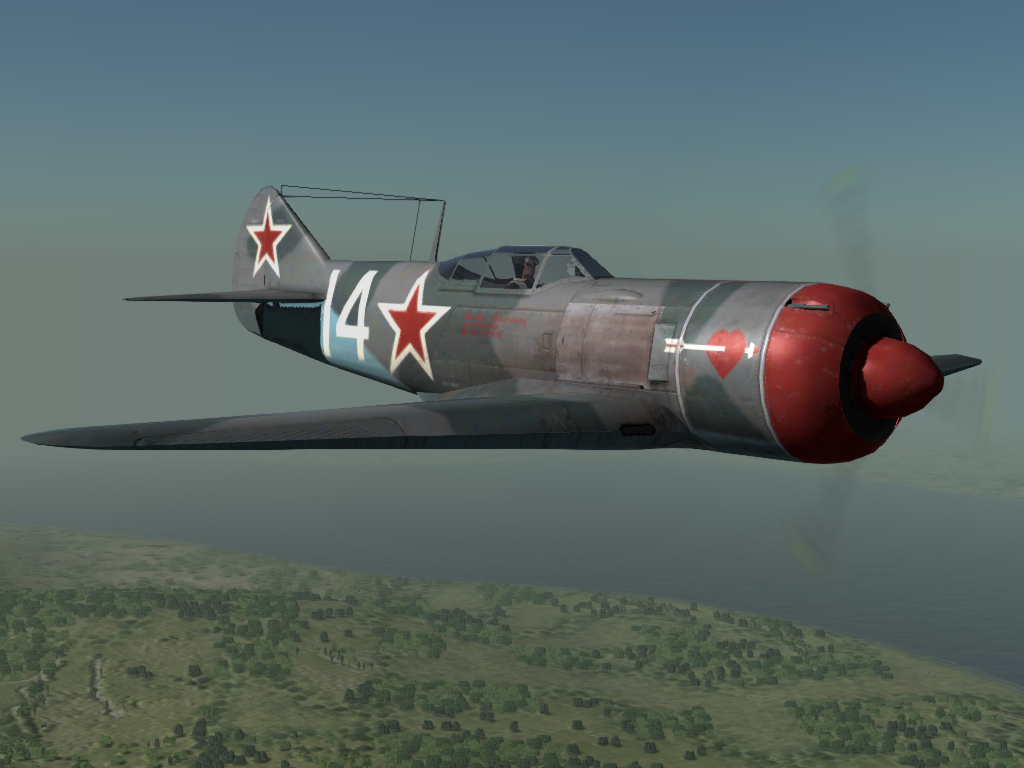
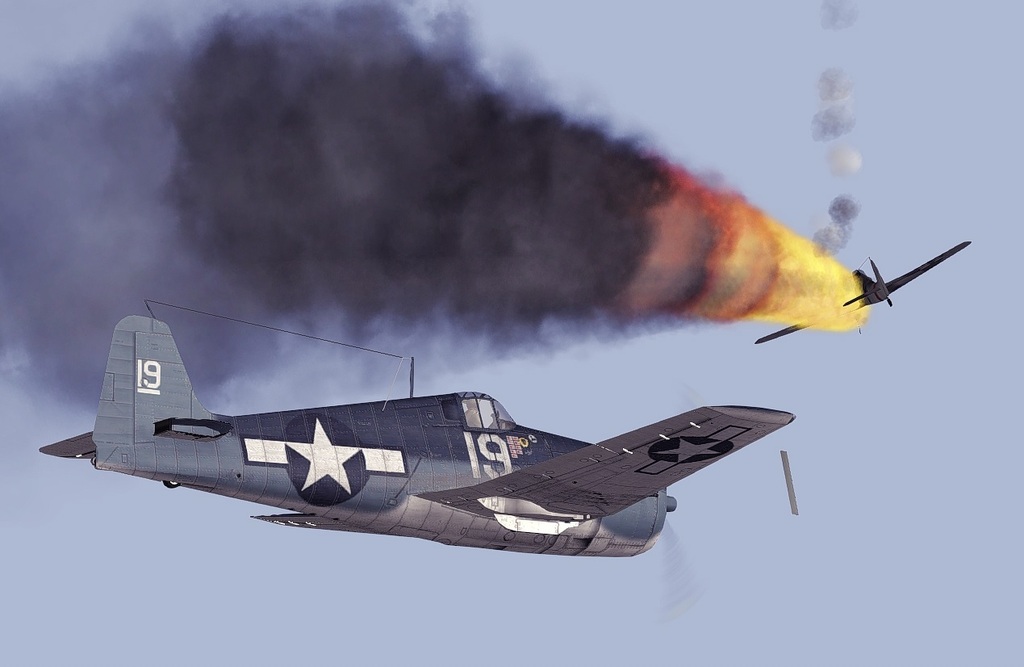
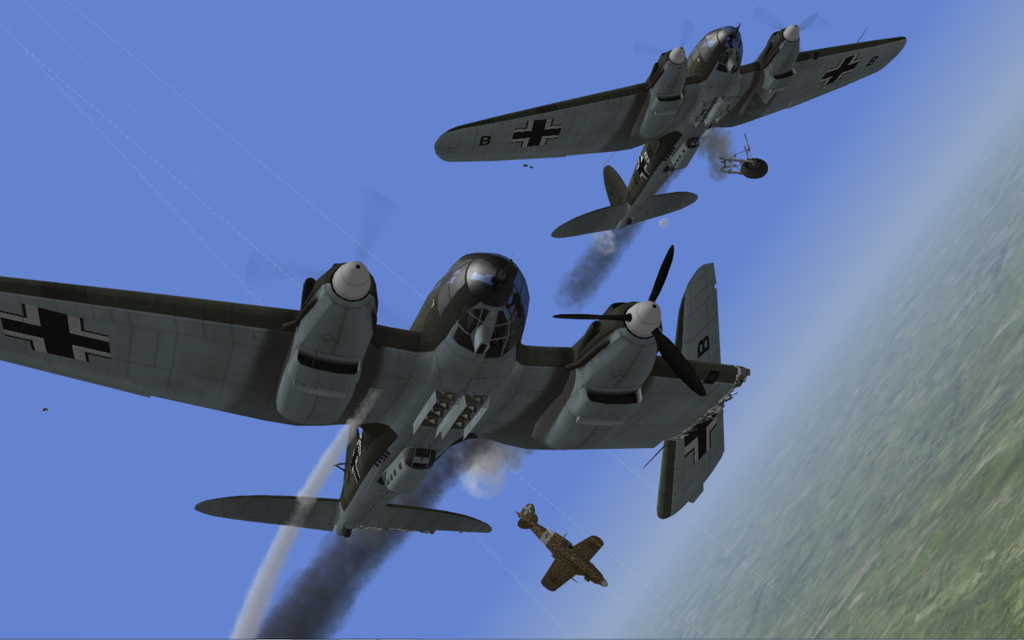
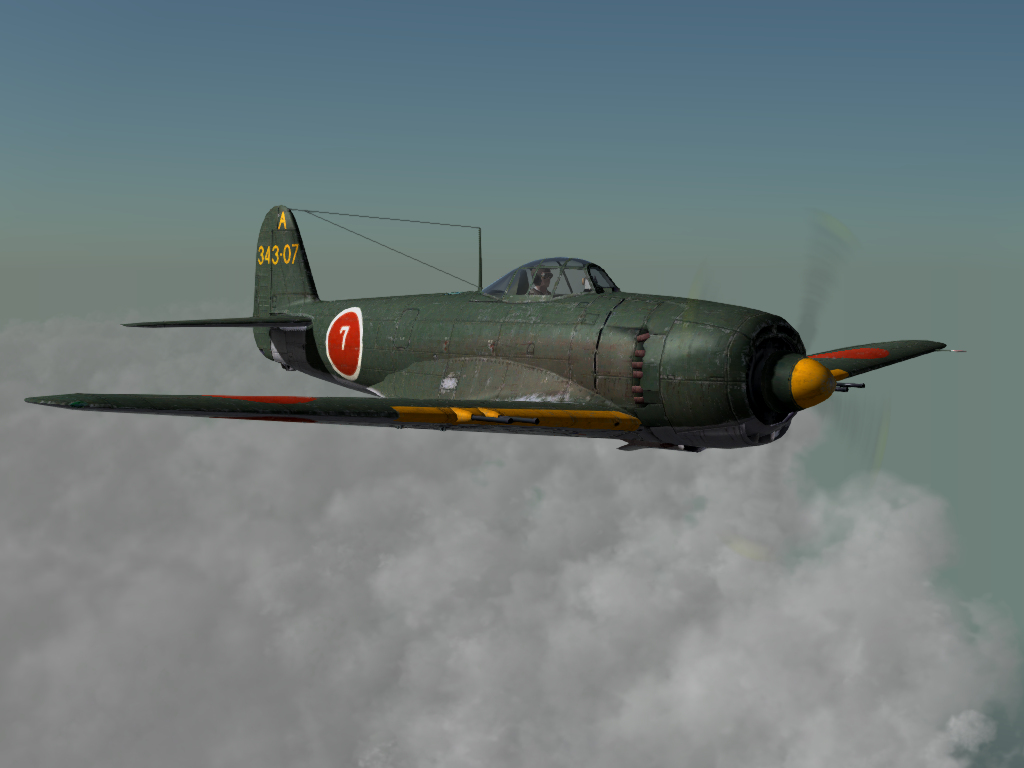
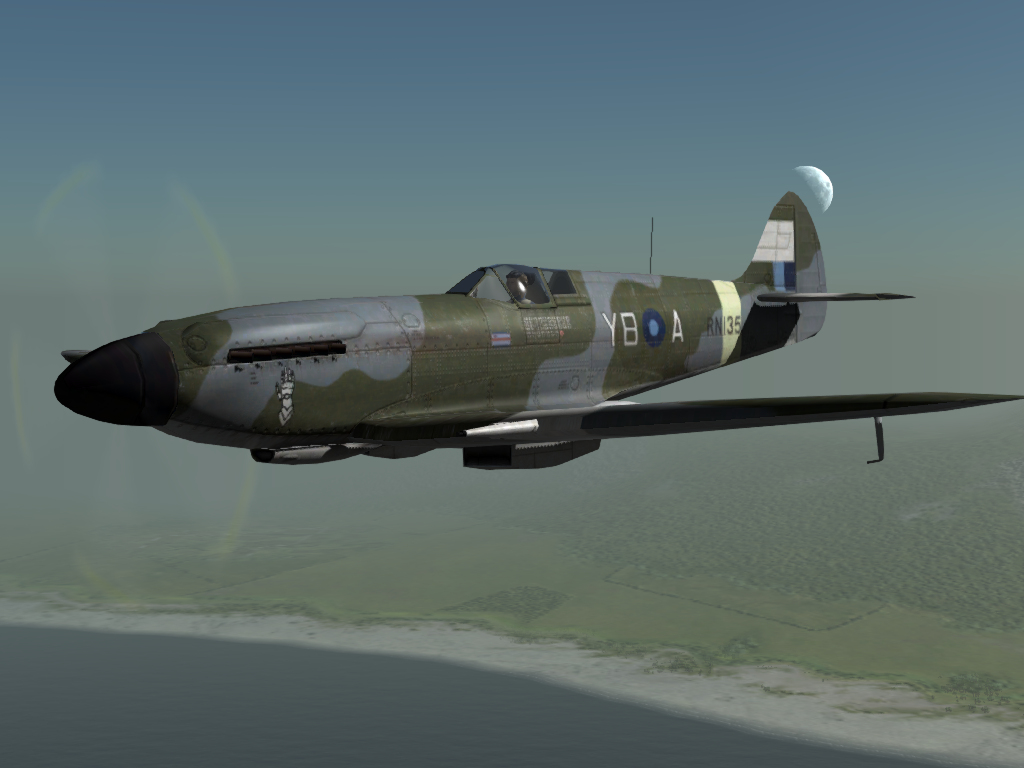
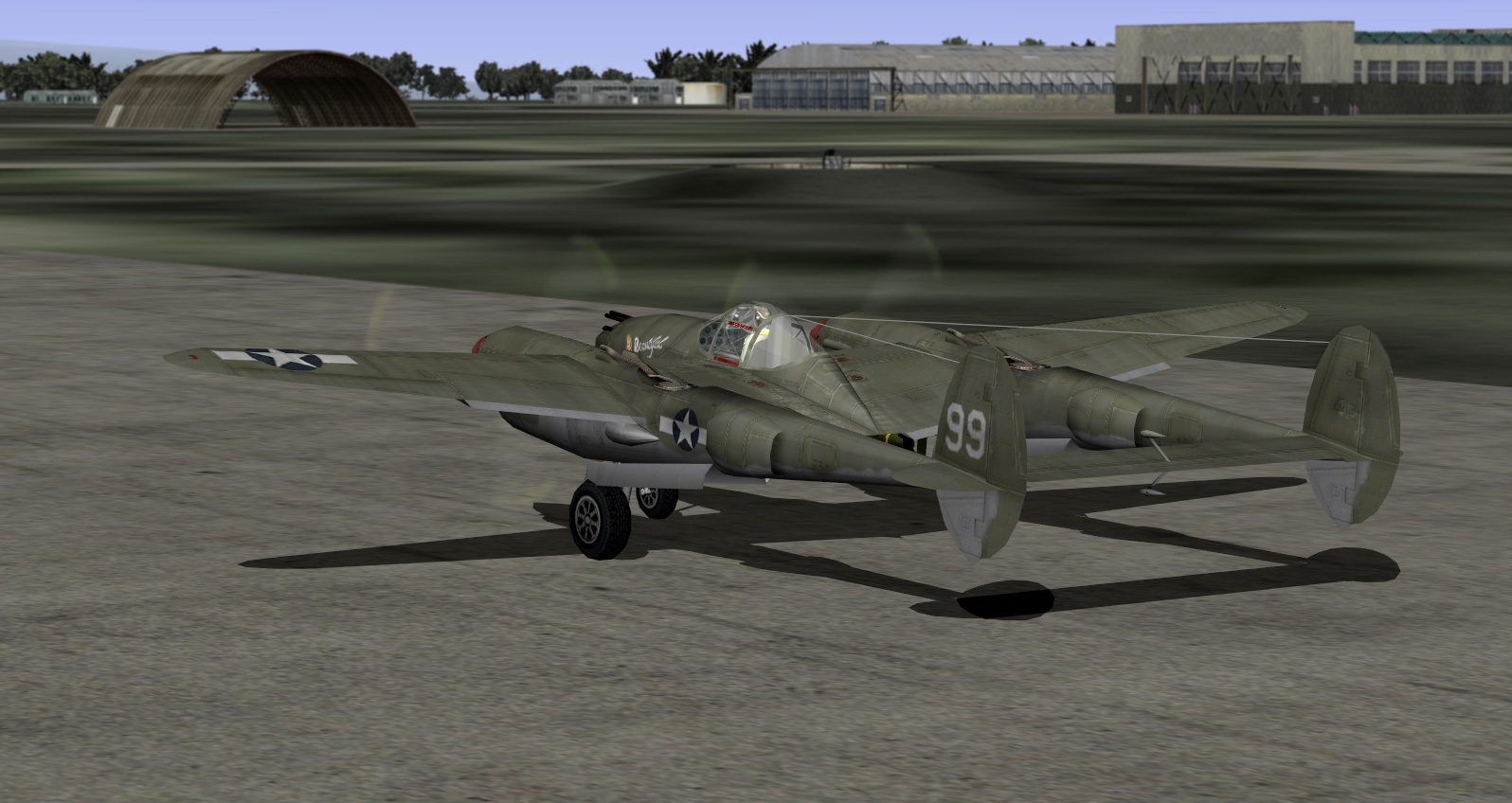
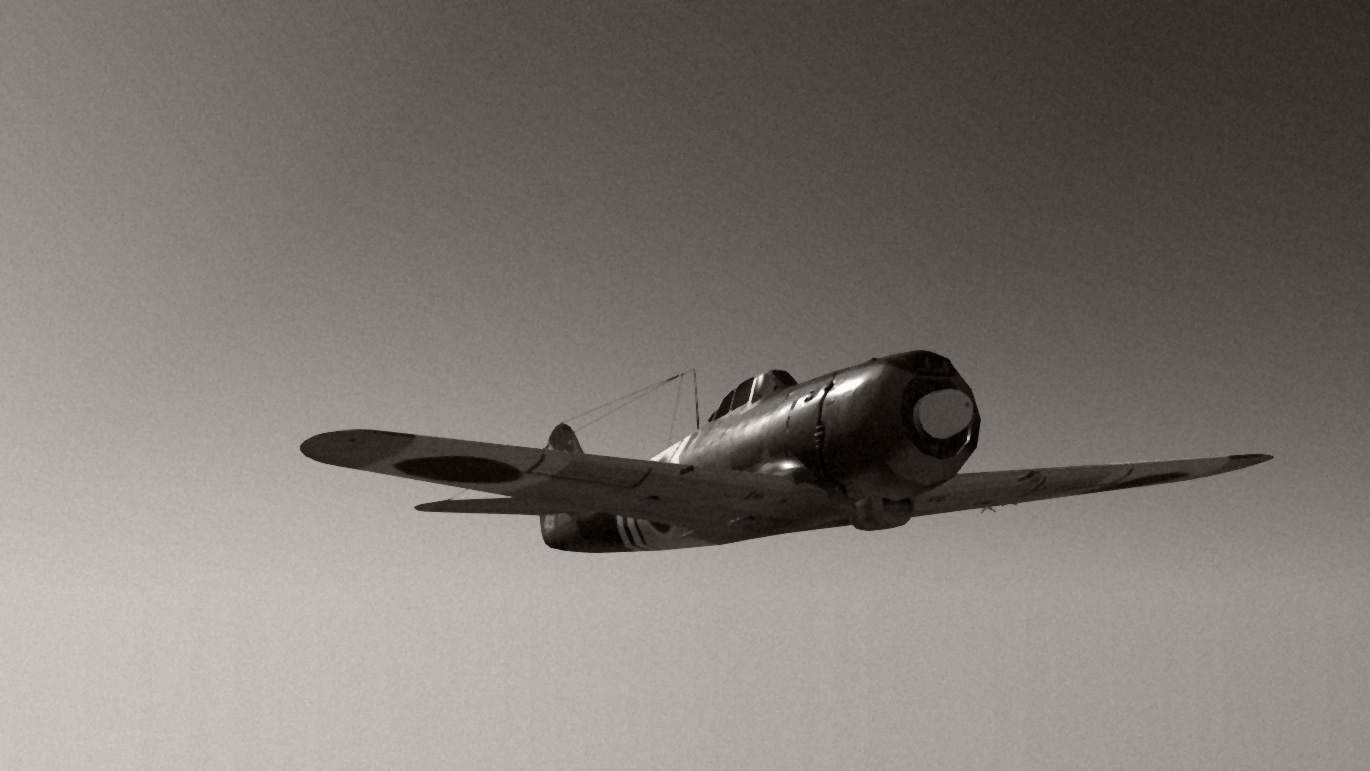
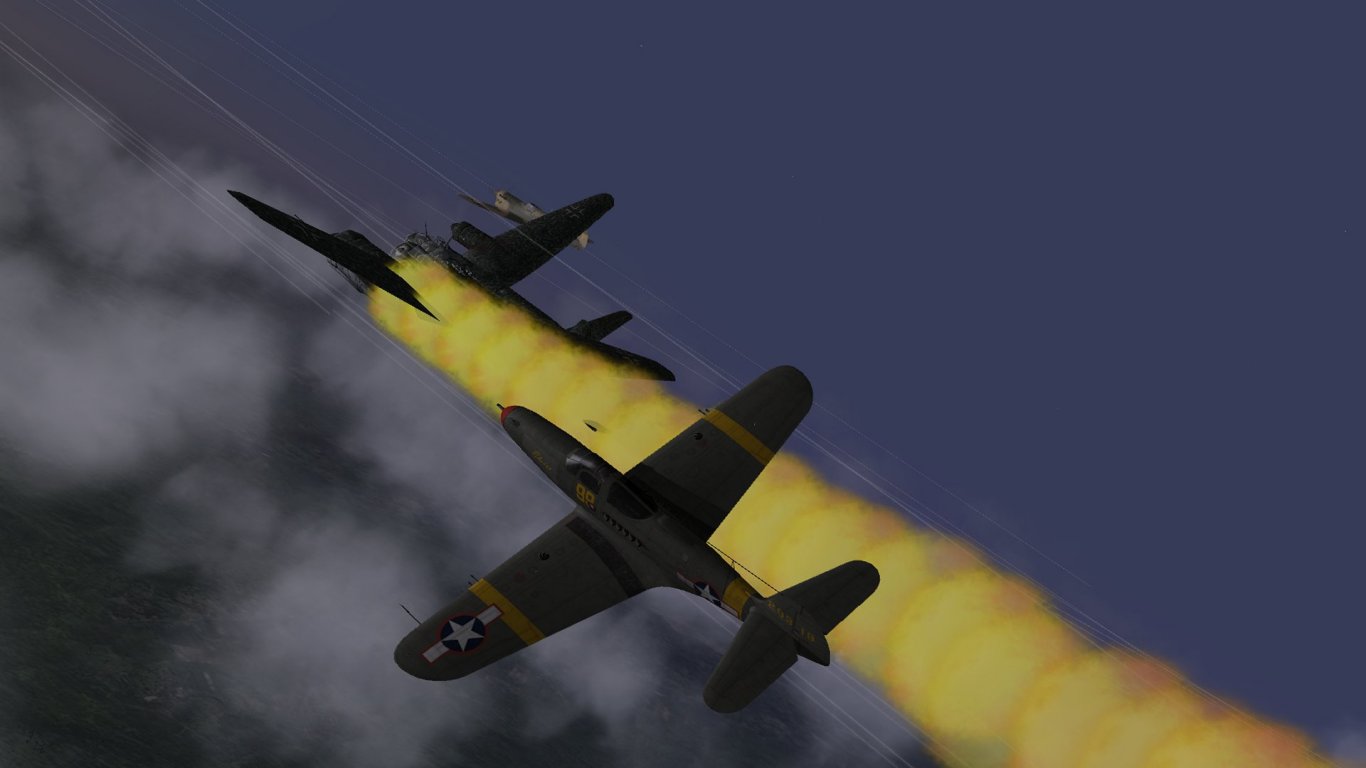
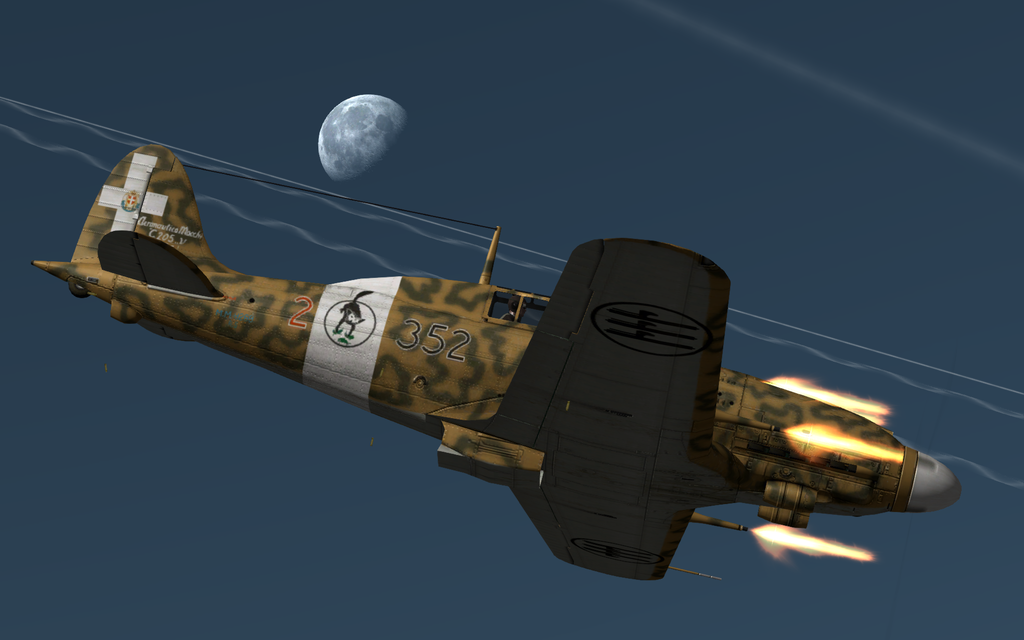
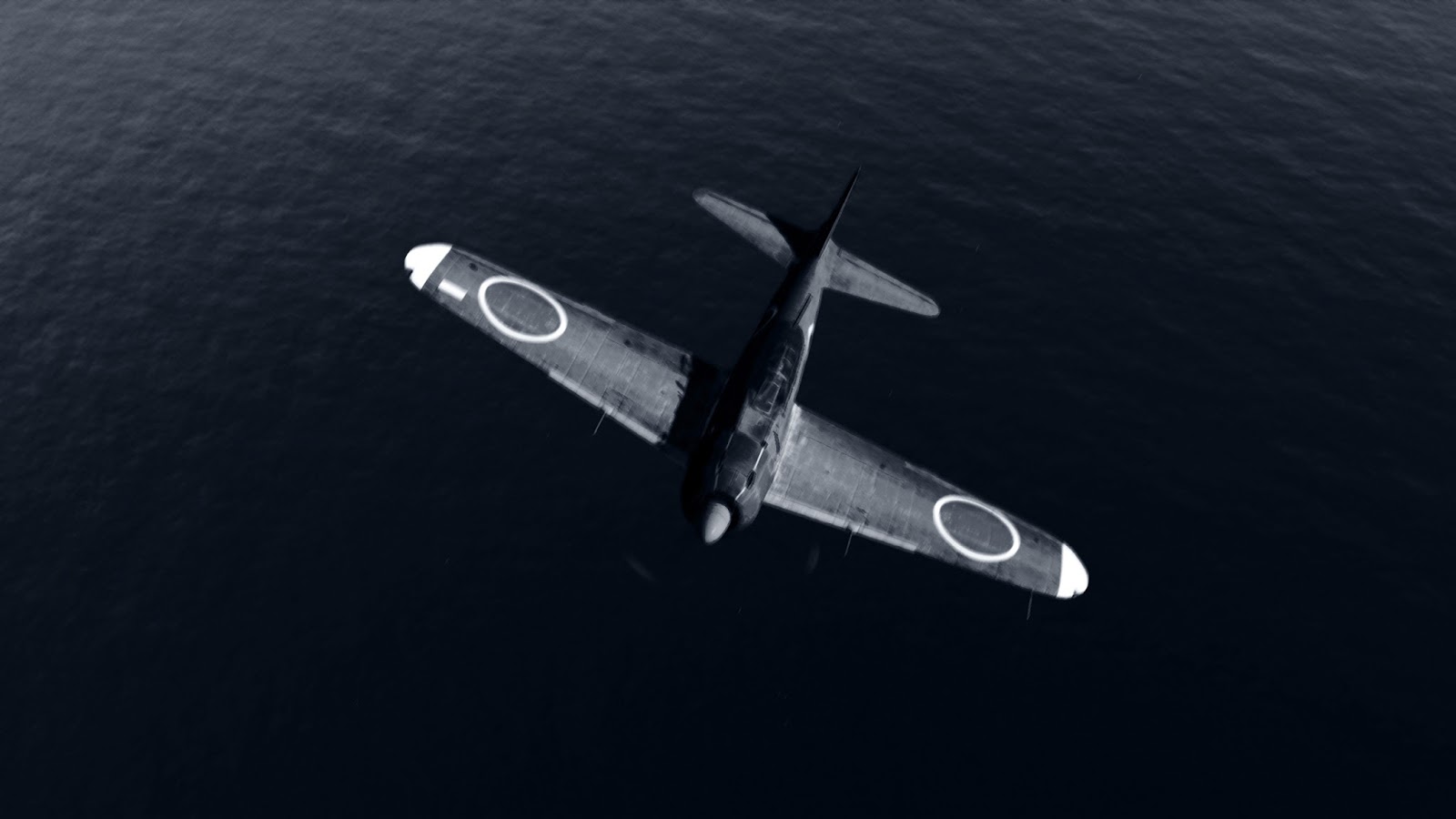
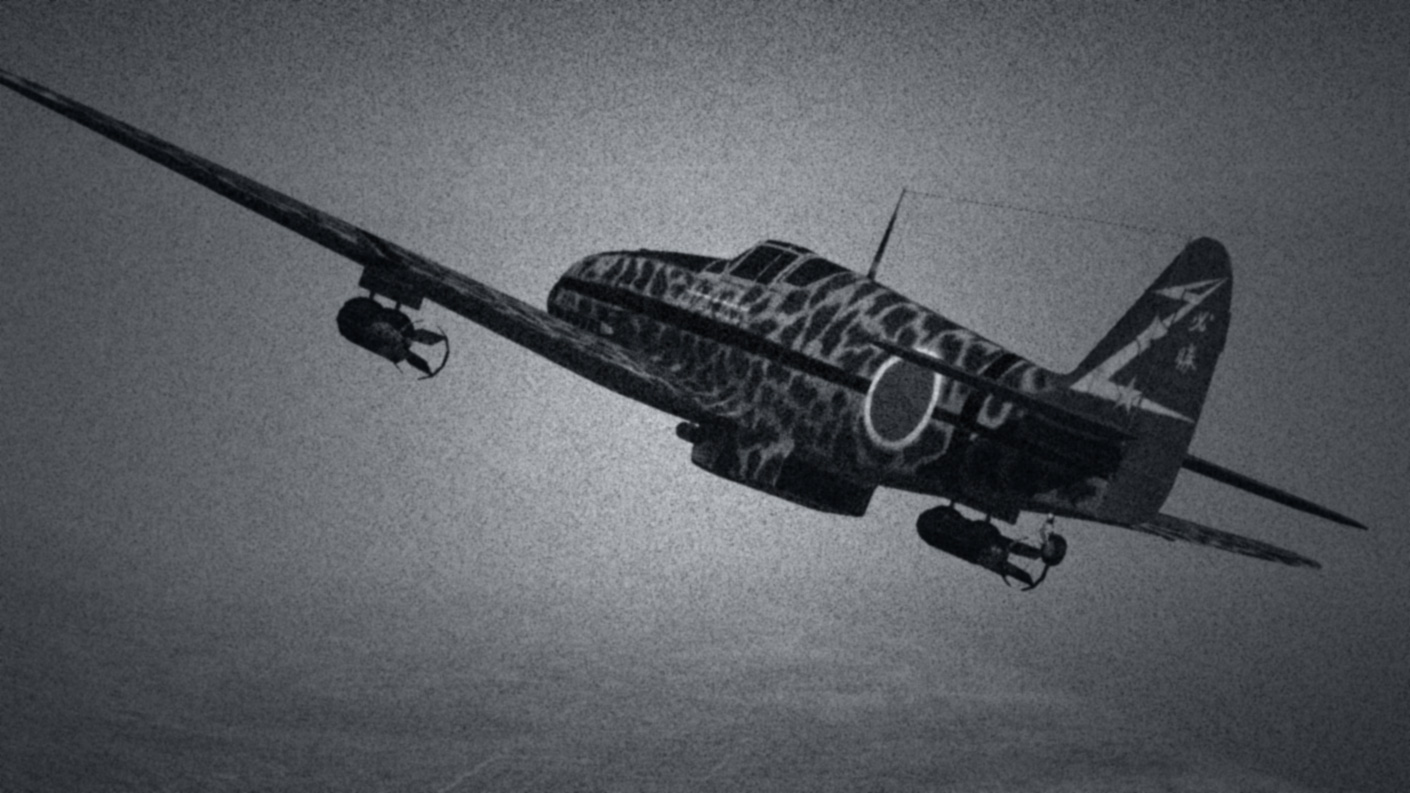
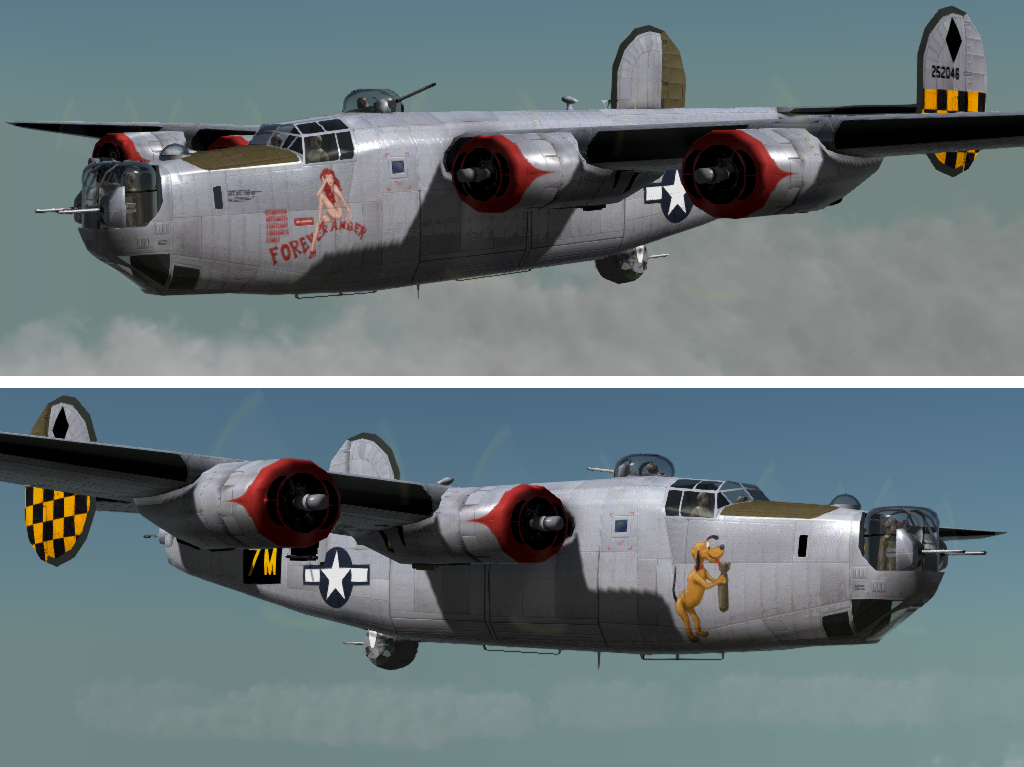
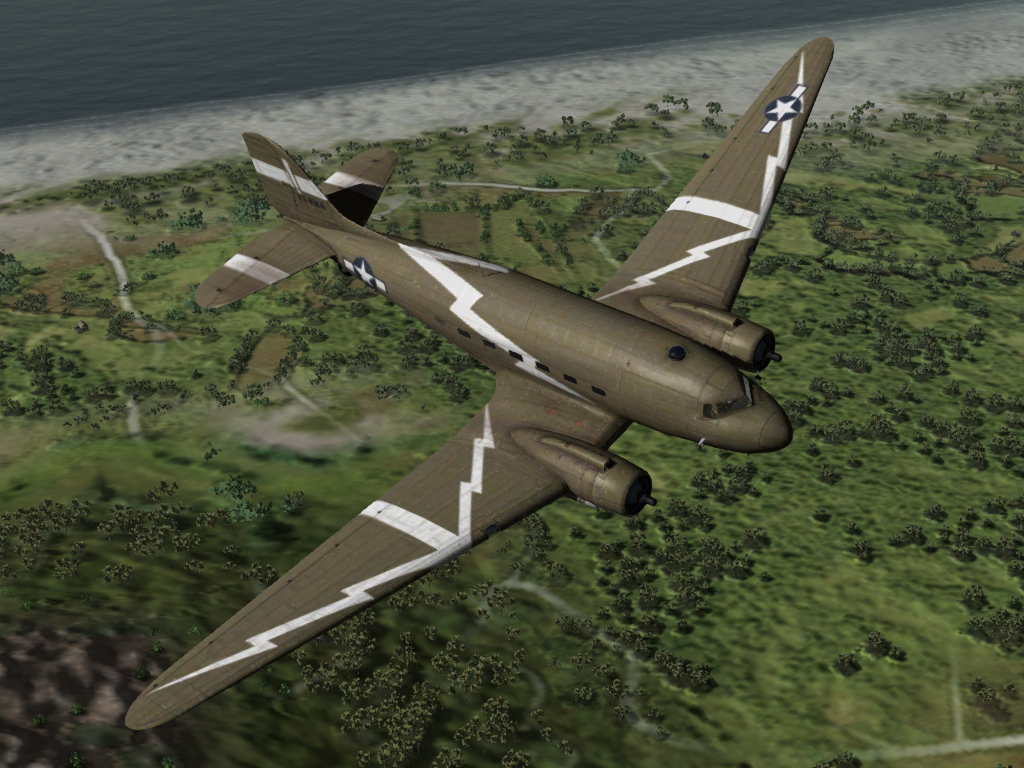
Aces High takes the art and science of vintage WW1 and WW2 air combat and sets it in a high intensity online multiplayer environment. Hundreds of players simultaneously battle it out against each other in massive aerial dogfights and bomber raids.
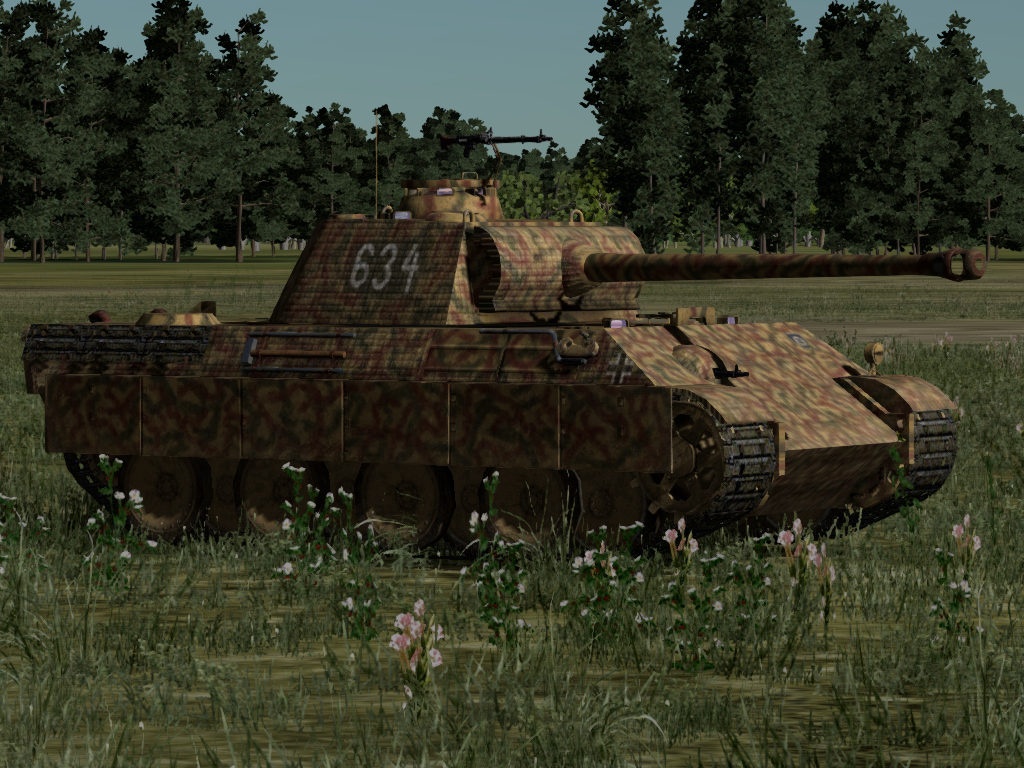
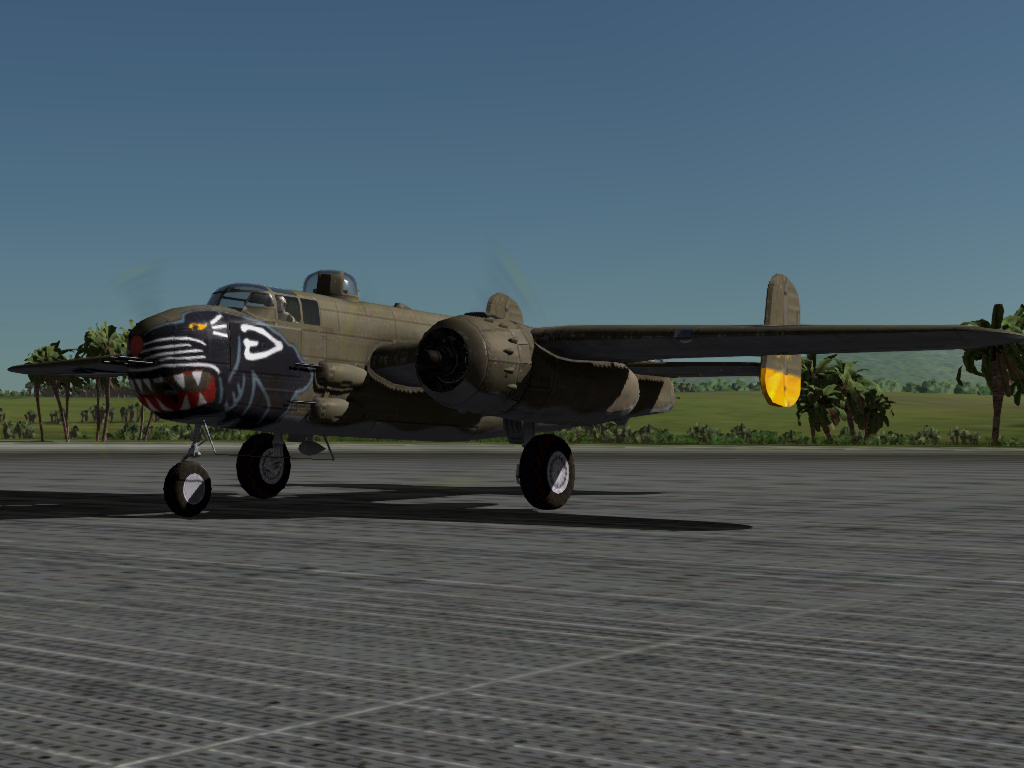
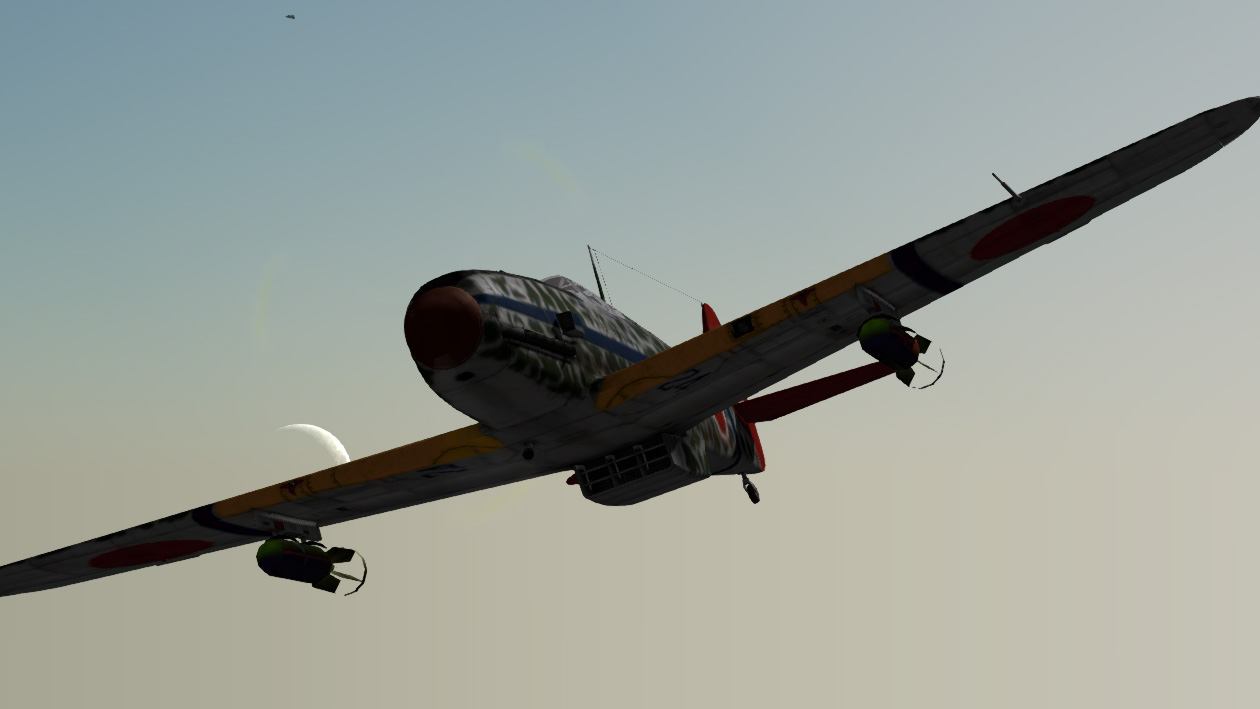
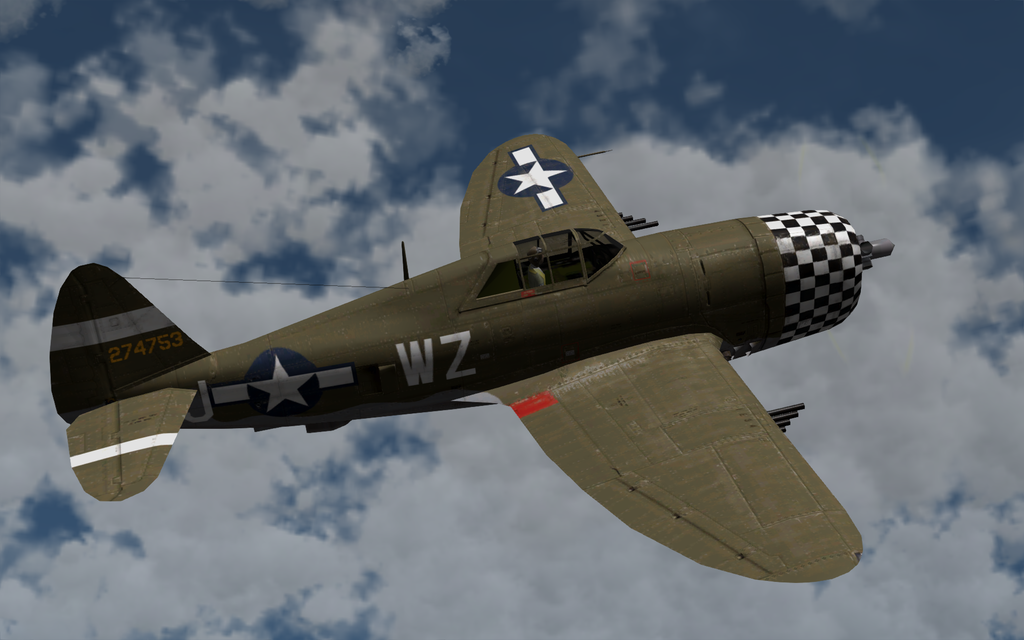
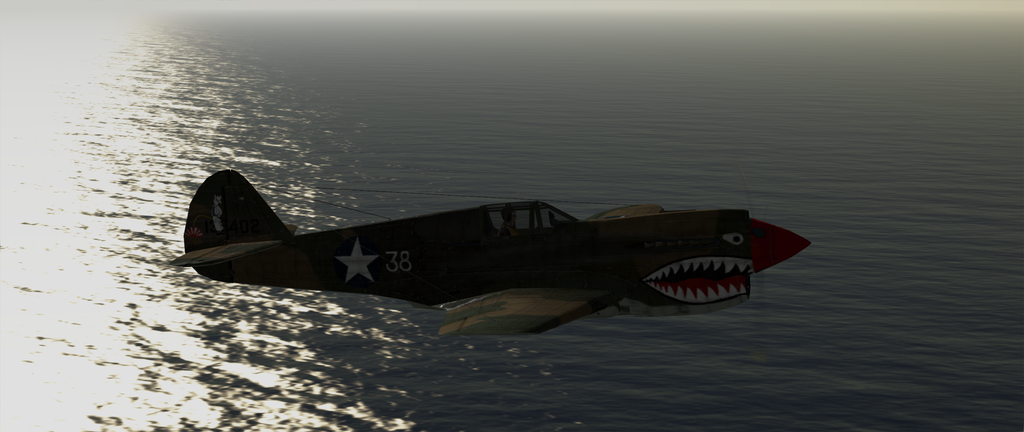
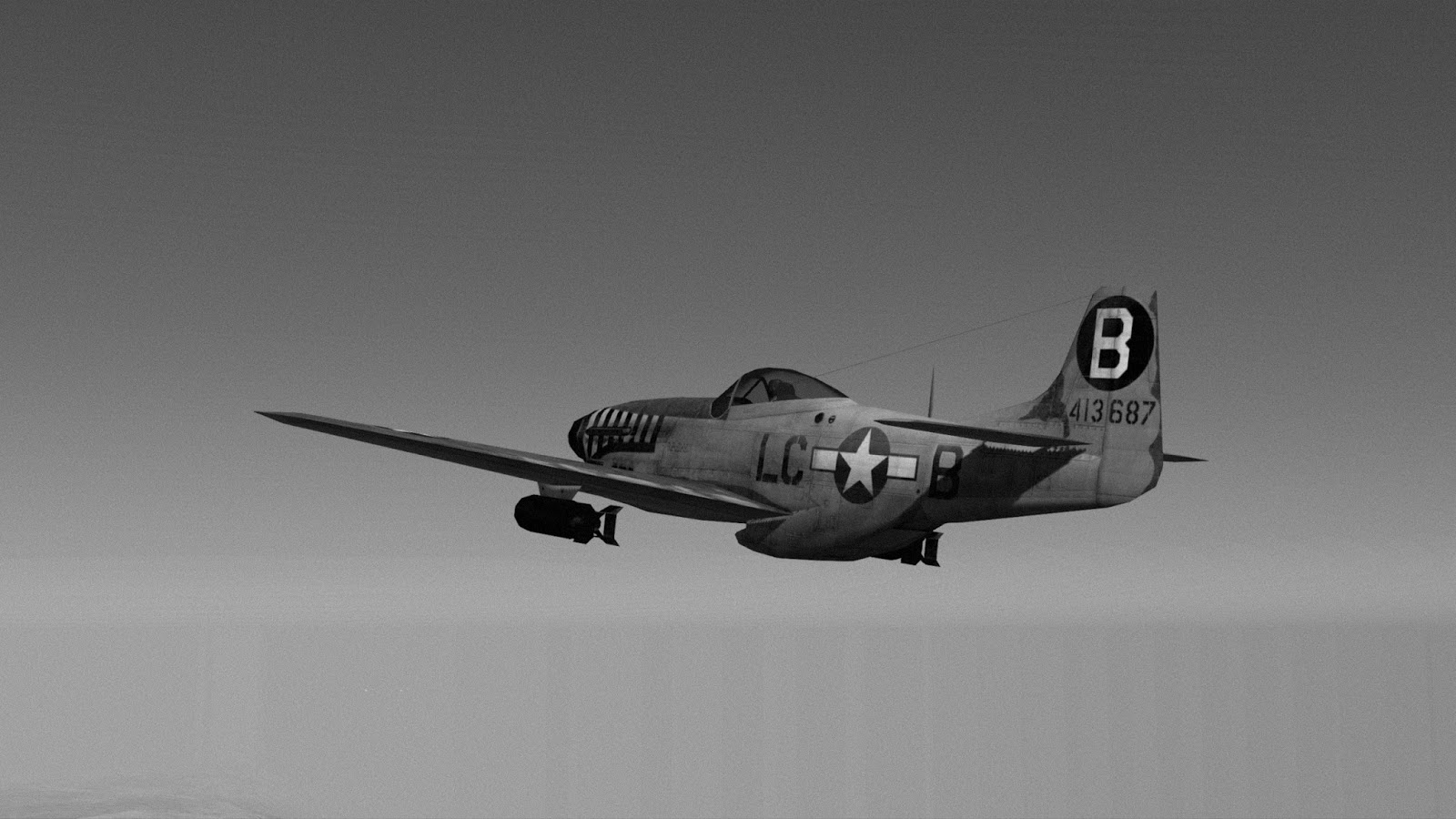
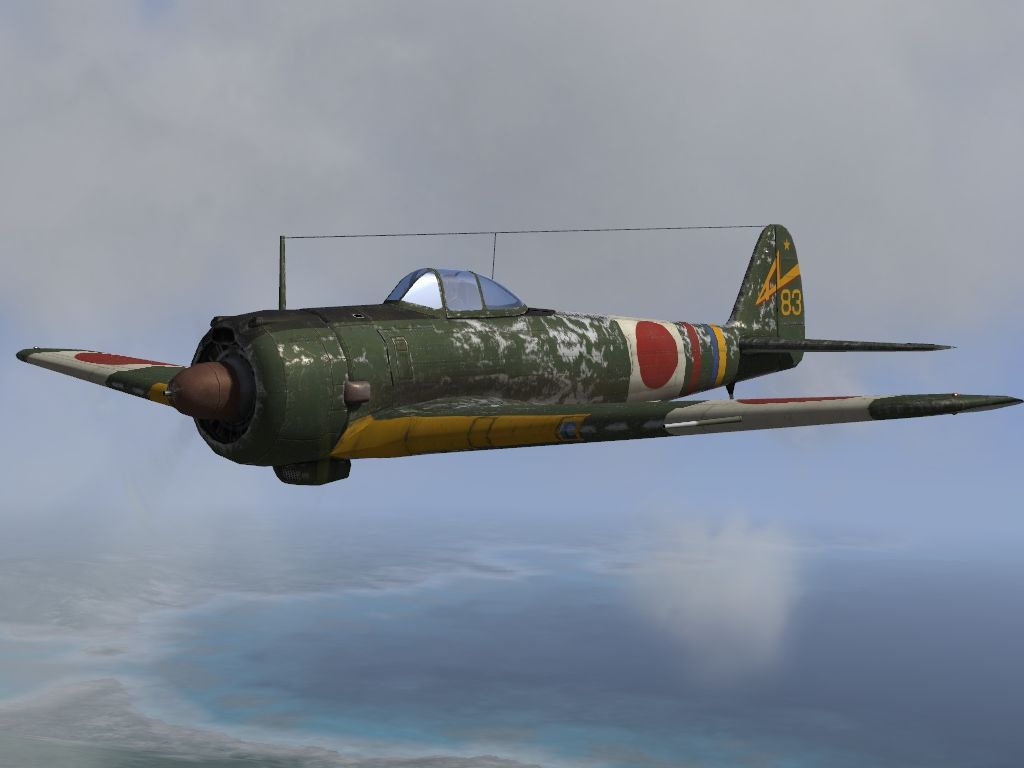
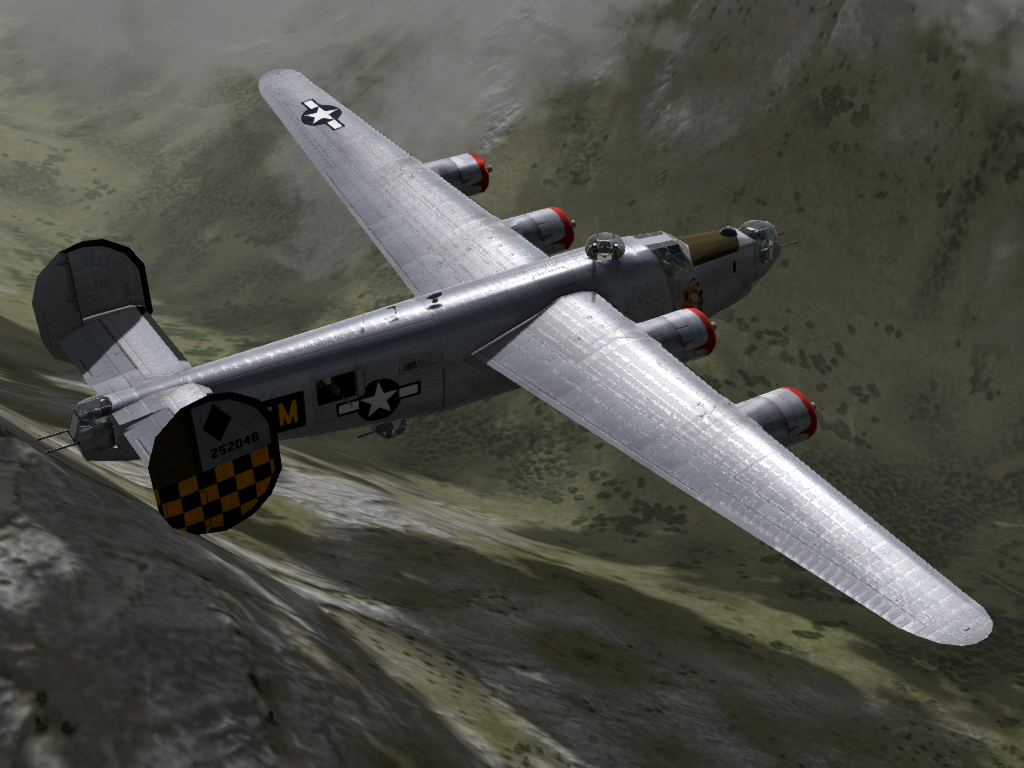
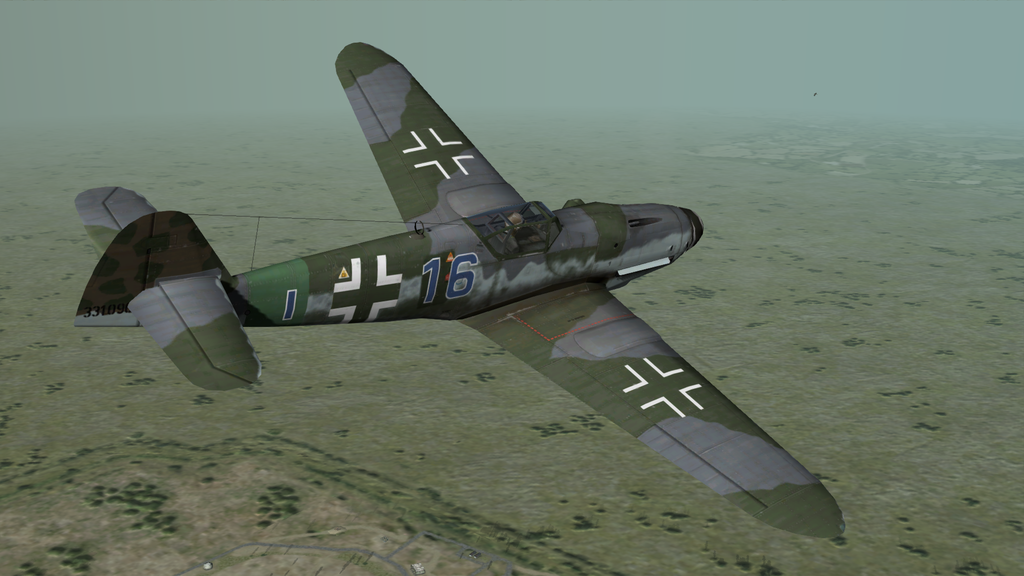
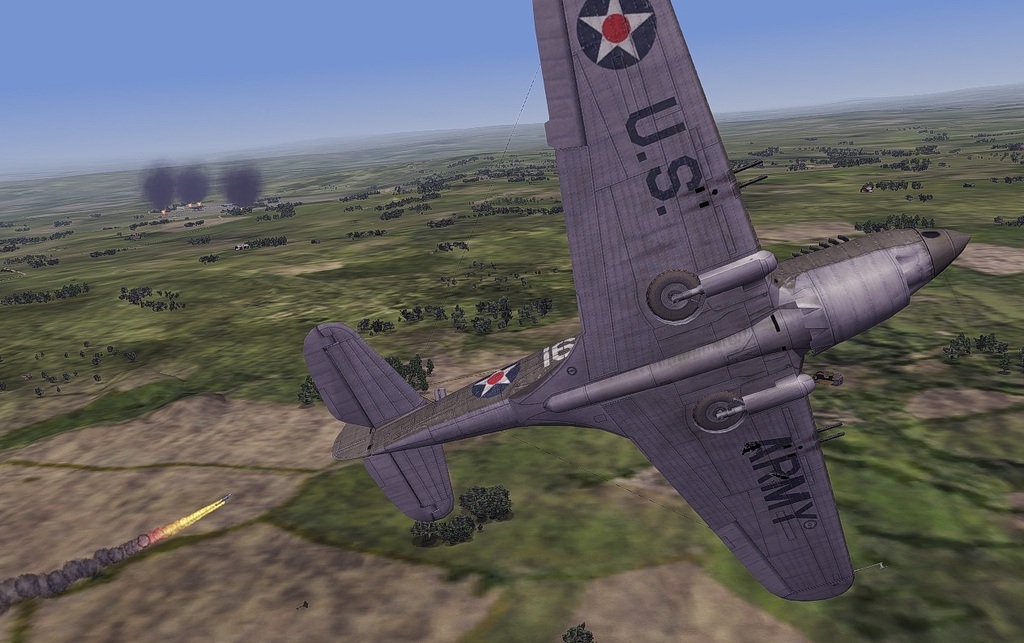
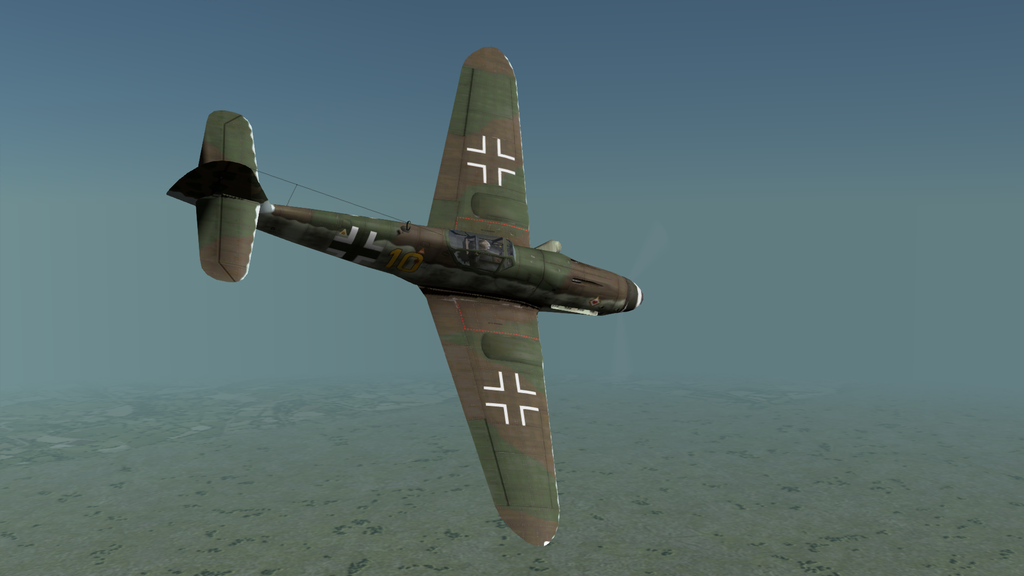
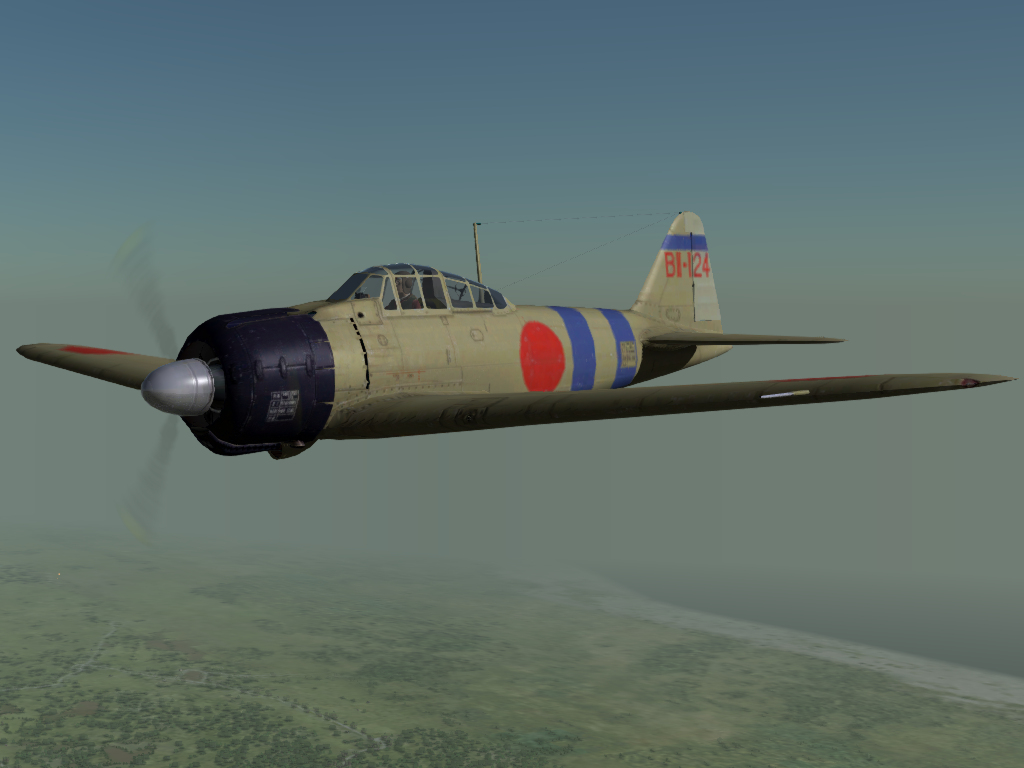
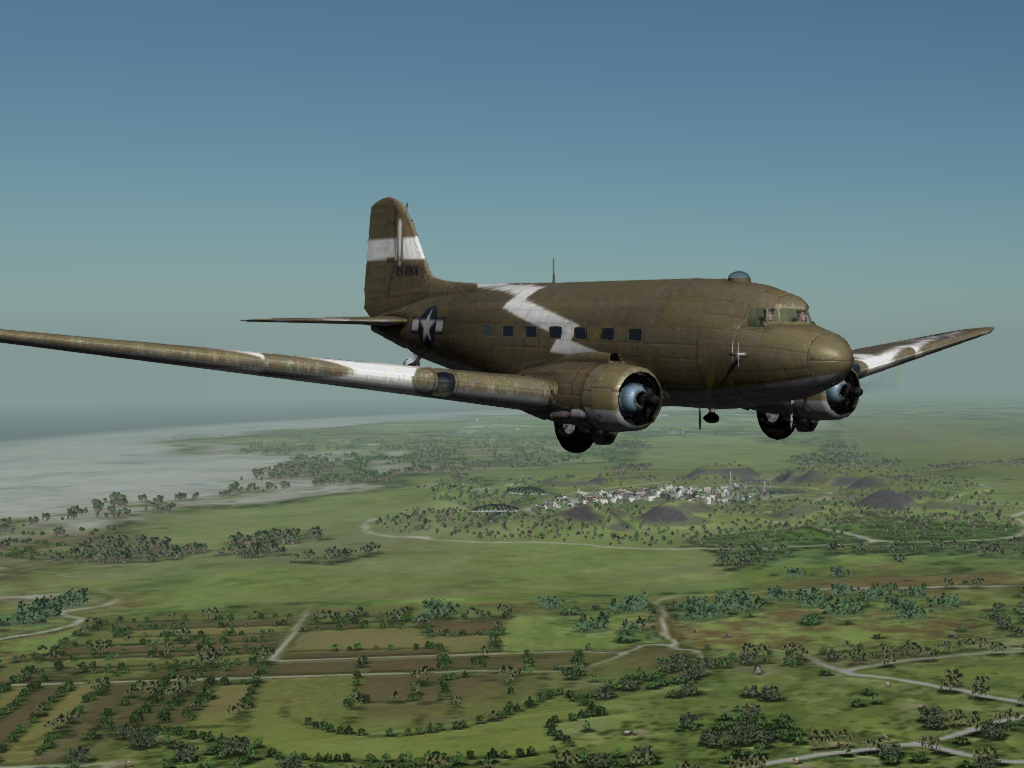
High fidelity flight simulation is the heart of Aces High but it doesn't end there. A war rages on the ground and at sea. Engage enemy armor in tank combat. Protect your fleet as a gunner or make a torpedo run in a PT boat. Lead an assault in an amphibious vehicle. With over 100 warbirds, vehicles, and boats available, you have access to a vast virtual arsenal.
Take part in special events such as historical scenarios where famous battles are recreated and reimagined or try your hand at air racing at tree top level against skilled competitors.
In the air, on land, and at sea, the battle rages 24 hours a day with participants from around the world. Take our free two week trial and find out why Aces High is the online game for you.