Home

Installing the patch manually


To install the patch manually, you will need to download the correct patch executable file.

WARNING: Failure to install the correct patch will render the game corrupt and require a full download and installation.

Check the current version of the game you have installed by starting the game. In the upper left corner of the opening screen is the version and patch number.

Use the following table to select the correct patch for your game version.


Your Game Version Use the following patch(s) to update
Version 2.29 Patch 5

Version 2.30 Patch 2

Version 2.30 Patch 0

Version 2.30 Patch 2

Version 2.30 Patch 1

Version 2.30 Patch 2


If your game version is not listed in the above table, then you will either need to allow the game to auto-update itself, or you can download the entire game installation file.


Version 2.30 Patch 1 Changes
======================

Performed an optimization in the texture mapping of a large number of planes to remove inefficient allocations of texture memory.  This will help lower the amount of video memory used when you are in proximity to other planes.

Fixed an issue that could cause an error message to flash on the screen for a split second during connect up.

Implemented a fix to an issue of plane dots not displaying correctly with some video chips when the clipboard is up or during a vox transmit.

Fixed a bug that caused the left propellers to hide when there was a pilot wound in the Lancaster.

STR objects are now listed as Non-strat structures when you destroy them.  They are just destroyable objects that have no effect on strat or resupply.

You can now mouse over a friendly dot on the clipboard map to show the game id of that player.  You have to hold the mouse cursor over the dot for a 1/2 second.  There is a sysvar in the arena flags menu to turn this arena setting off and on.

Fixed a bug that caused bump mapping and shadows to not display on your bomber drones.

Fixed a bug that caused gunsights to be missing from the Lancaster drones.

Fixed a film viewer bug that caused wind noise to not correctly ramp in volume.

Film viewer playback speed now goes up to 8x.

Bomb craters no longer display when dropped on the aircraft selection hangar.

Fixed a display bug with the Lancaster gunners looking like they're shooting lasers.  This is a display bug only.

Fixed a bug that caused the bombsight to not calibrate correctly when wind is on.  If there is a wind present, the calibration is only valid for the heading you were on when you calibrated.

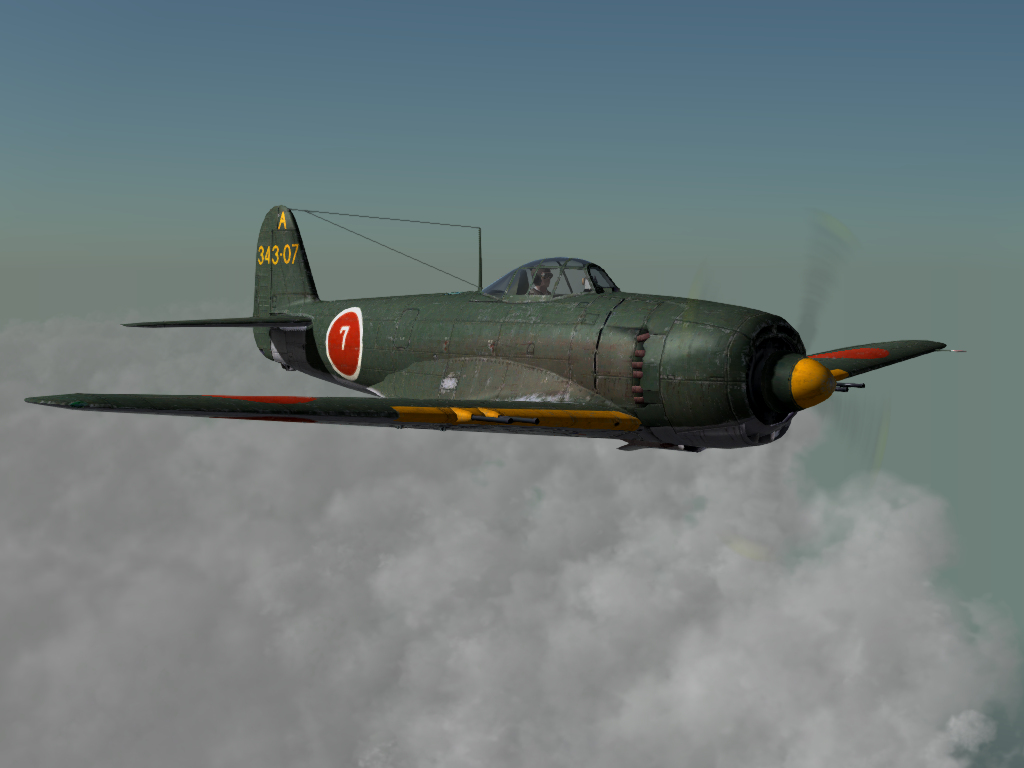
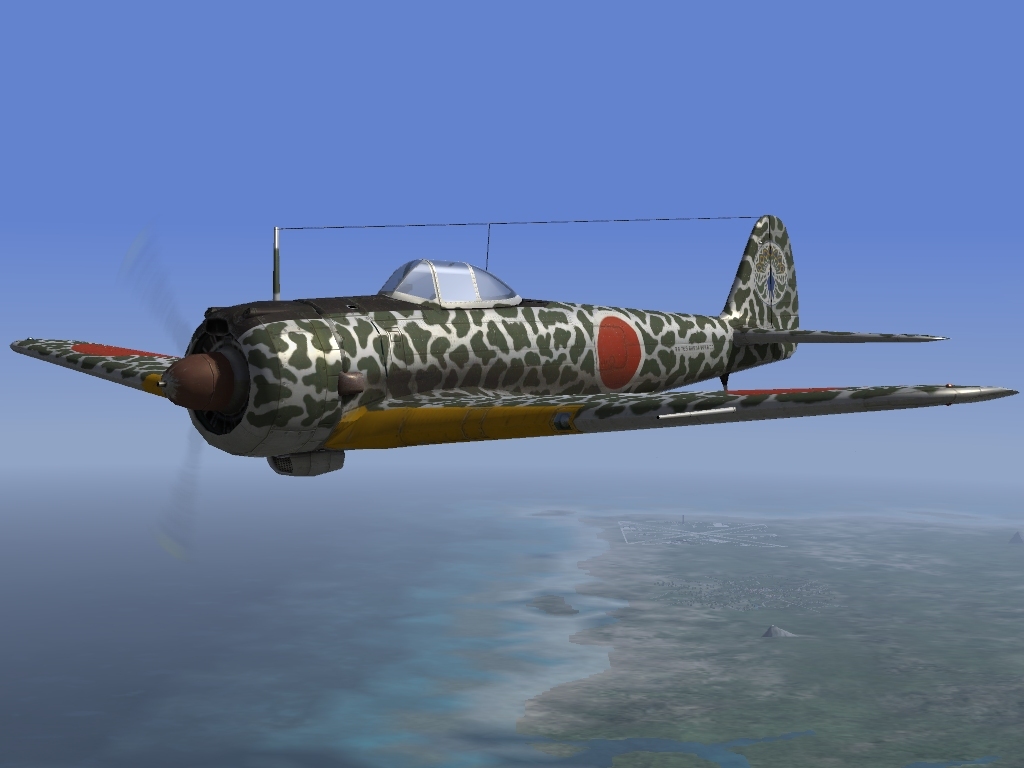
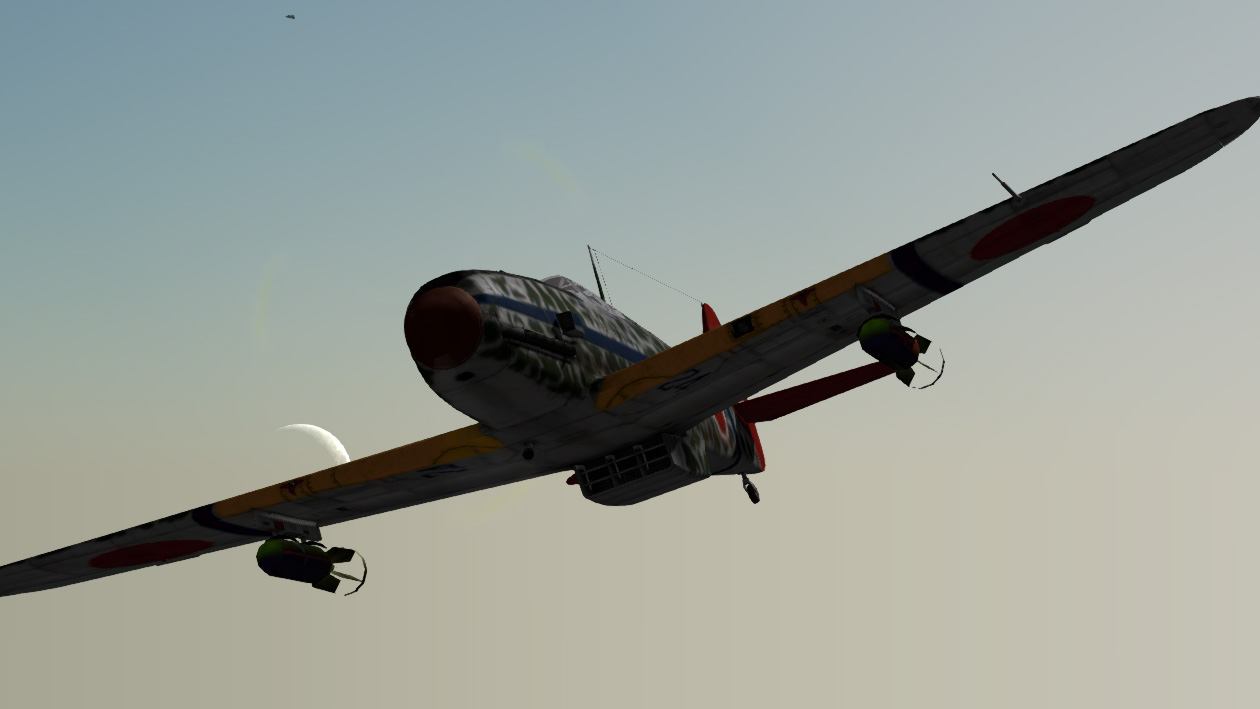
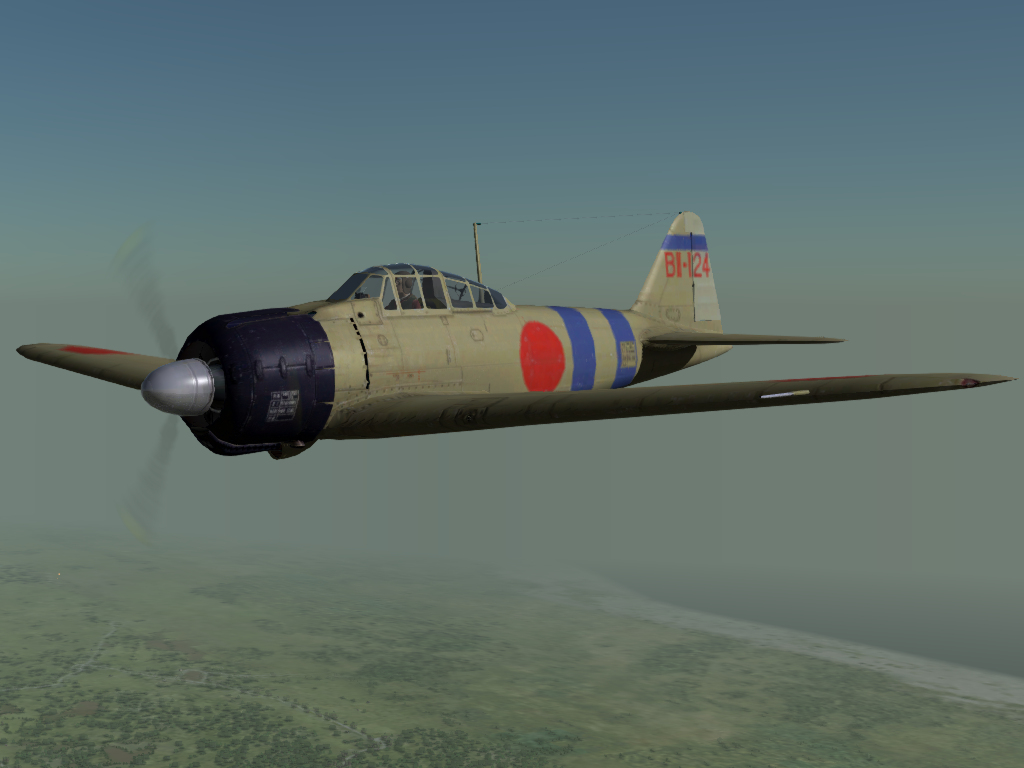
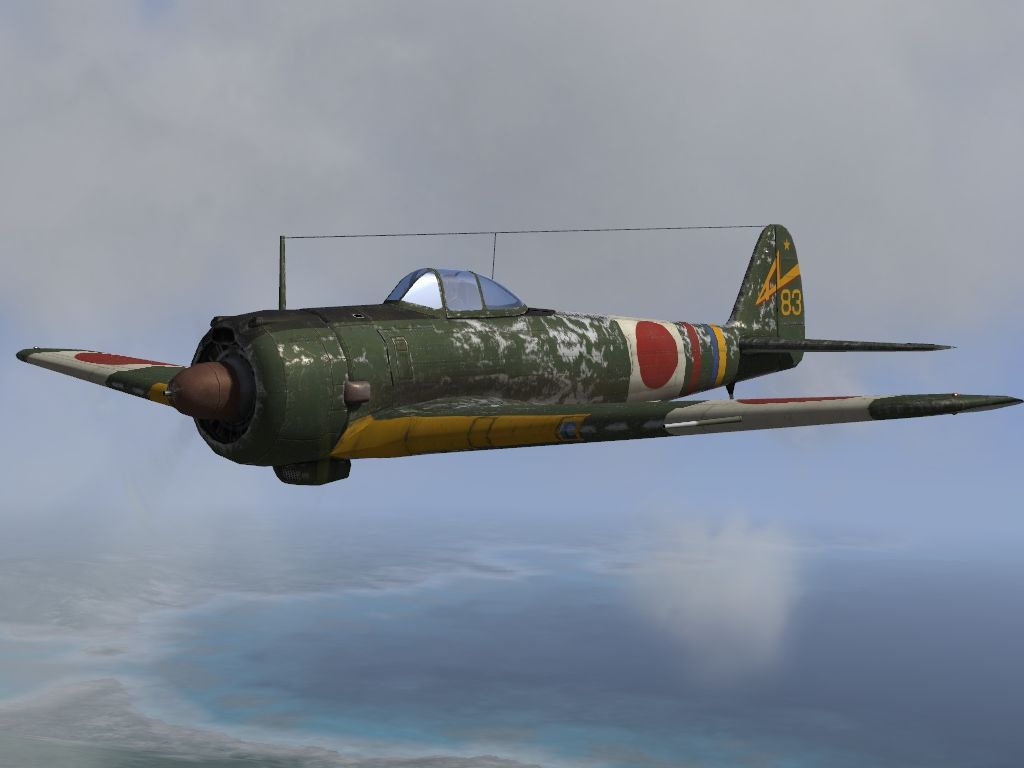
Increased Ki-43 ammo load to 270 rounds per gun.

Fixed a prop sorting error on the Lancaster during engine start.

He 111 propellers no longer display fully feathered when the engine is off.

Fixed an incorrect label on the hangar bomb loadout of the Ki-43.

Revised the compass tape texture on the He 111.

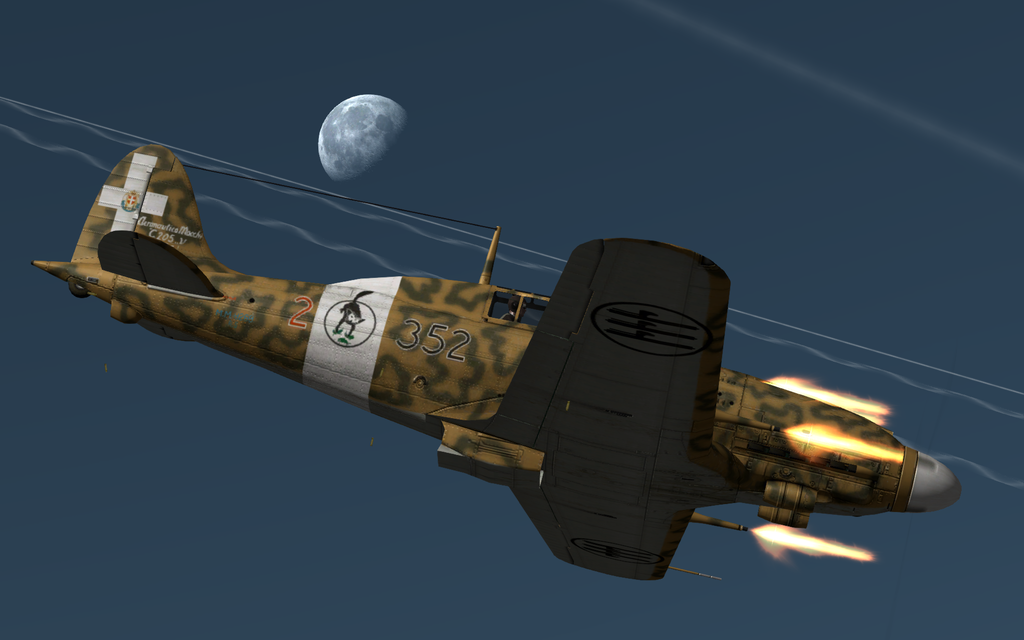
Fixed a phantom polygon that was showing when the MG package was selected on the C.205.

Elevator trim gauge on the C.205 did not have a full range of motion.

He 111 rudder pedal animations were reversed.

Fixed some damage display errors on the Maachi's.

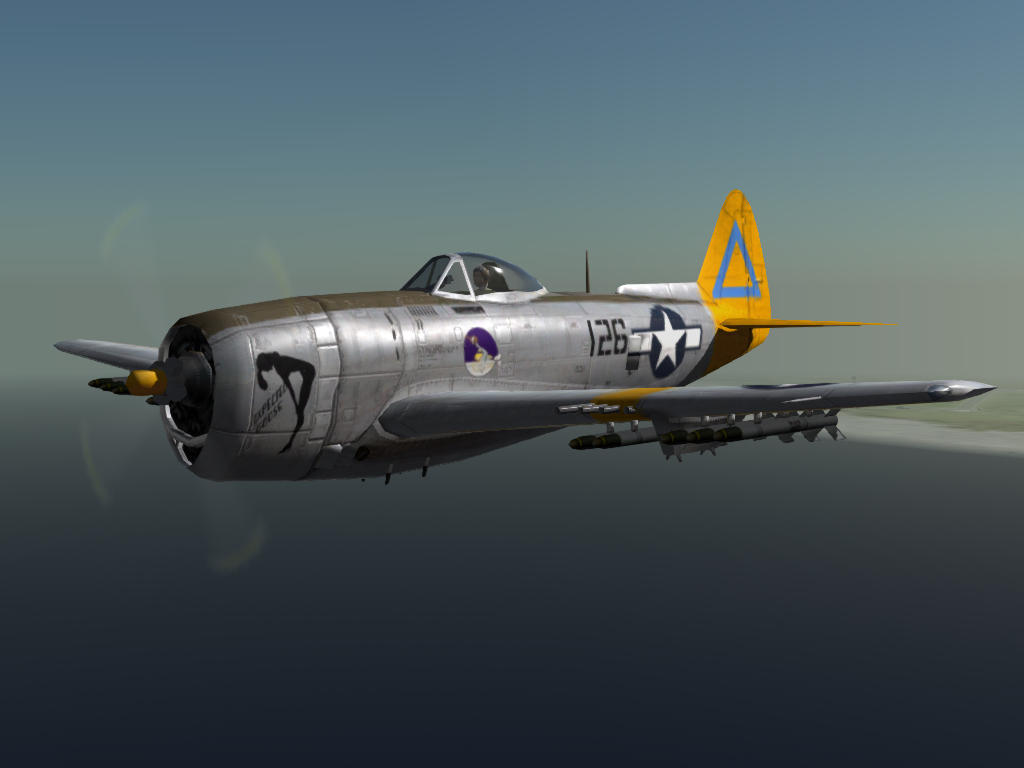
P-47M was missing a hangar label for wing points.

The .score command now shows the last 10 players you got kills of and killed by.  Other player's kill lists won't update until their sortie ends.


Version 2.30 Patch 0 Changes
======================

Added new bomber He 111H.

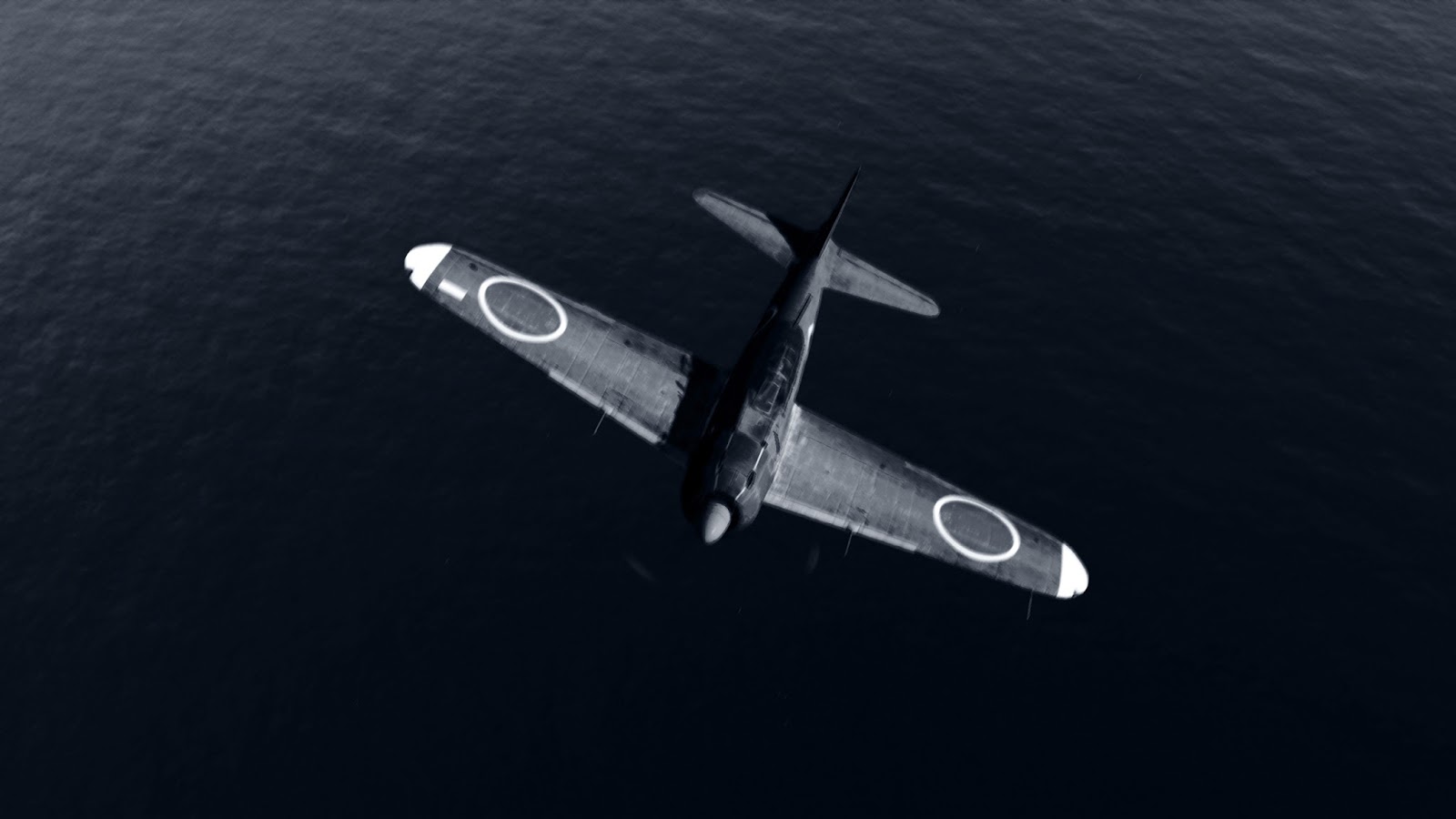
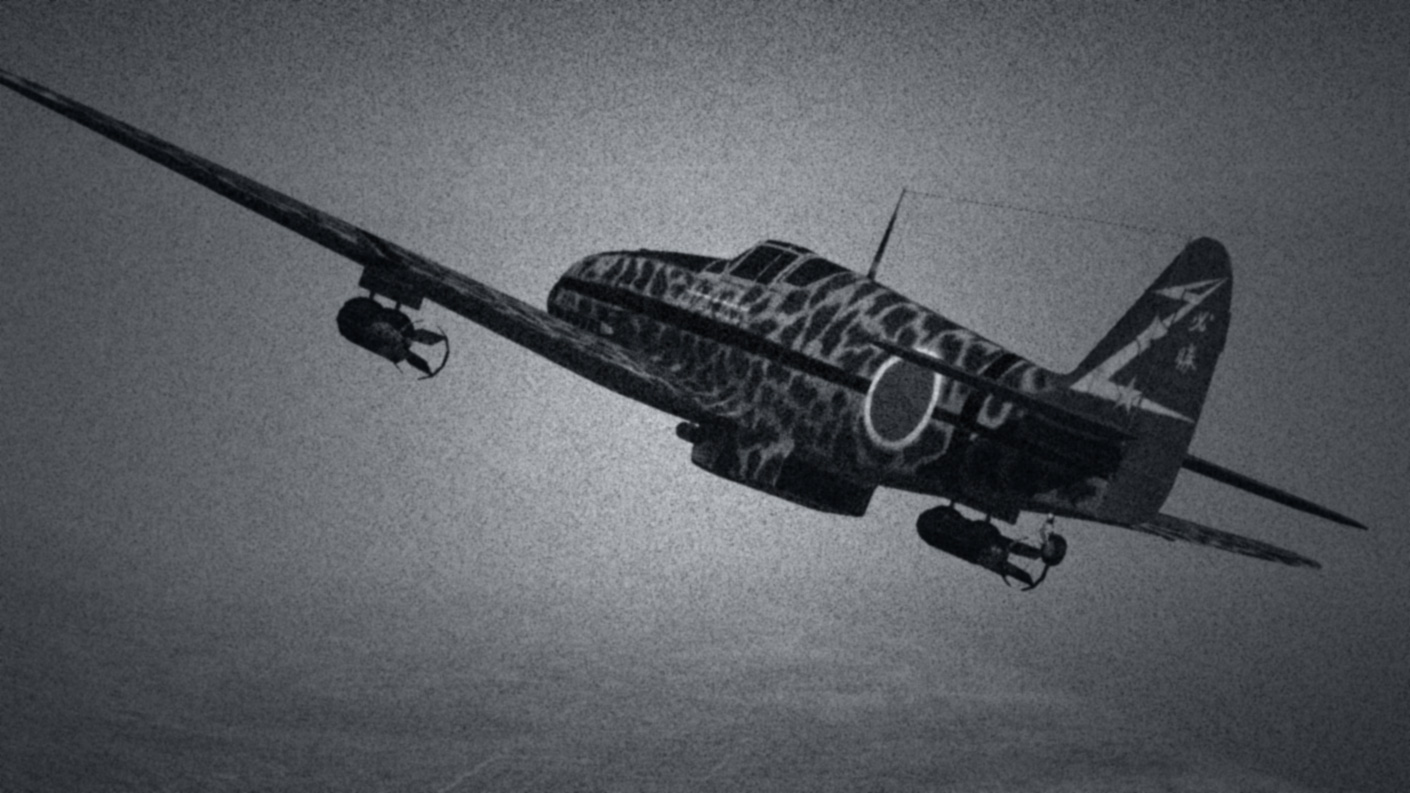
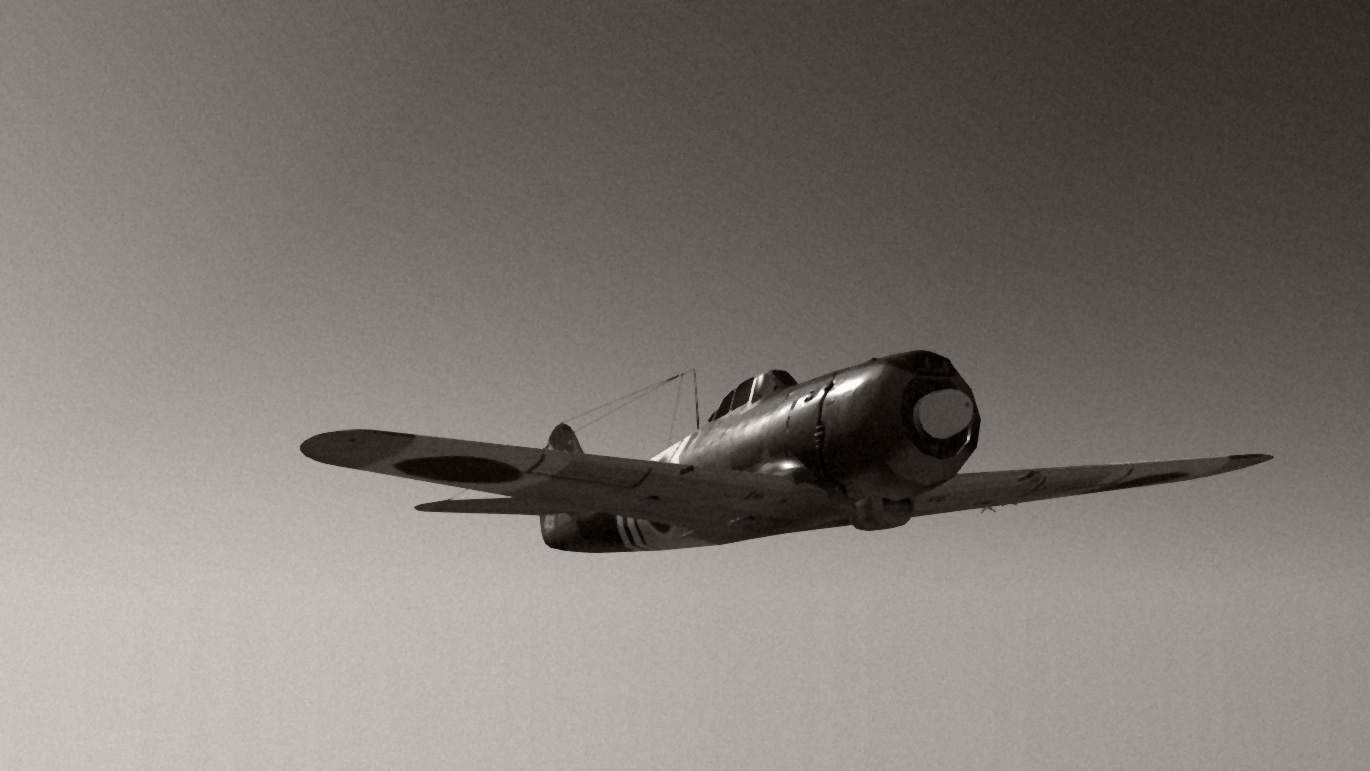
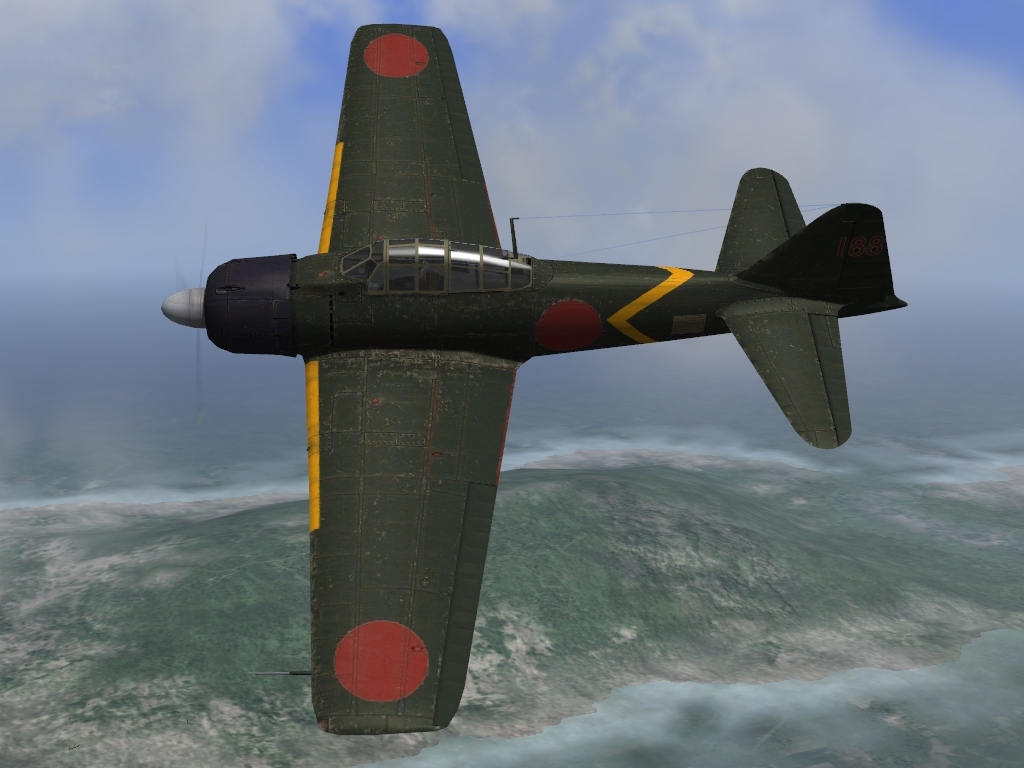
Added new fighter Ki-43-II.

Updated the C.202 and C.205 shapes.

Updated the Lancaster shape and flight model.

Added a display of your plane's gross weight and endurance to the hangar.

Changed the shape dimensions of the 4000 lb "cookie" bomb.

Added a semi armor piercing bomb loadout to the Fw 190F.

Changed the appearance of the wind display on the clipboard map.

Fixed an issue where the film viewer would react to key inputs while minimized or while converting a film to AVI.

Wide screen aspect ratios are now available in the film viewer.

Film viewer now gives an error message if you use an unsupported CODEC when saving as an AVI.

Fixed a sorting issue along beaches that was happening with ATI video cards.

Fixed a crash bug in the film viewer that would happen if you canceled out of the CODEC selection menu.

Added a button to abort the save as AVI process in the film viewer.

Fixed an issue that caused the horizon not to blend correctly at night time.

Fixed an issue that could cause the loss of mouse control when using a horizontal scroll bar.

Saving to AVI in the film viewer is now much faster.

Reduced the max height of the pilot's head position in the Typhoon.

The 2 different cannons on the Panzer 4F had their fire rates reversed.

Slightly slowed the fire rate on the M8.

Fixed a bug that caused pilot wounds in the Hurricanes to block out icons.

Added country symbols to aircraft carriers so you can tell which enemy country it belongs to.

Welcome to the best WW2 and WW1 combat experience online!


GET STARTED!

- With the best combat flight simulator
- Engage in land, sea, or air combat
- Create your own missions
- Form a squadron
- Find action 24 hours a day
- Participate in historical scenarios

Free download. Free 2 week trial.
No credit card required for free trial.

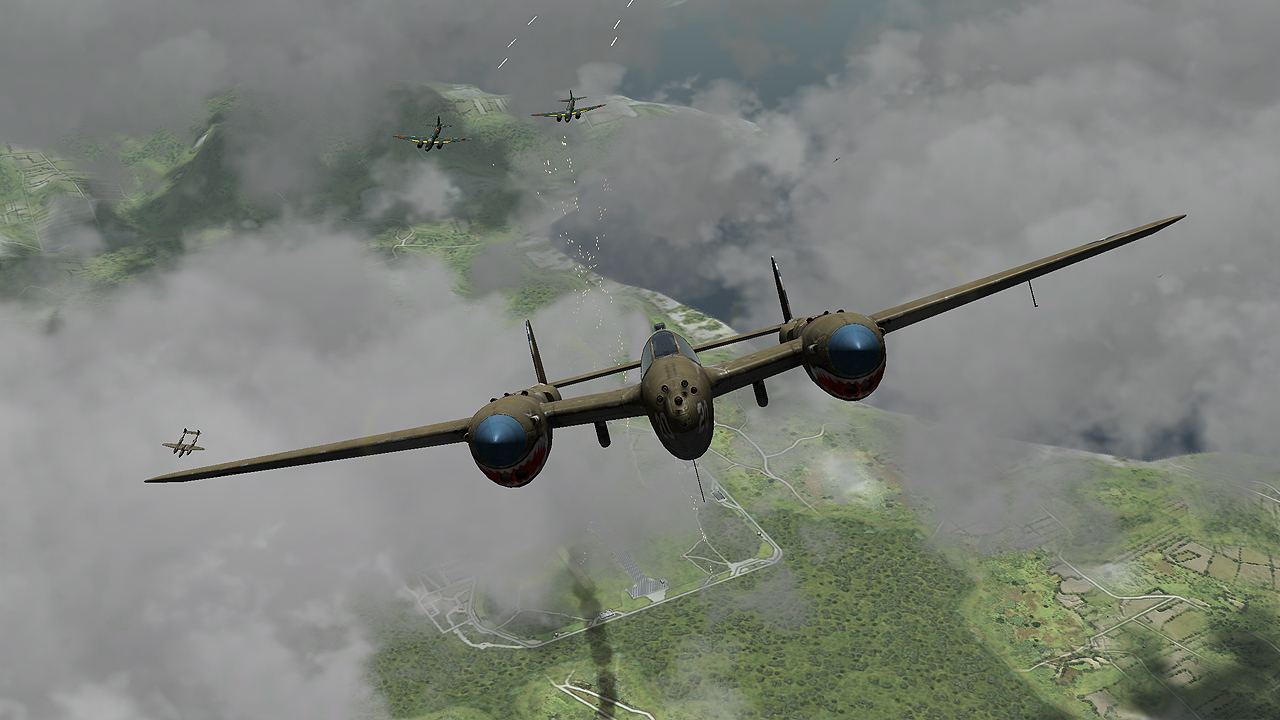
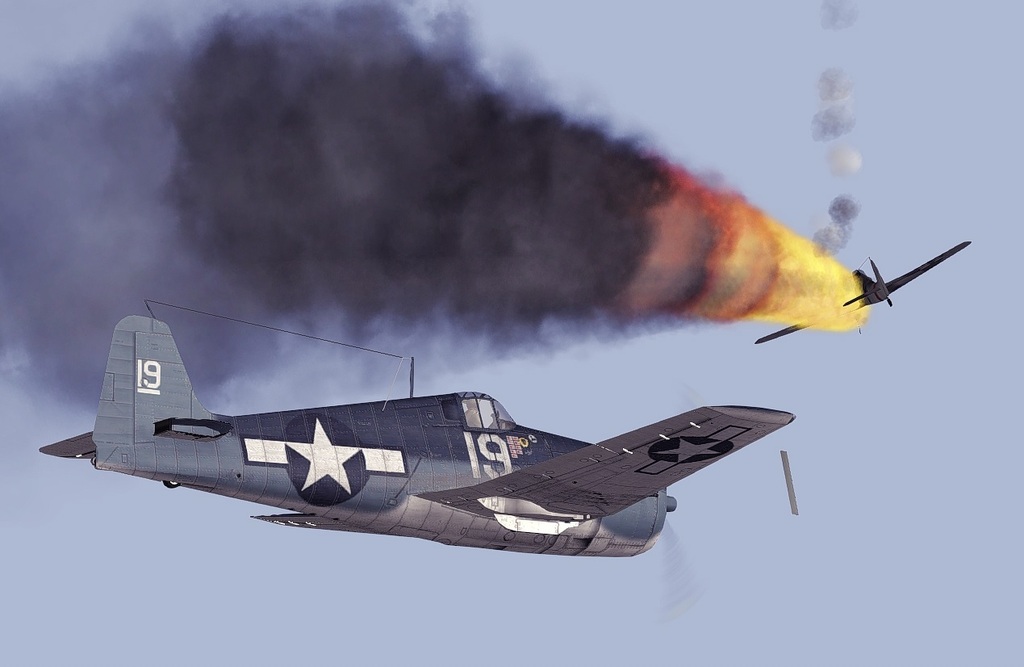
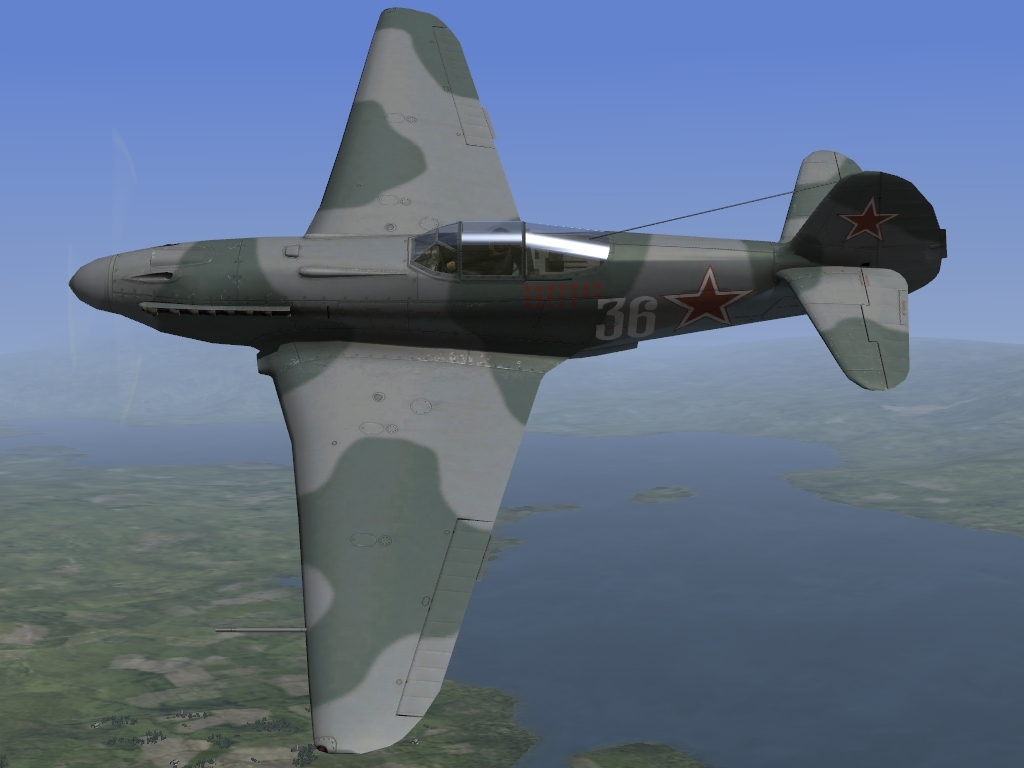
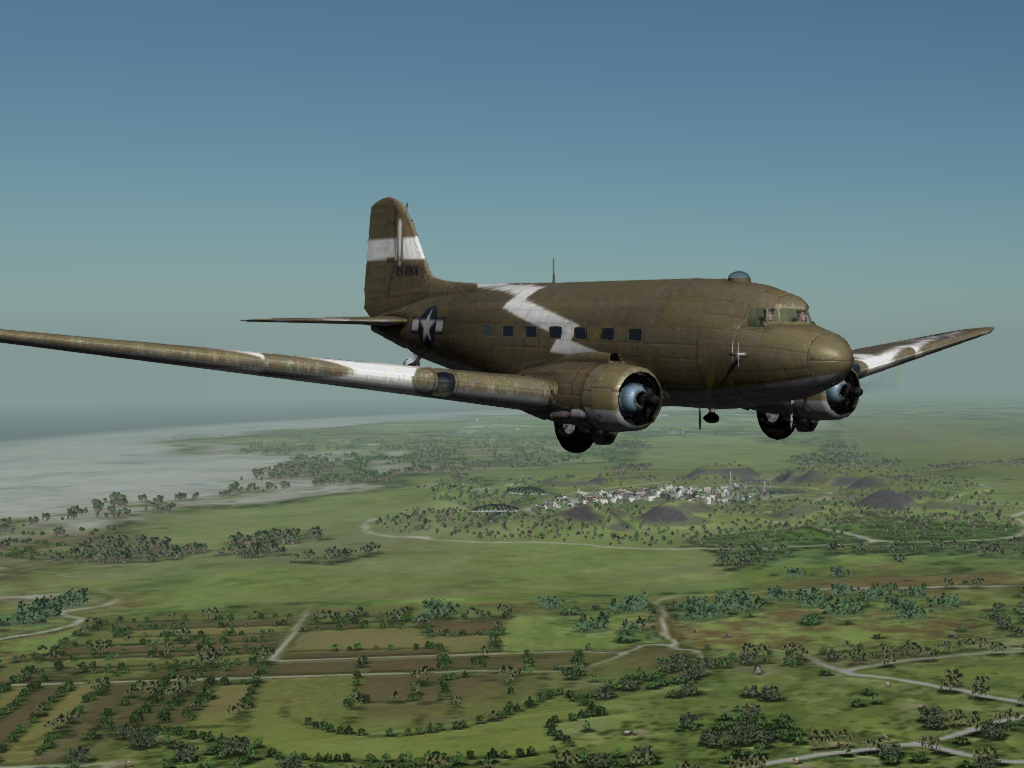
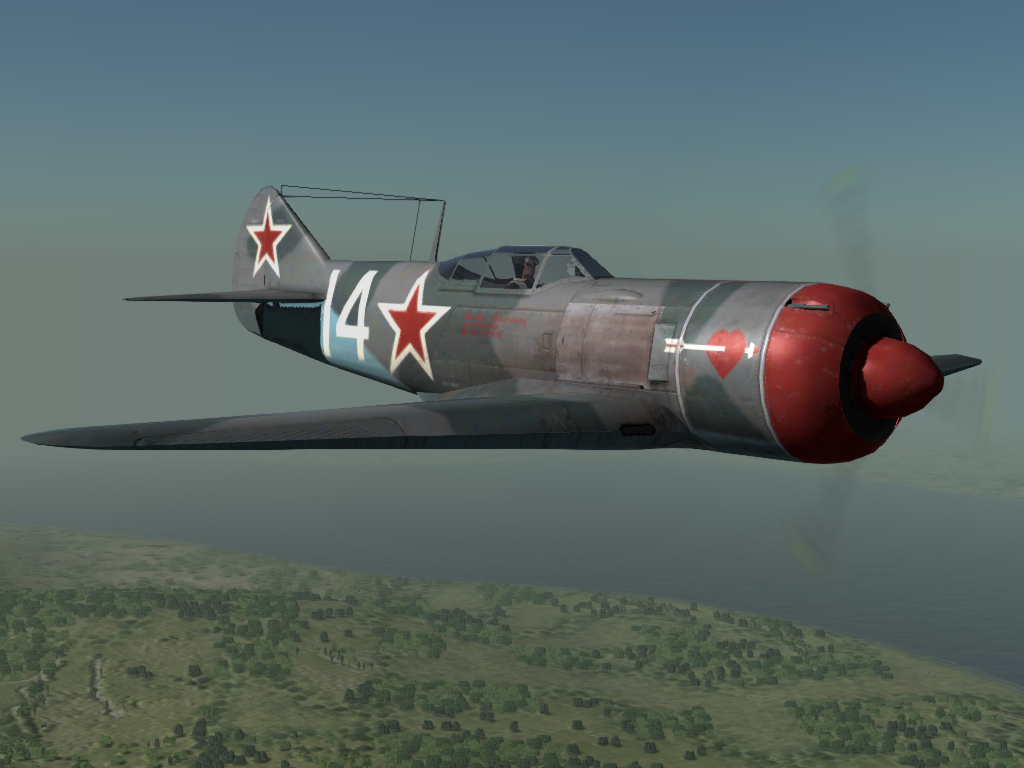
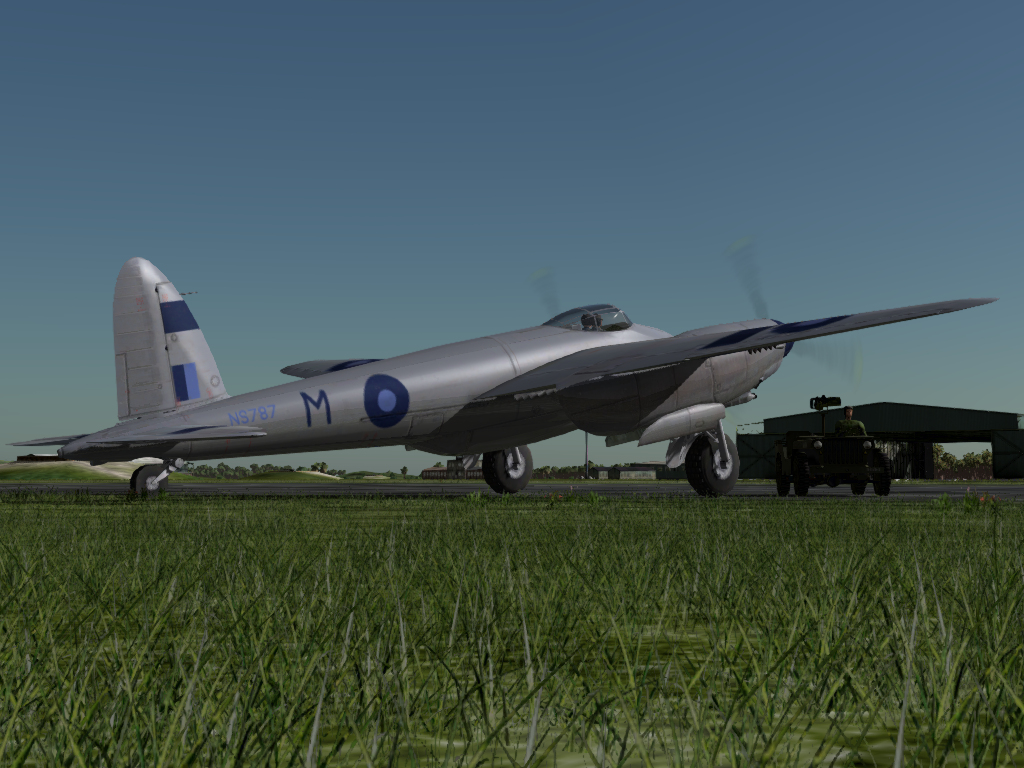
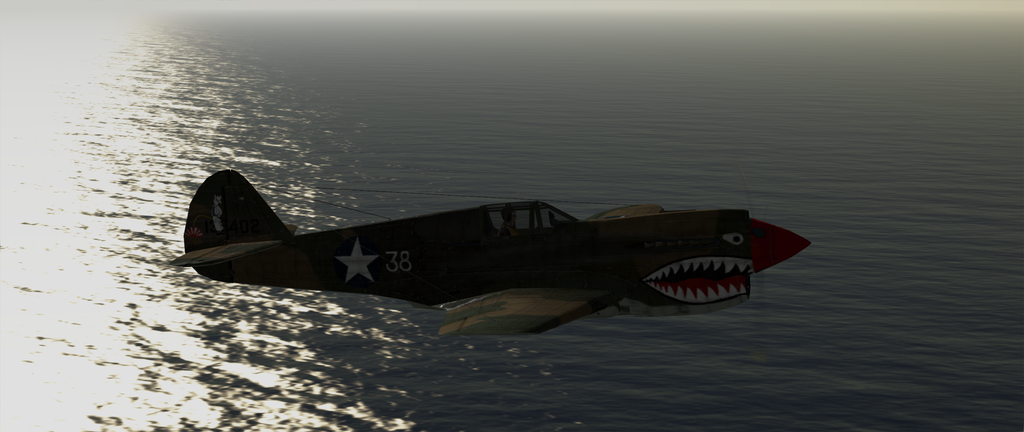
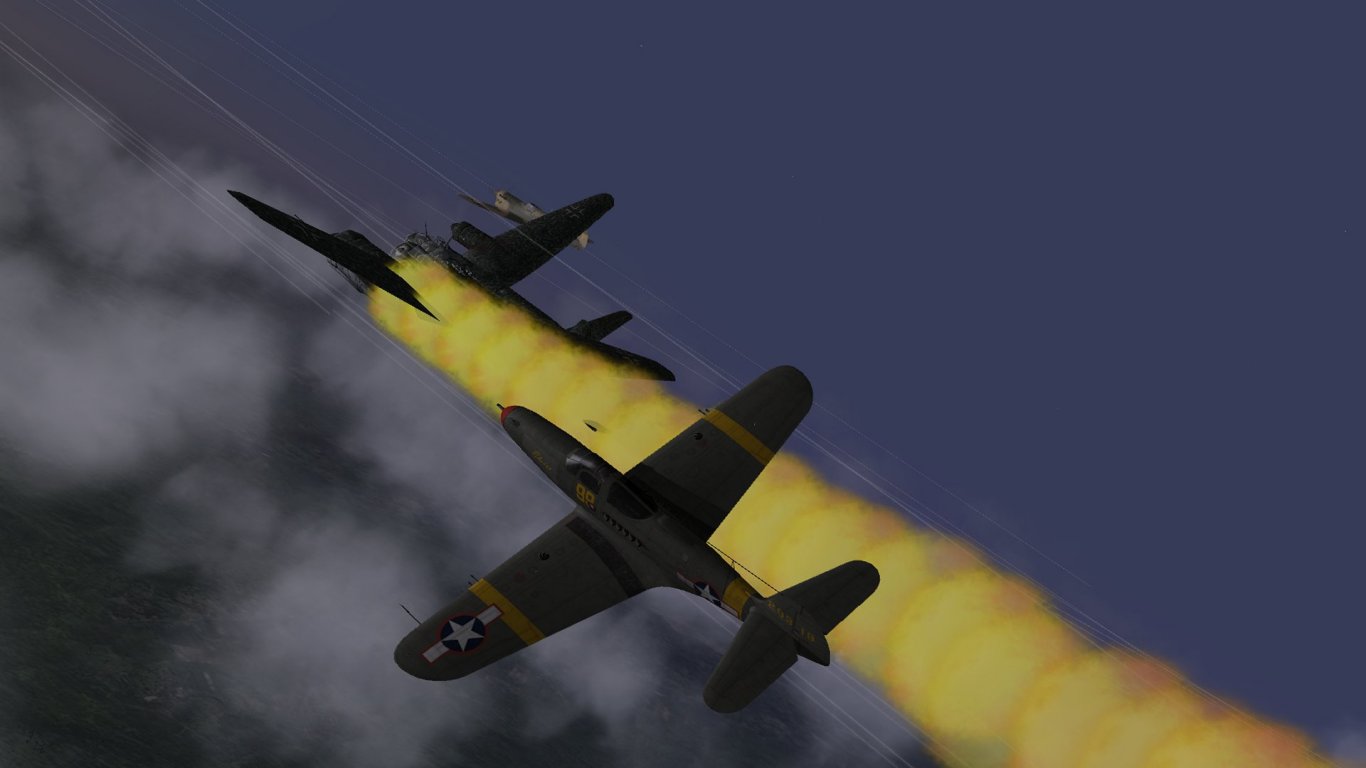
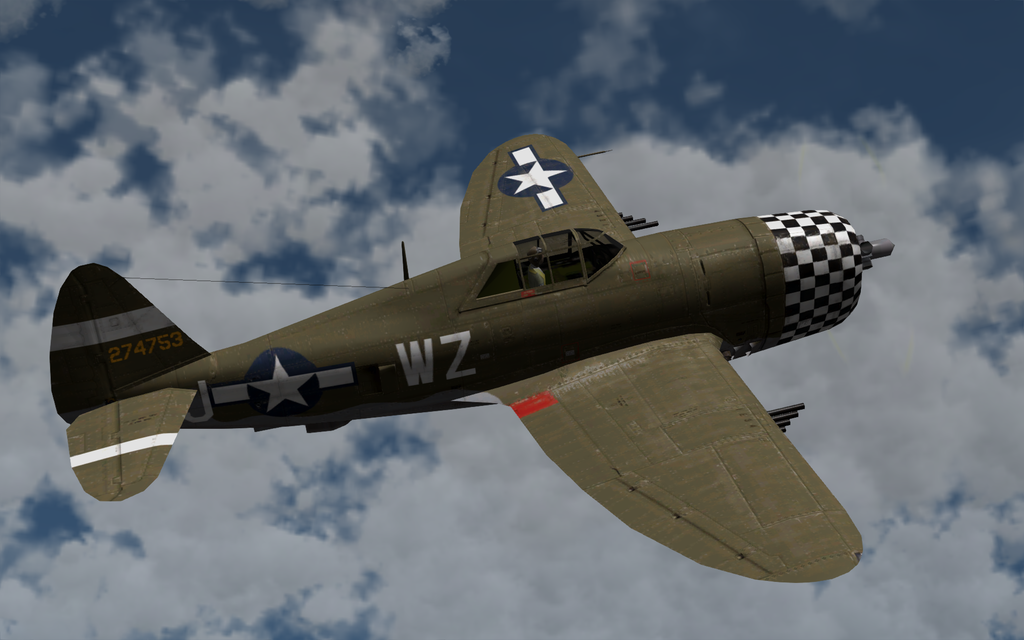
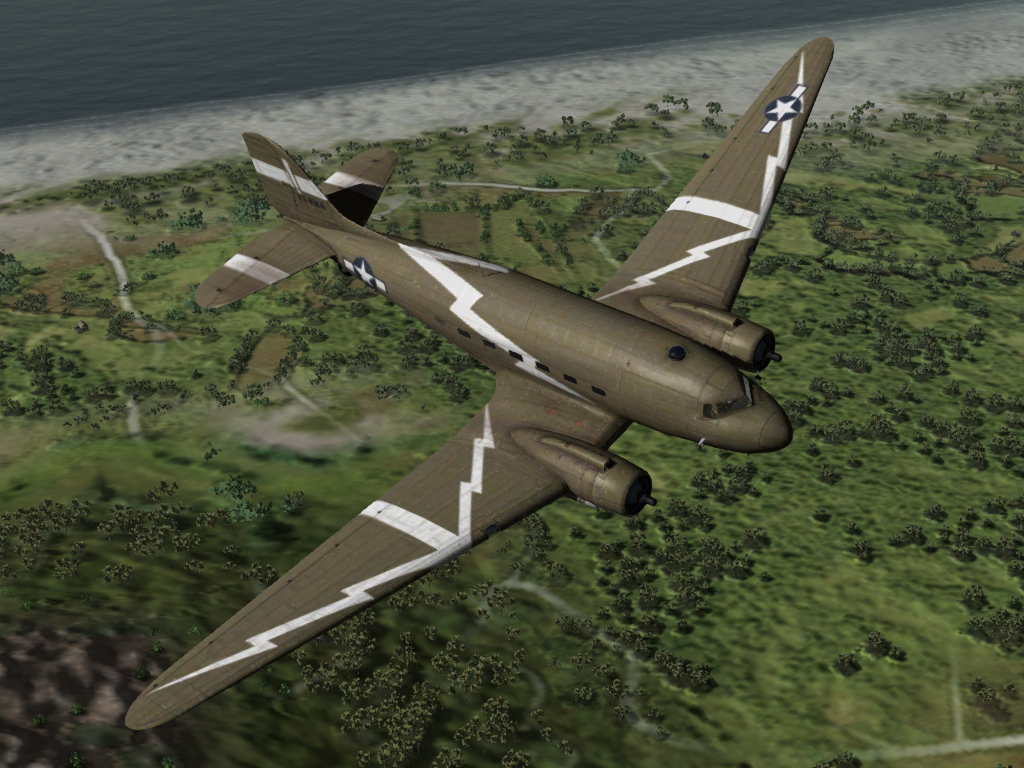
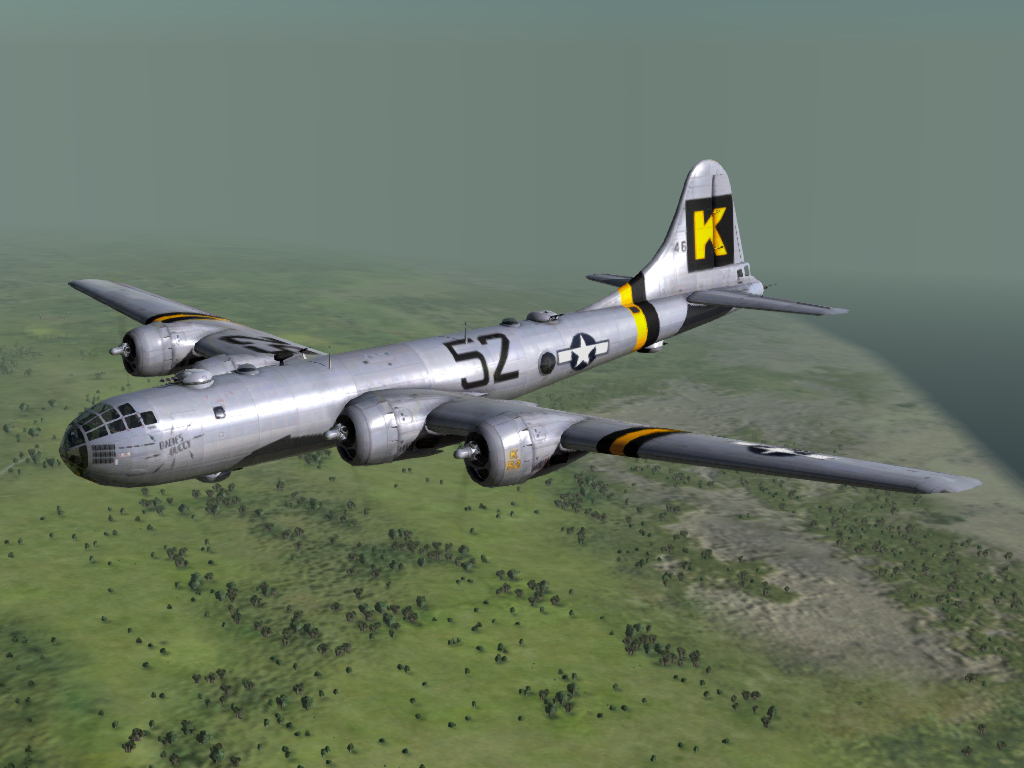
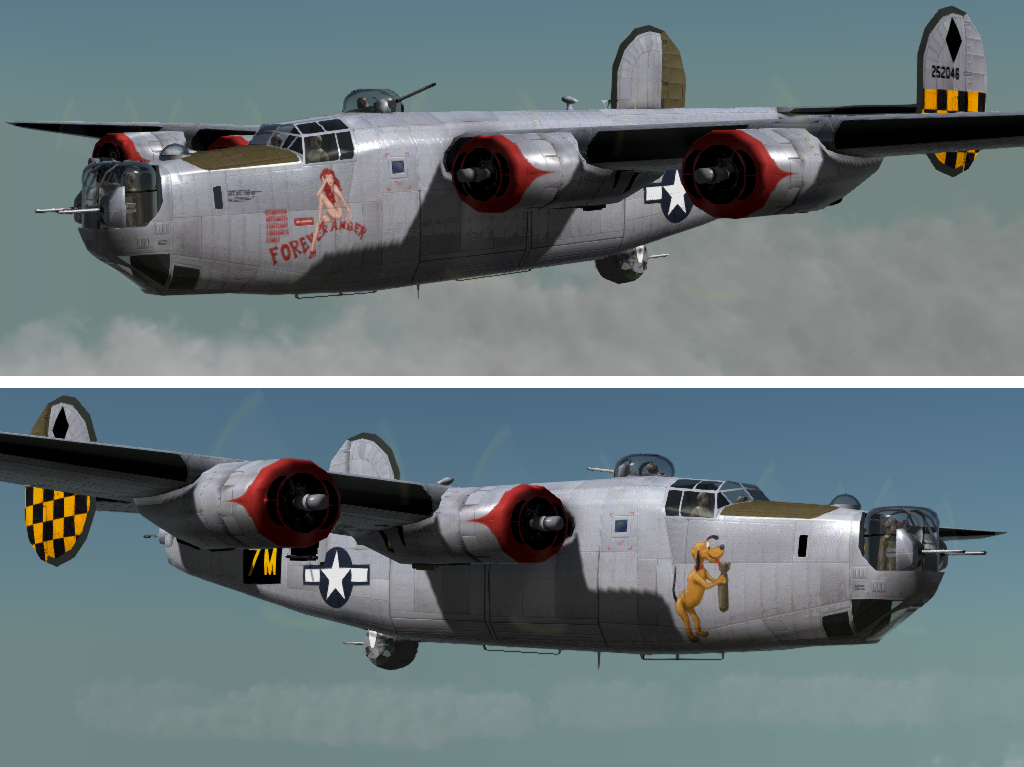
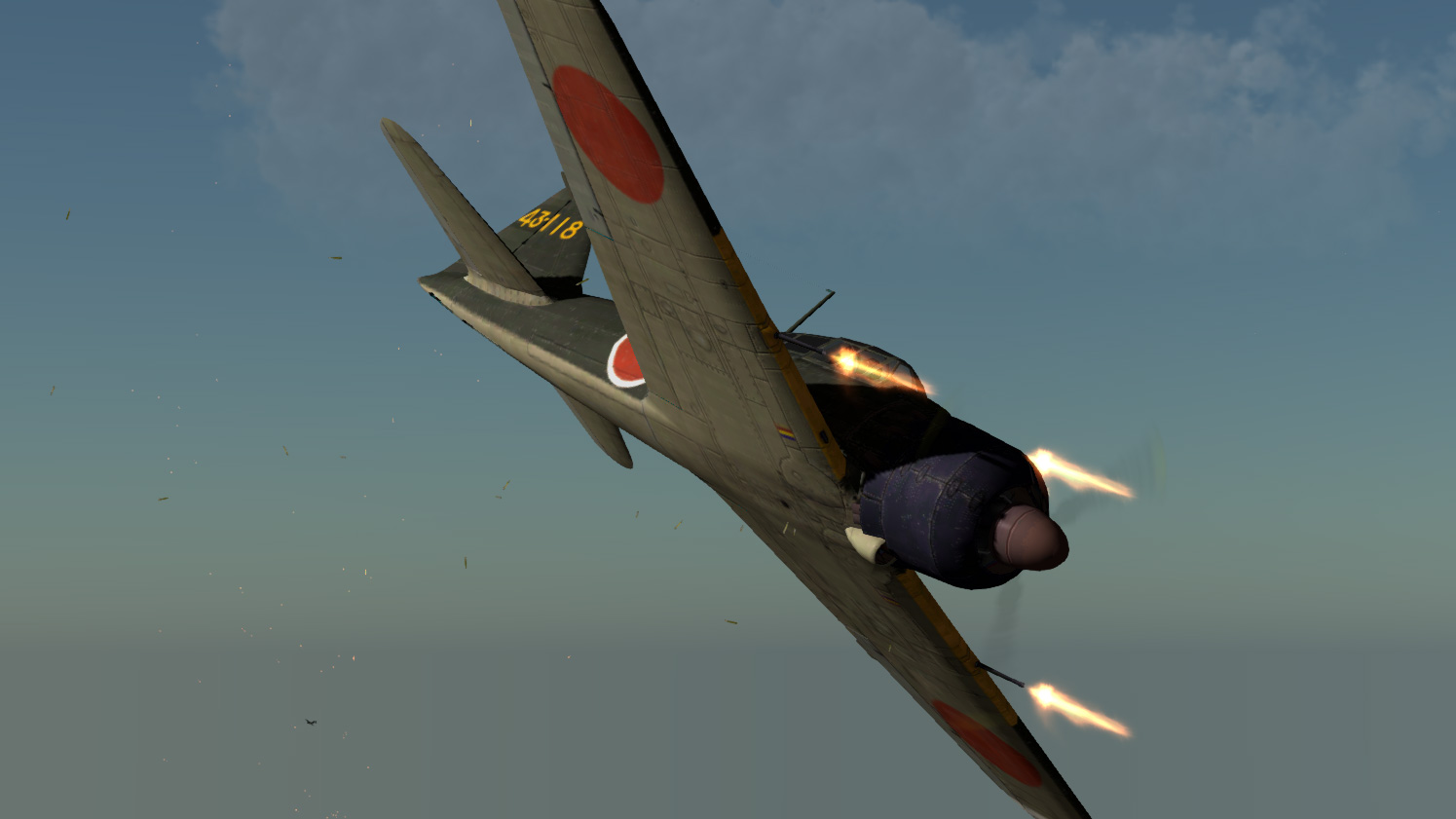
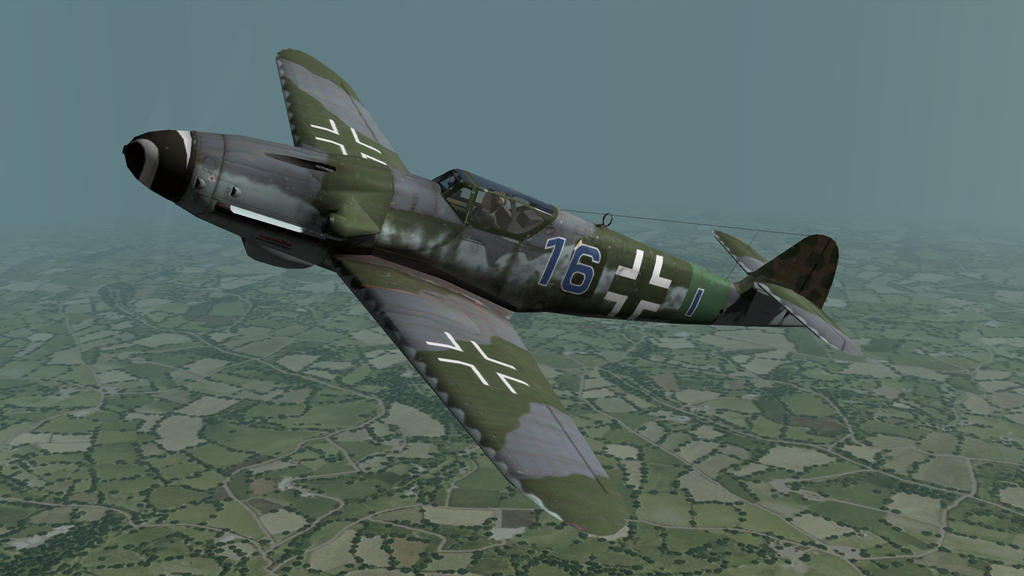
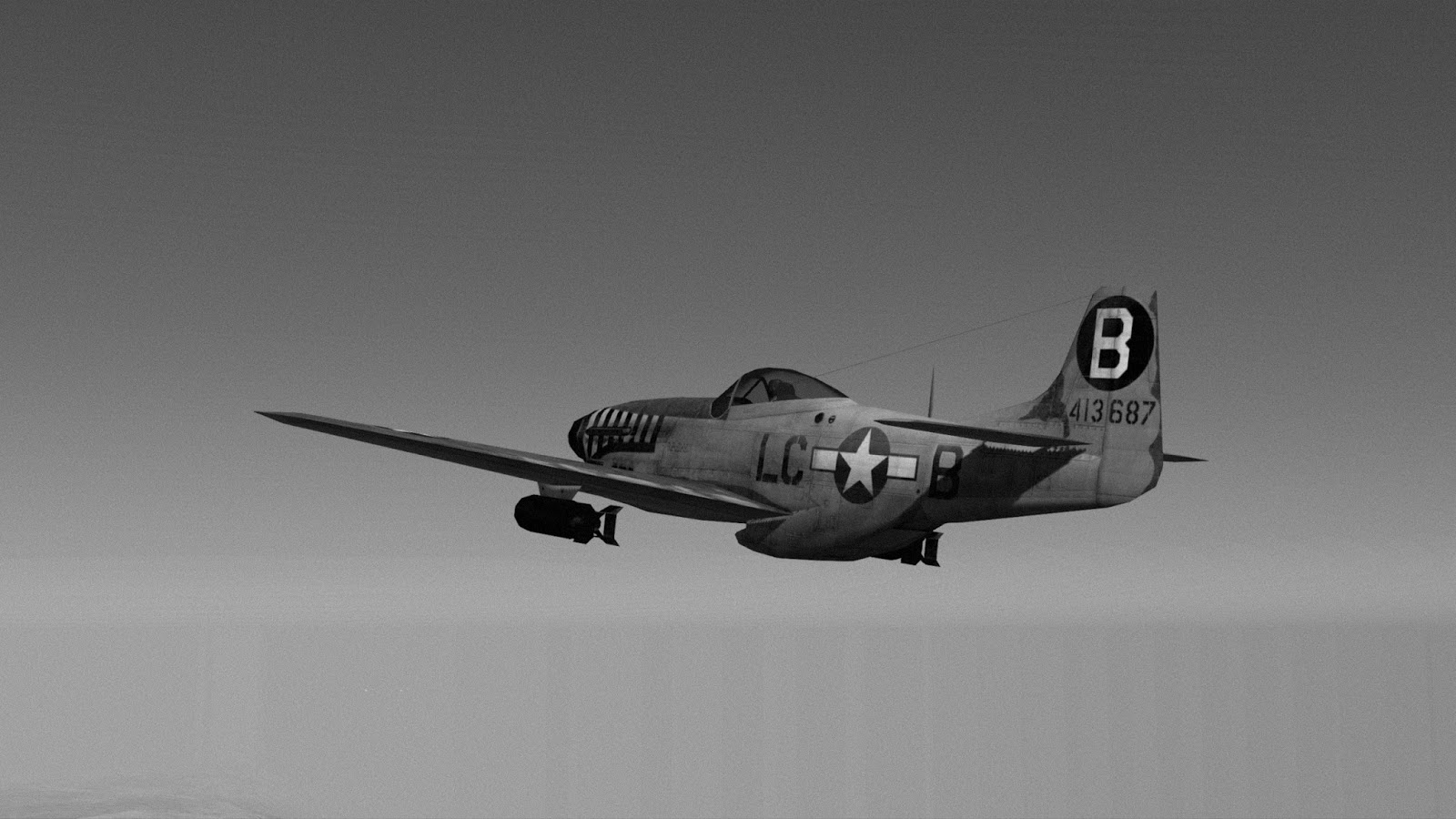
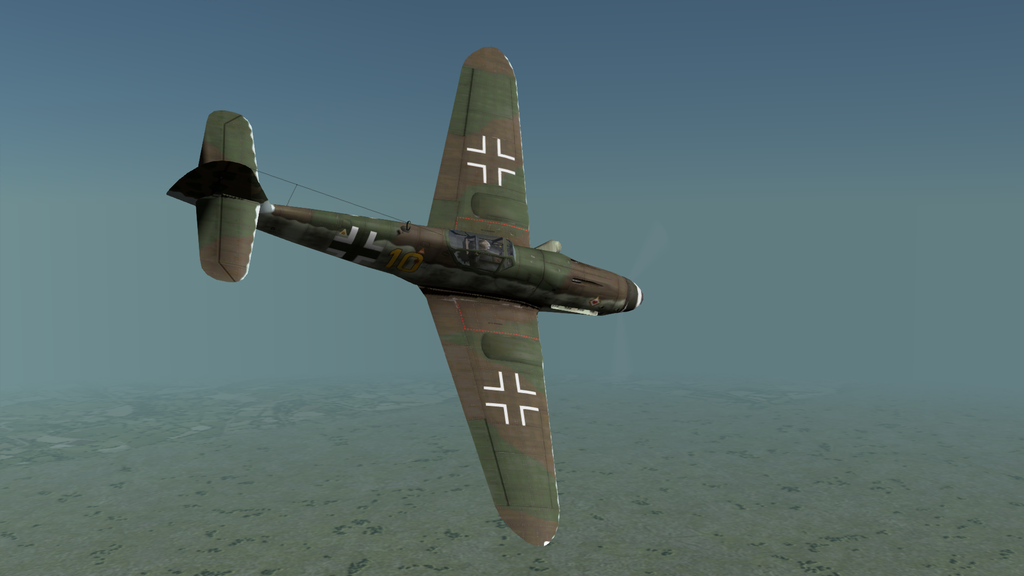
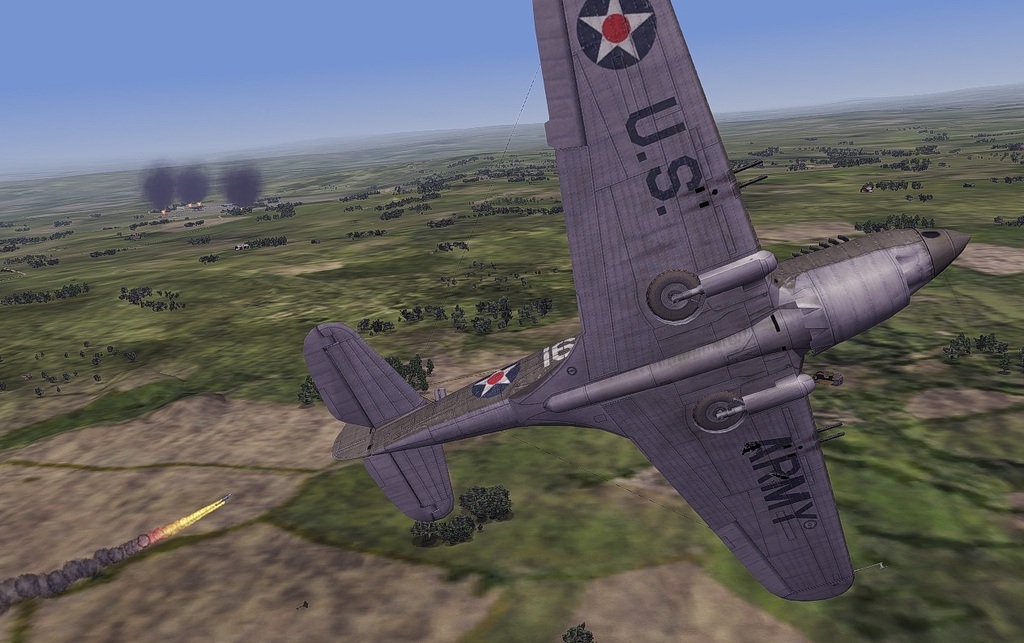
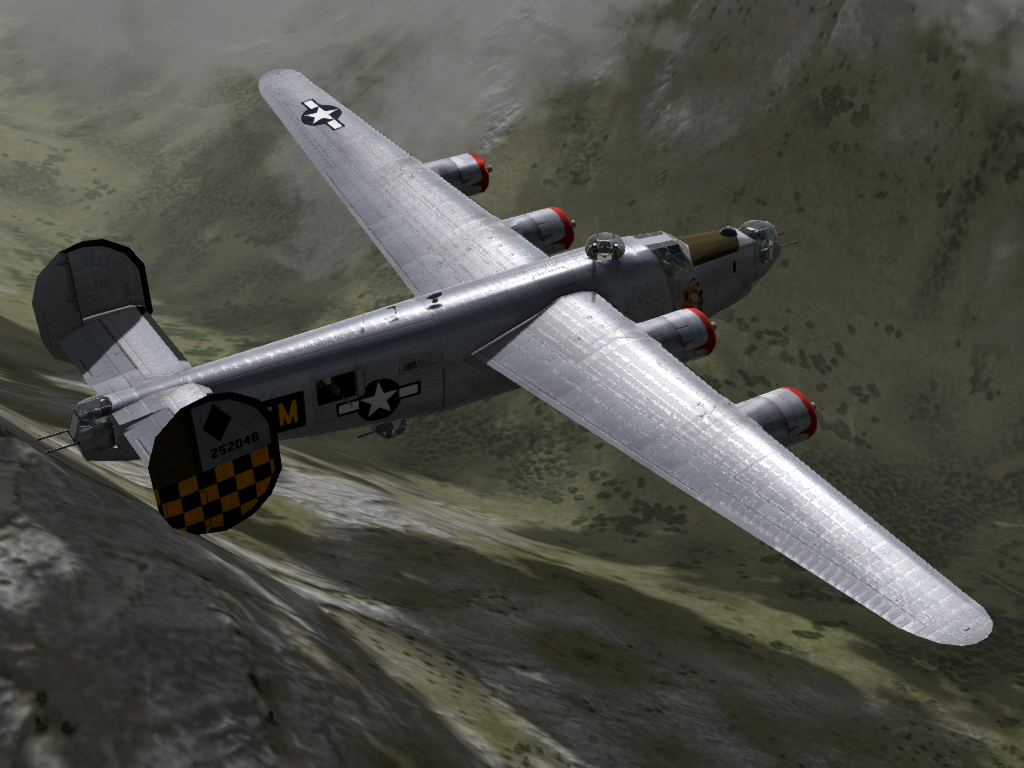
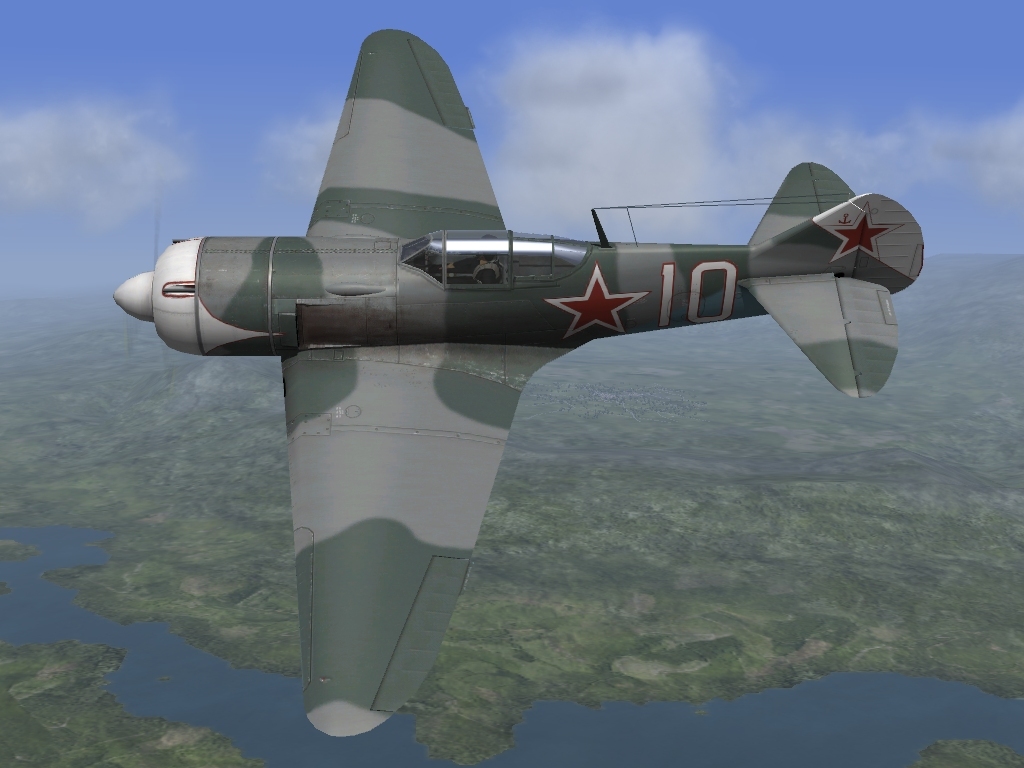
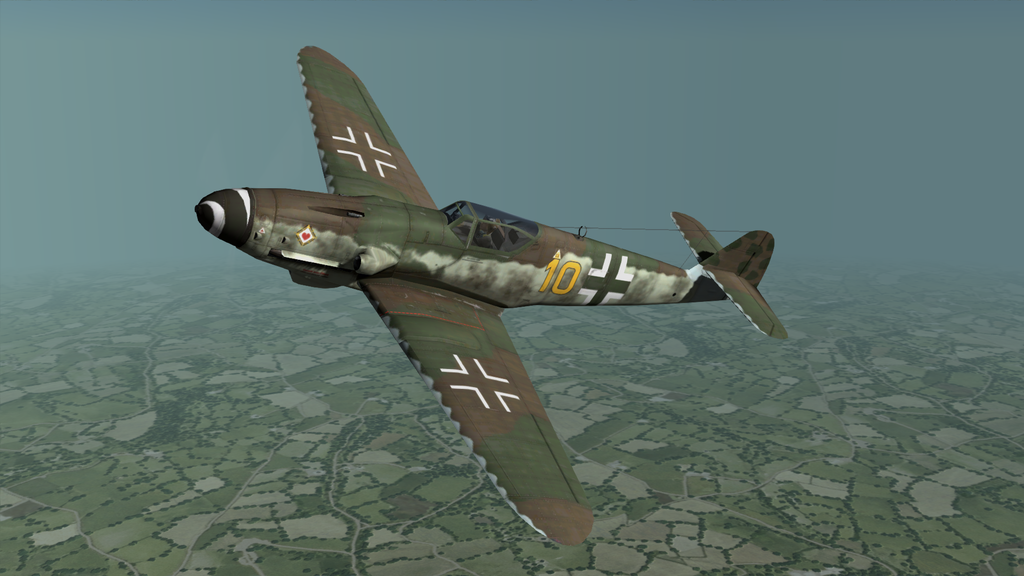
Aces High takes the art and science of vintage WW1 and WW2 air combat and sets it in a high intensity online multiplayer environment.  Hundreds of players simultaneously battle it out against each other in massive aerial dogfights and bomber raids.  

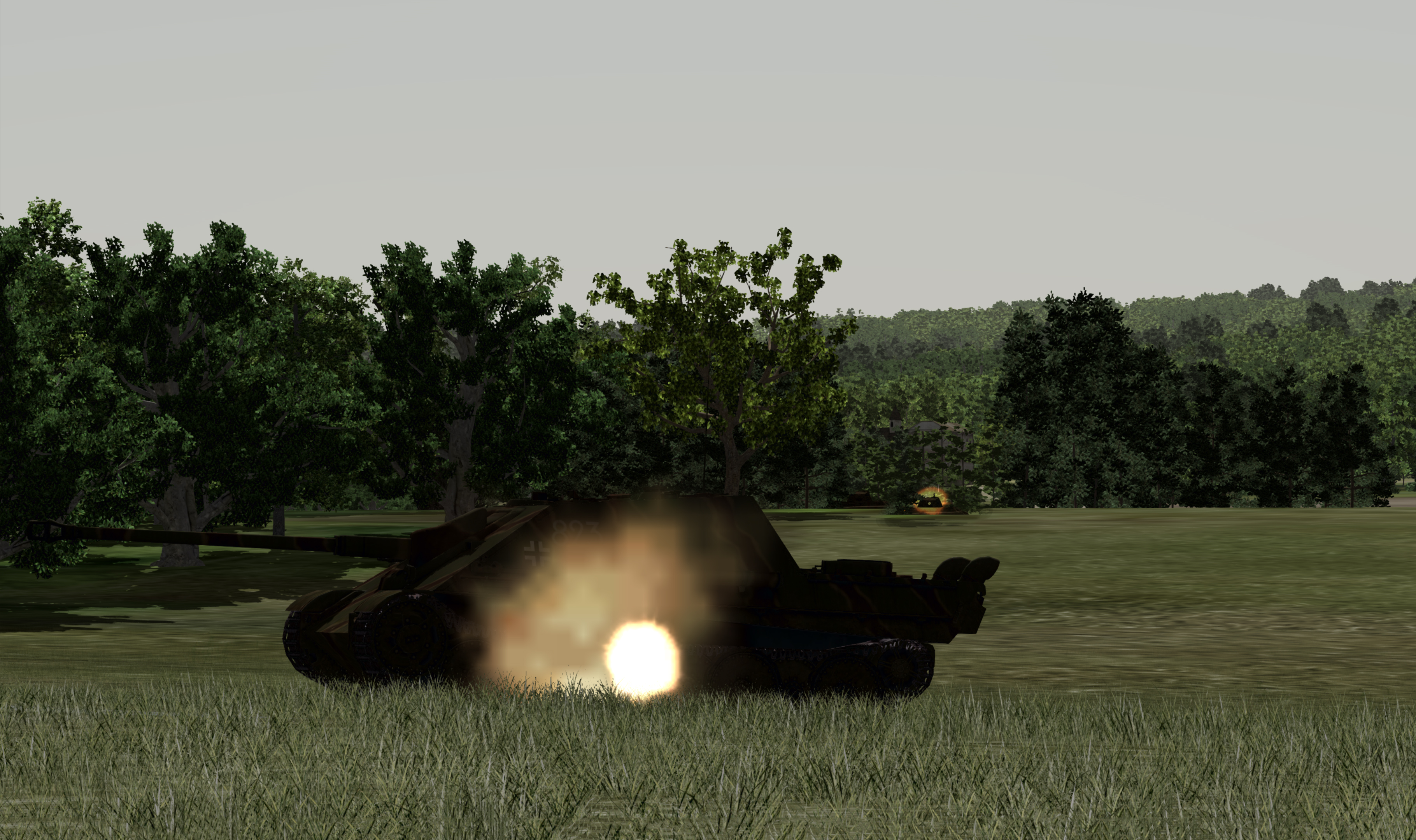
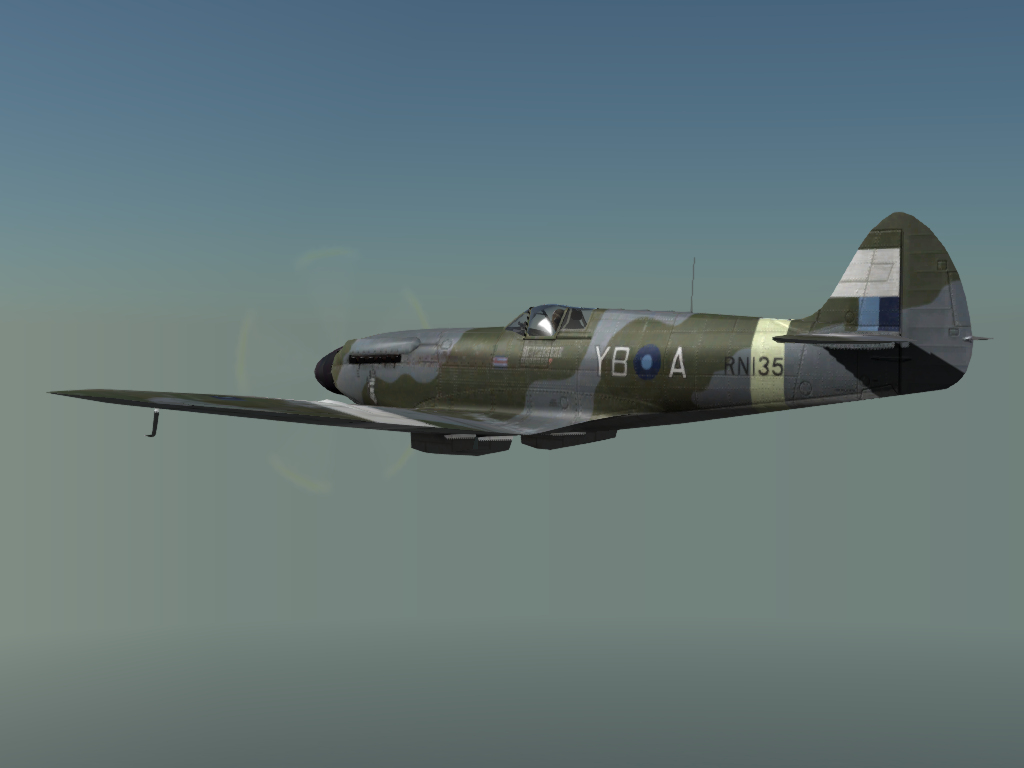
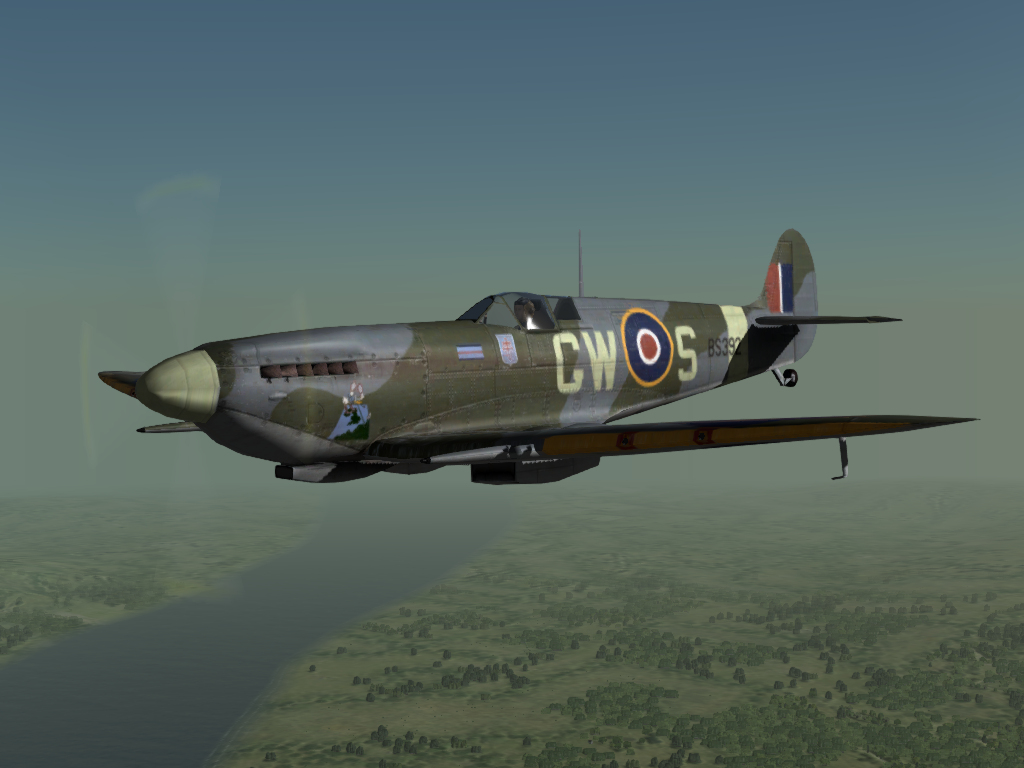
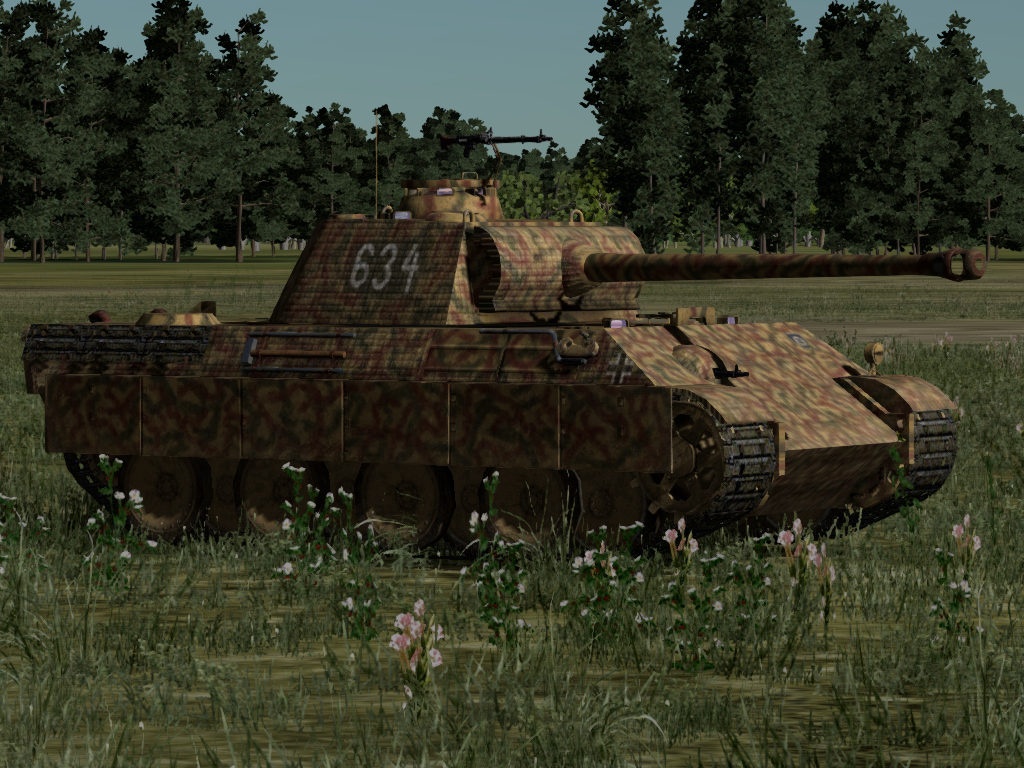
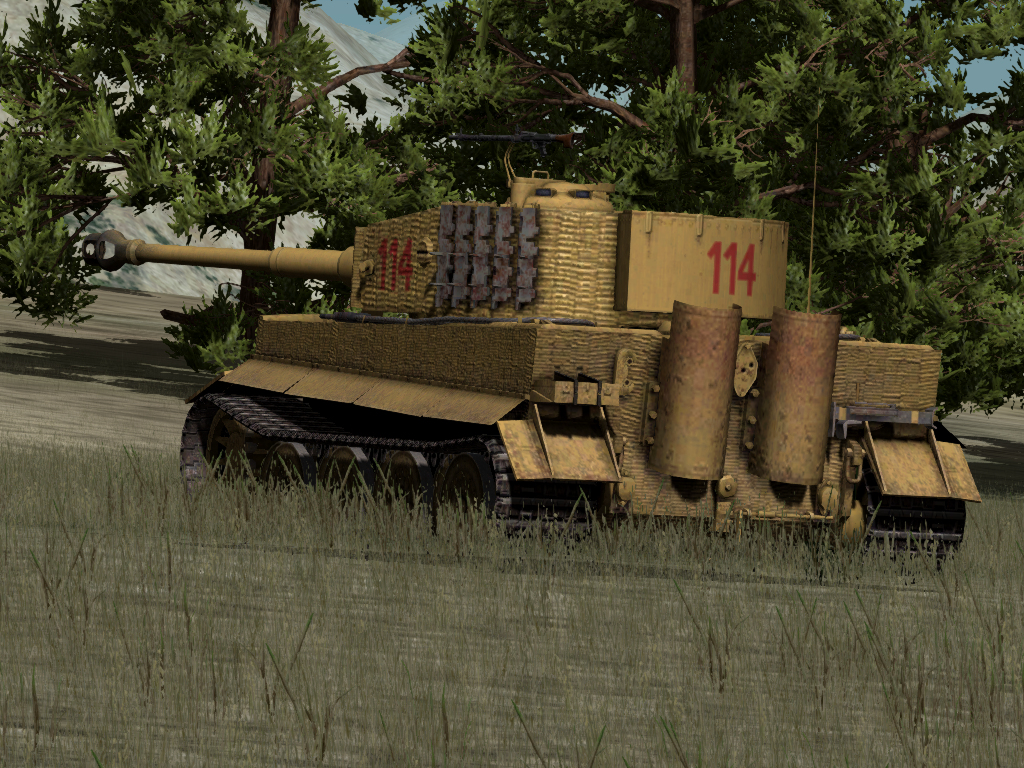
High fidelity flight simulation is the heart of Aces High but it doesn't end there.  A war rages on the ground and at sea.  Engage enemy armor in tank combat.  Protect your fleet as a gunner or make a torpedo run in a PT boat.  Lead an assault in an amphibious vehicle.  With over 100 warbirds, vehicles, and boats available, you have access to a vast virtual arsenal.

Take part in special events such as historical scenarios where famous battles are recreated and reimagined or try your hand at air racing at tree top level against skilled competitors.

In the air, on land, and at sea, the battle rages 24 hours a day with participants from around the world.  Take our free two week trial and find out why Aces High is the online game for you.

download game

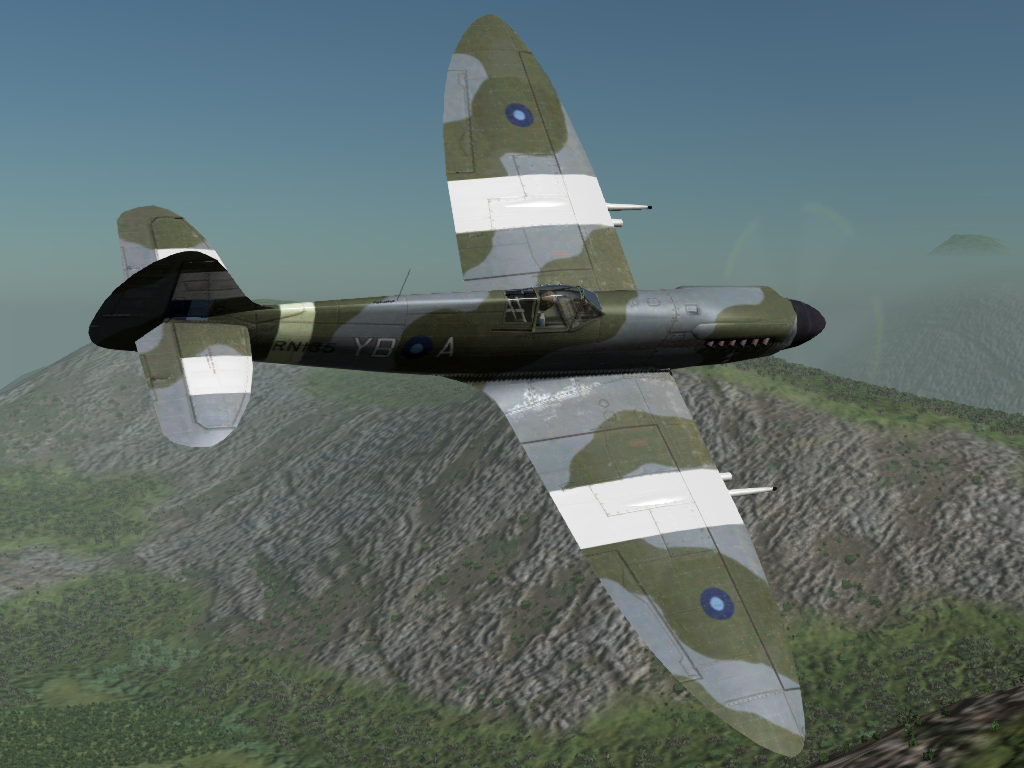
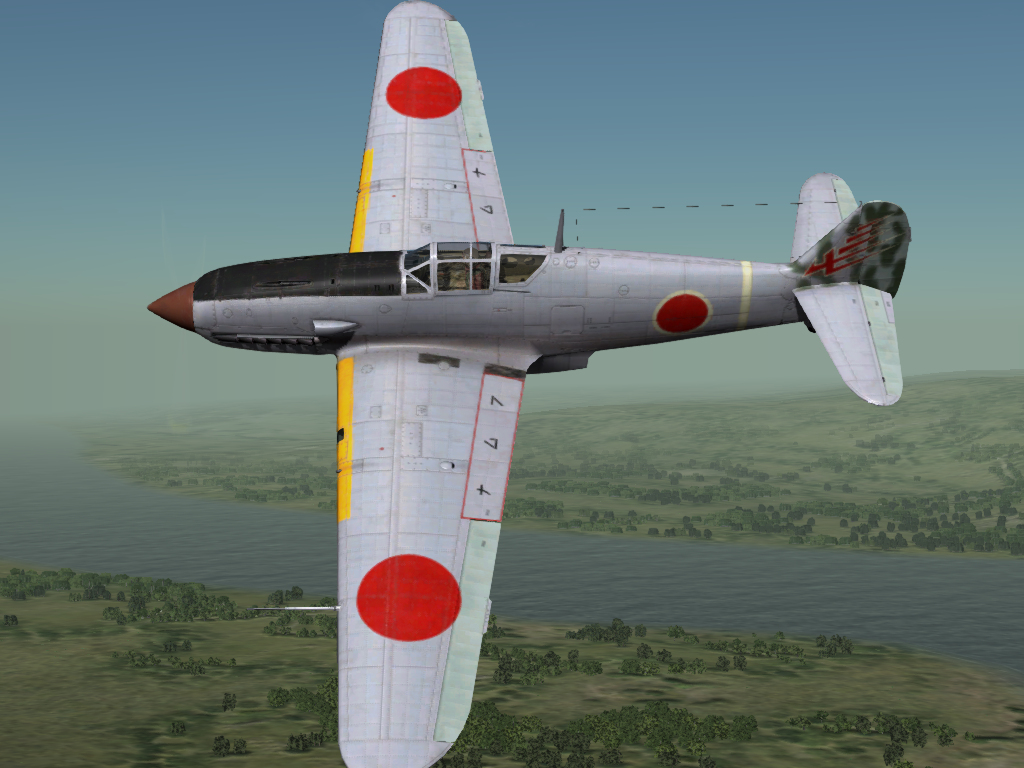
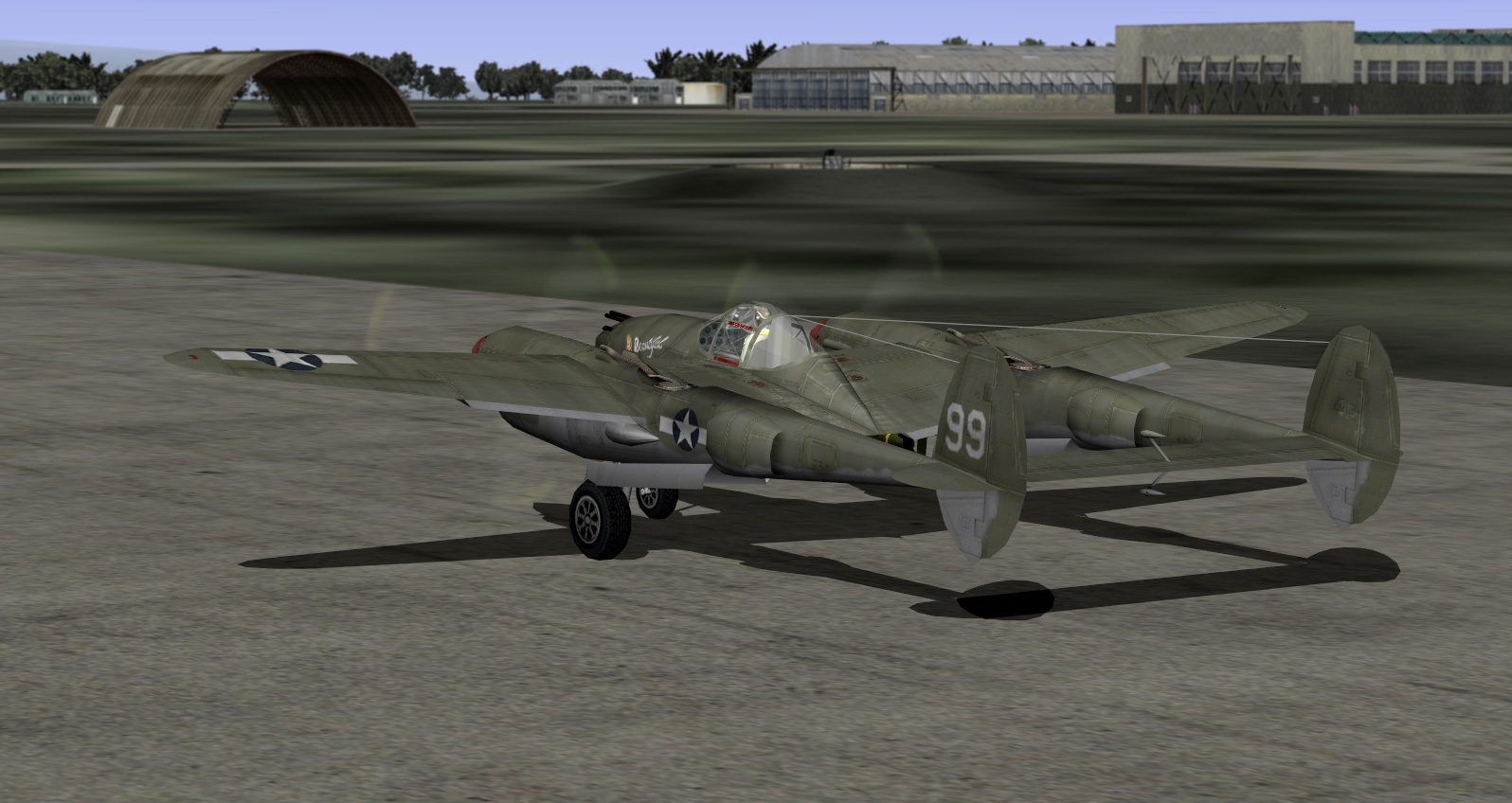
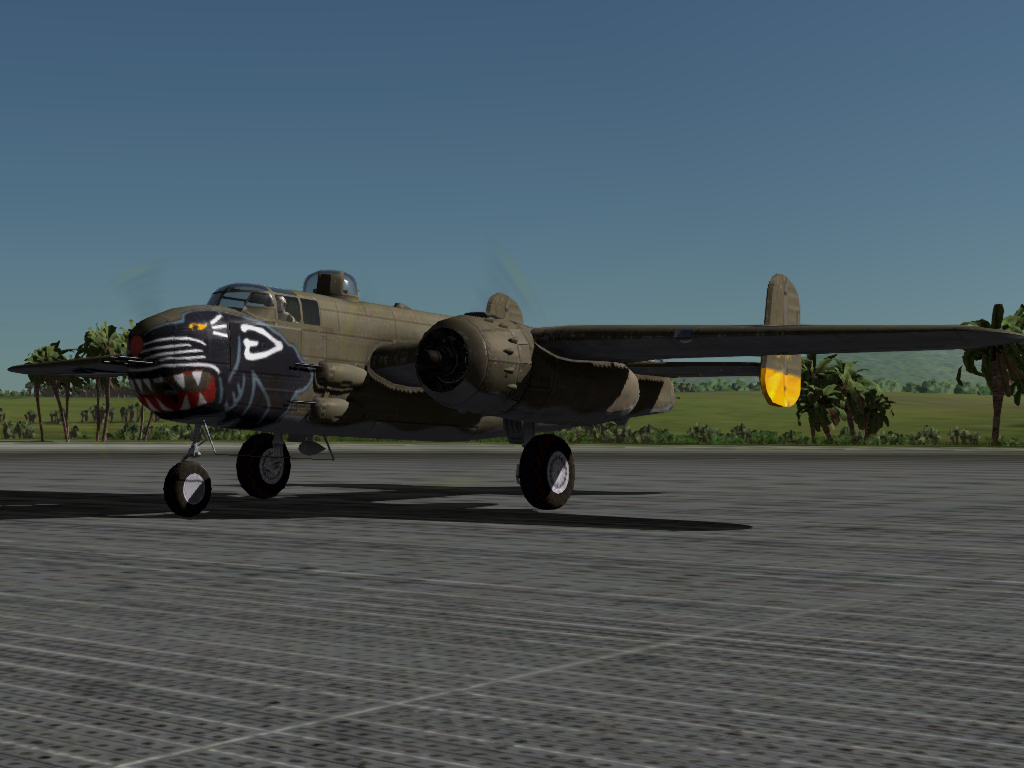
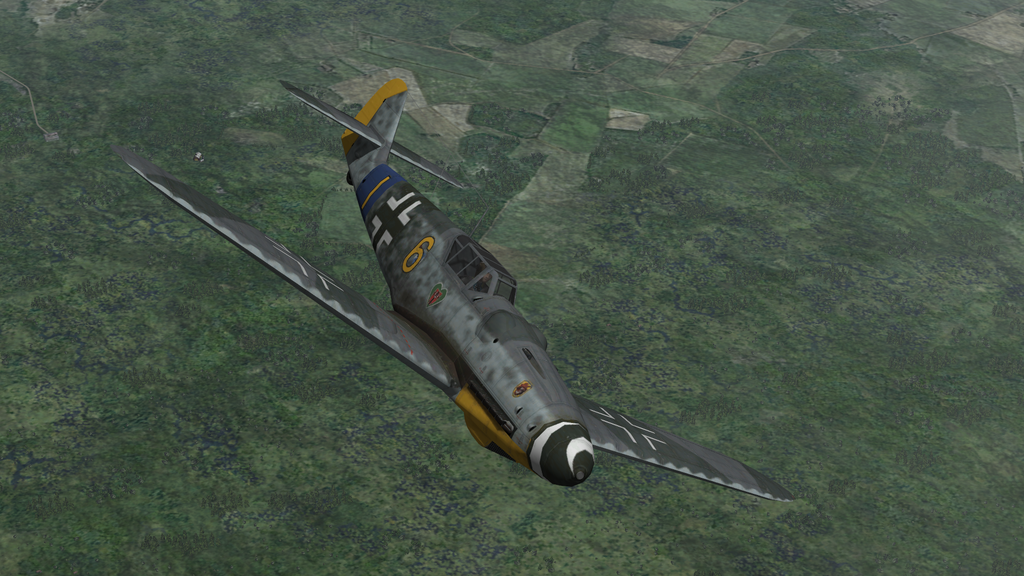
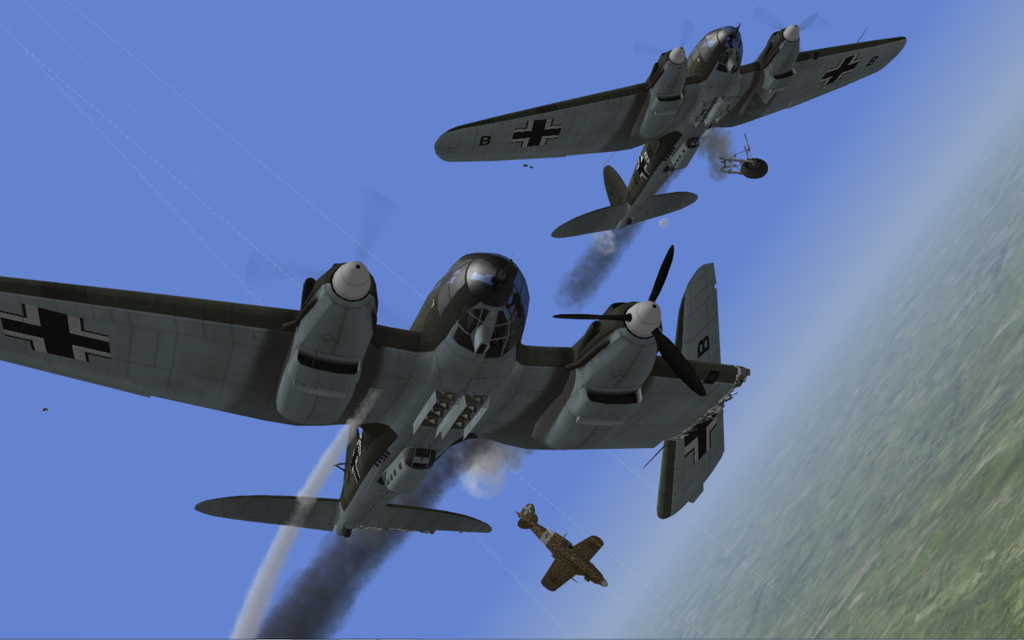
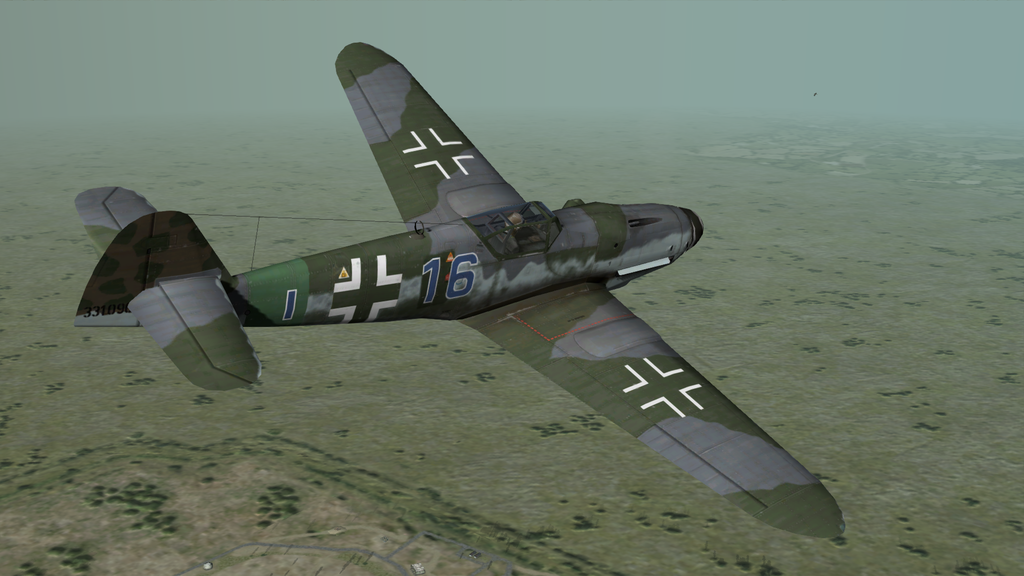
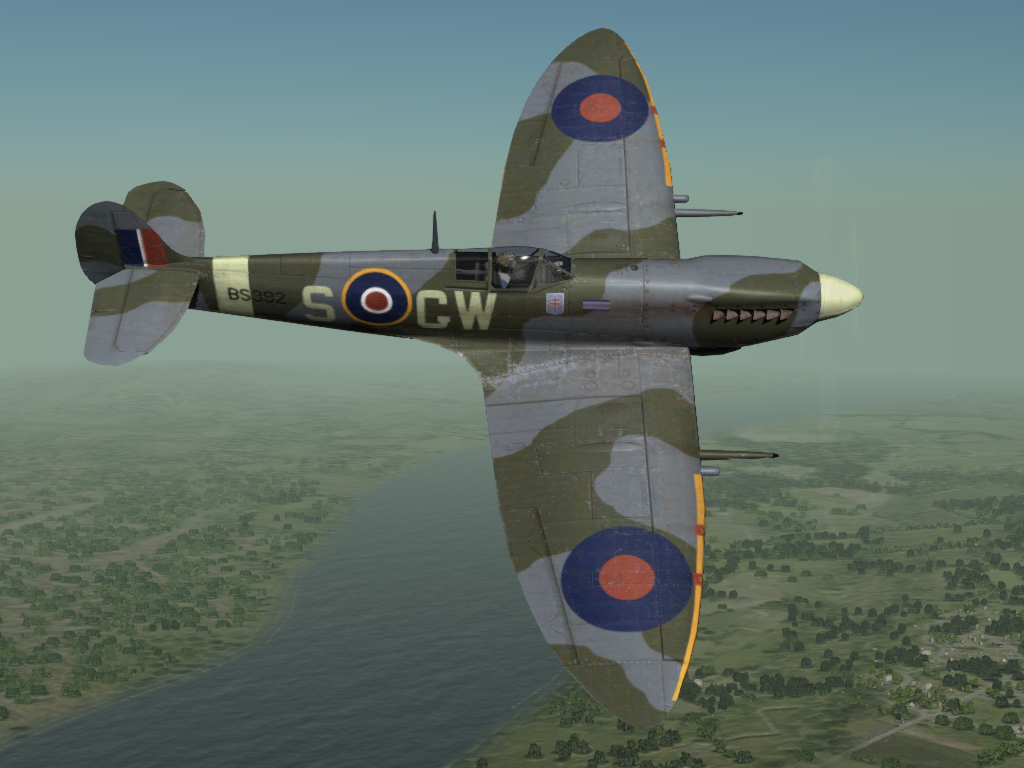
Flight Sim Screen Shots

Facebook Twitter rss Aces High Google+ Channel Aces High Youtube Channel Aces High Instagram Channel Aces High Twitch Channel

Third Party Technologies Supported

Matrox Triplehead2GoSpeedtree

Natural Point Track IR

Oculus Rift

HTC Vive